
Parental controls one year after Australia’s under-16 social media ban

Parental Controls One Year After Australia’s Under-16 Social Media Ban On 10 December 2025, the Australian Government brought in a law that stops under-16s from having accounts on social media platforms like TikTok and Instagram. The idea was to protect young Australians from the pressures and risks that come with having a social media account. […]
Refurbished laptops in Australia: Worth it or a waste of money?
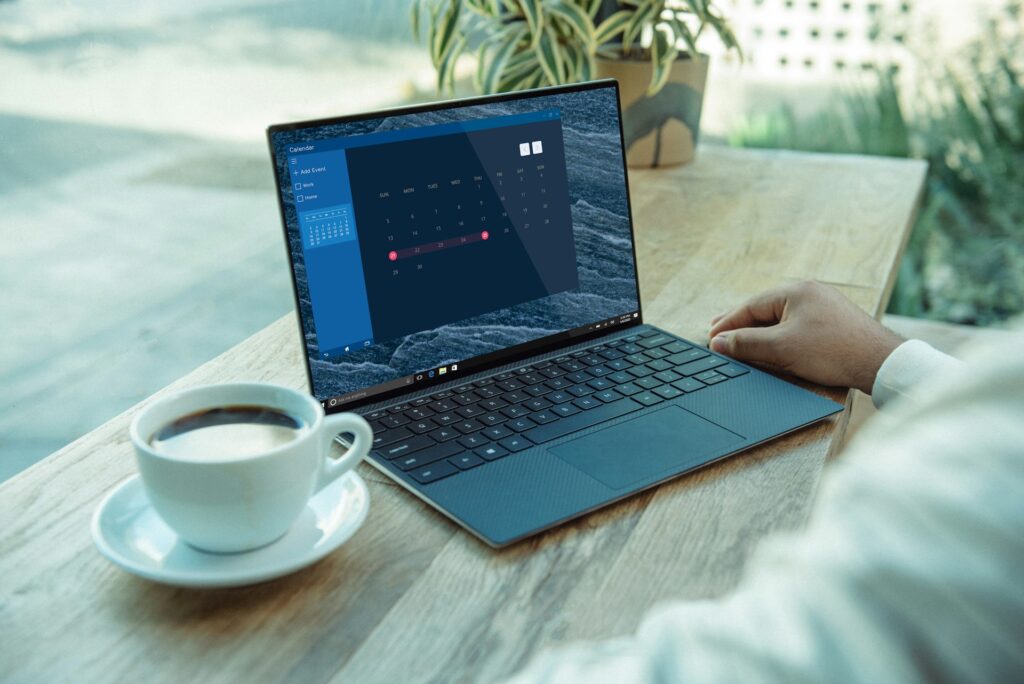
Refurbished laptops in Australia: Worth it or a waste of money? A refurbished laptop is a second-hand laptop that’s been tested and repaired by a business, then resold in good working order. For most people, a refurbished laptop is worth it. You pay less than you would for the same model new. You also get […]
How to build a cheap gaming PC in Australia
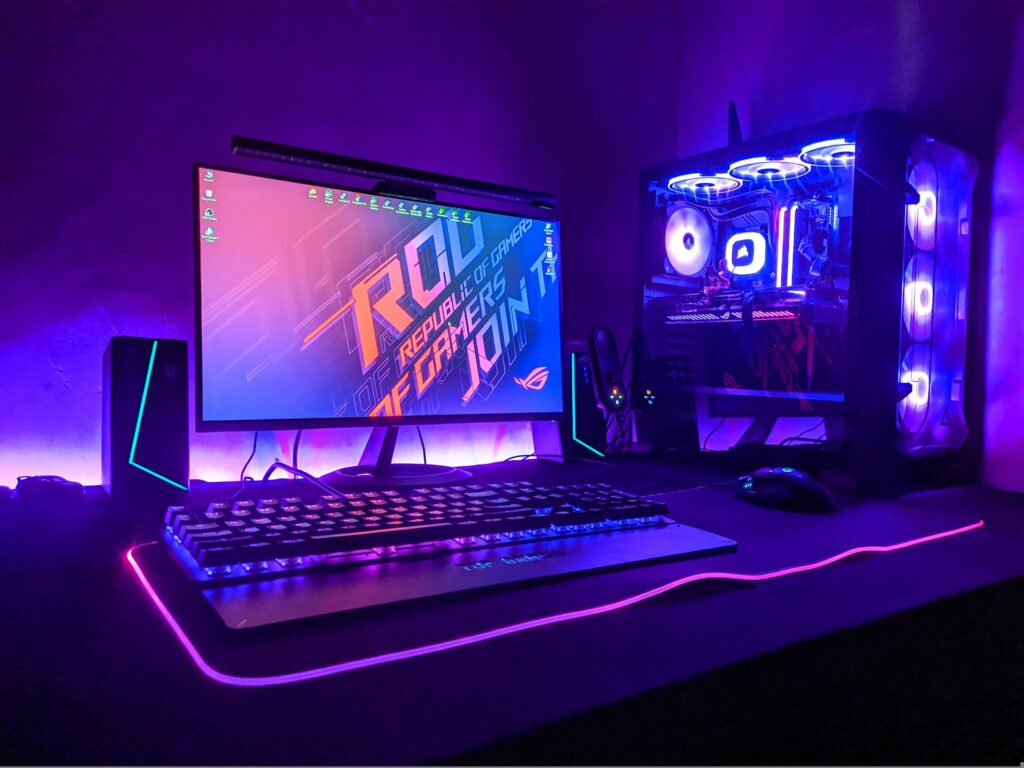
How to build a cheap gaming PC in Australia You can build a cheap gaming PC in Australia that handles most games well at 1080p. In 2026, a realistic lower-end budget for the parts is around $1,200 to $1,800. That’s more than a year ago, because RAM prices have skyrocketed. As a general rule of […]
Can you get files back from a broken hard drive?
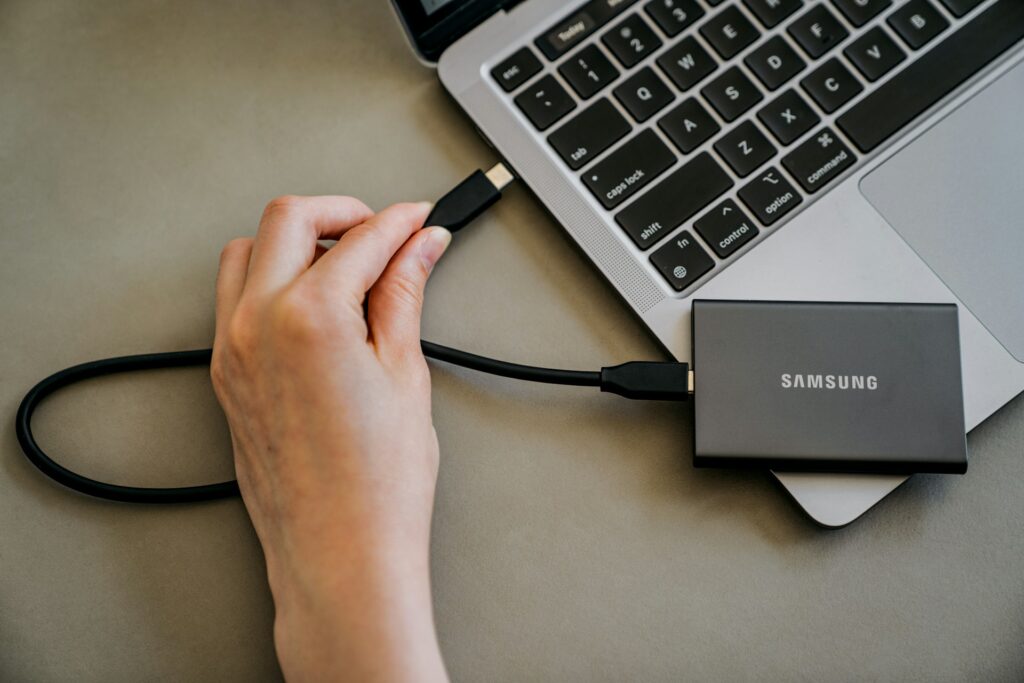
Can you get files back from a broken hard drive? In most cases, you can get files back from a broken hard drive. Your files are still on the disk, but the computer just can’t read them. To give yourself the best chance of a full recovery, stop using the drive straight away. Every restart […]
17 ways to speed up your computer in minutes

17 ways to speed up your computer in minutes Computer running painfully slow? The good news is, there are some quick and free fixes you can try right now to speed it up. Restarting, closing tabs, stopping startup programs, and freeing up storage space can get a sluggish computer back up to speed. If it’s […]
Free antivirus vs. paid antivirus: Which option is best for you?

Free antivirus vs. paid antivirus: Which option is best for you? Not sure whether free or paid antivirus is right for you? If you mostly use your device for emails and web browsing, a free option might give you enough basic protection. That said, if you want extras like a password manager, a VPN, or […]
How often should a small business back up its data?
How often should a small business back up its data? How often a small business should backup its data depends on the type of information. Some types will need multiple data backups a day. Others can be backed up every month or whenever changes are made. Not every file in your business updates at the […]
Can you trust Google’s AI Overview?
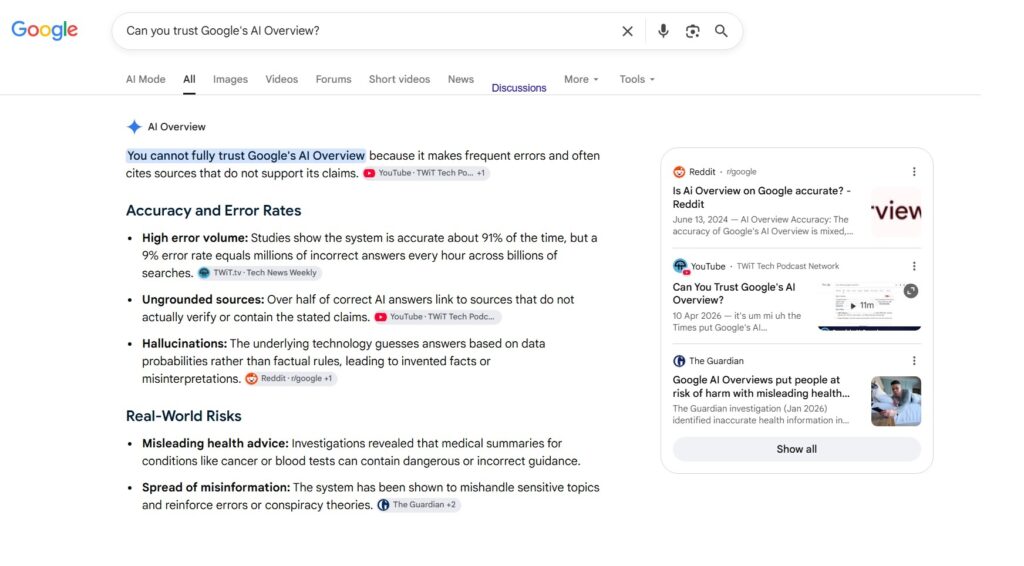
Can you trust Google’s AI Overview? When you search something on Google, you’ll see an AI-written summary sitting right at the top of the results, before any of the usual links. That’s the AI Overview. Google’s system reads through a handful of web pages, then writes up a quick answer for you, so you don’t […]
How to know if a text is a scam in Australia
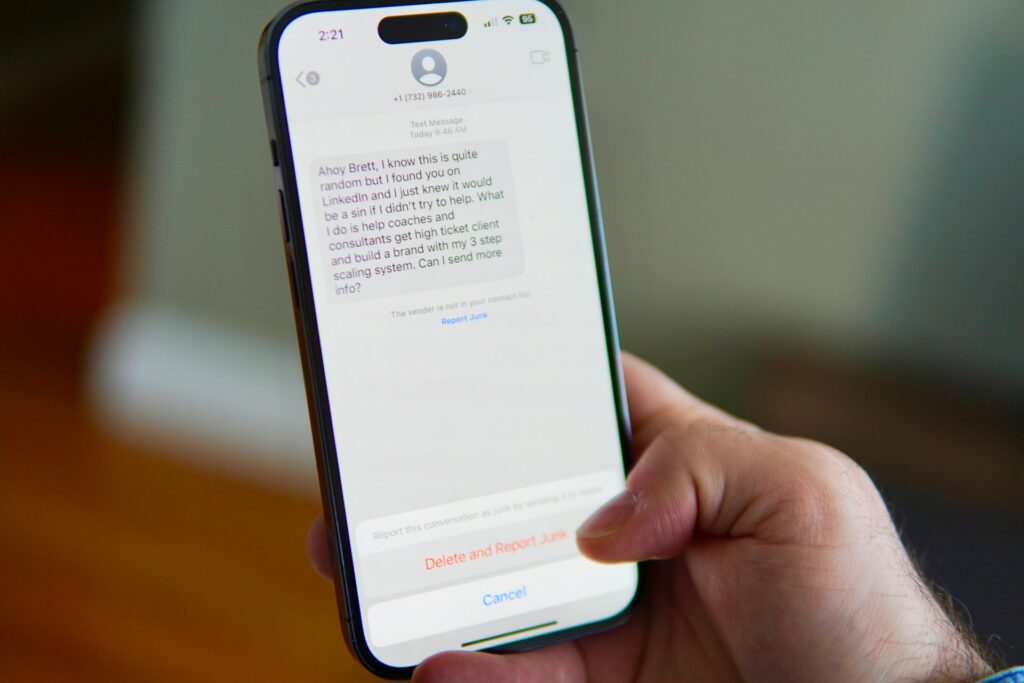
How To Know If A Text Is A Scam In Australia A text is probably a scam if it pushes you to act immediately, asks for money or personal details, or comes from a number you don’t recognise pretending to be someone you trust. Text scams in Australia are effective. In 2025, Australians received almost […]
What is two-factor authentication and should you use it?
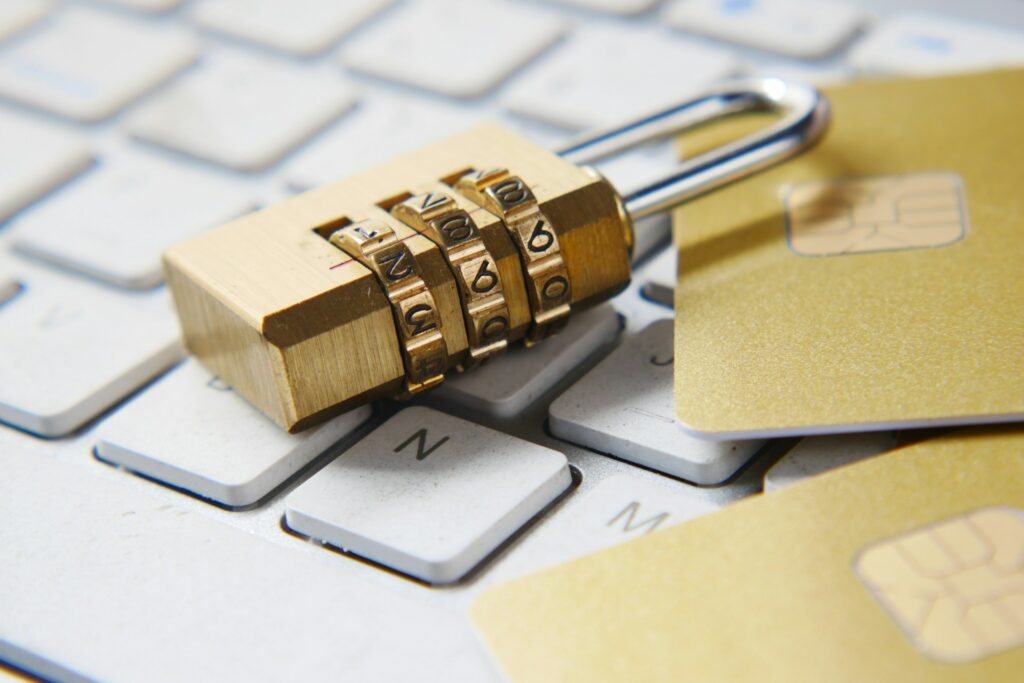
What is two-factor authentication and should you use it? Two-factor authentication adds a second step to your login, so a stolen password alone won’t let anyone into your account. Should you use it? Yes, absolutely. It takes about two minutes to set up, and it closes one of the easiest doors a hacker has into […]