
How often should a small business back up its data?
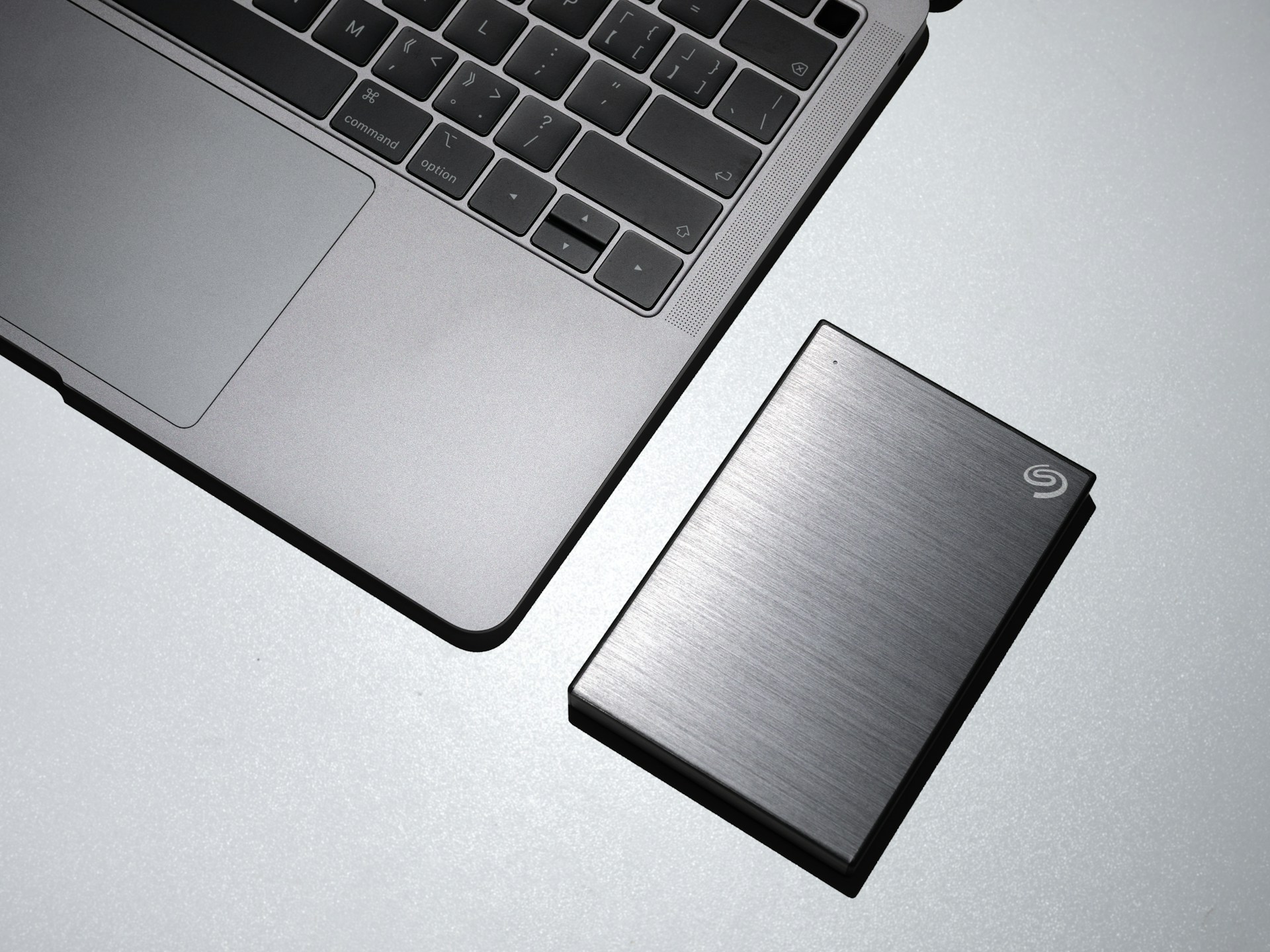
How often a small business should backup its data depends on the type of information. Some types will need multiple data backups a day. Others can be backed up every month or whenever changes are made.
Not every file in your business updates at the same speed. Your sales records and customer orders might change every hour. Your logo or staff handbook might be the same for months or years.
So, instead of choosing one schedule for everything, the smarter move is aligning your backup frequency to how fast each type of data changes.
Key takeaways
Different types of business data need different backup schedules. Fast-changing data should be backed up daily or even continuously, while static files only need backing up when they change. Losing unbacked-up data can cost you time and money. It can also impact your reputation.
Automated backups on a schedule for each data type are the most reliable way to protect your small business from data loss.
When should small businesses back up data?
How often should a small business back up its data? Back up business data that would cost you money, time, or a customer relationship if it disappeared, as often as it changes.
For most small businesses, that means daily backups at a minimum. Things like your accounting records, customer orders, and emails change every single day. If your system only backs up once a week, you could lose six days of work. For a small team, six days of redone invoicing or missing customer history is a huge and costly setback.
Some businesses will need to back up multiple times a day. If you're running an online shop, taking payments, or booking appointments, look into continuous or near-real-time backups. These save changes every few minutes. That way, if something goes wrong, you're only ever a few minutes behind.
Small business data backup frequency
A customer order is created and paid for within minutes. But, your business logo might be the exact same for three years. Backing up both at the same rate either wastes storage space and time, or leaves your fastest-moving data exposed. Instead, match each type of data to a schedule that reflects how quickly it changes.
Here’s a quick overview before we get into data types:
| Data type | Examples | Backup frequency |
|---|---|---|
| Sales and transaction | Orders, invoices, payment records | Daily or continuous |
| Customer data | CRM entries, contact details | Daily |
| Financial records | Accounting files, payroll, tax records | Daily |
| Emails and communications | Inbox, chat logs | Daily |
| Website and digital assets | Site files, product images, blog content | Weekly, or after updates |
| Static business documents | Logos, policies, templates, contracts | When changed |
Sales and transaction data
This is anything money-related that changes the moment a customer interacts with you. Think orders, invoices, receipts, and payment confirmations.
Backup frequency: Daily or continuous if you process payments online.
Customer data
This includes your CRM, contact lists, booking history, and anything relating to individual customers. This changes every time someone gets in touch, places an order, requests a quote, or updates their details.
Backup frequency: Daily.
Financial records
Your financial records are your accounting files, payroll runs, tax documents, and bank reconciliation records. These need to be accurate and complete.
Backup frequency: Daily.
Emails and communications
A lot of important business details, quotes, agreements, and client instructions are found in email threads. This information might not exist anywhere else.
Backup frequency: Daily.
Website and digital assets
This includes your website files, product photos, and blog or landing page content. It doesn’t change minute to minute like transaction data does, but a hacked or crashed website with no recent backup can be a serious headache.
Backup frequency: Weekly or right after you publish a big update.
Static business documents
Things like your logo, brand guidelines, staff handbook, contract templates, and signed agreements don't change often. So they don’t need a daily backup. They still need one whenever you update them, though, since these are often the hardest documents to recreate.
Backup frequency: Whenever the document changes.
Why back up small business data?

When you lose data with no backup, it costs you money and time. You might even fracture your customers' trust.
Here's what can happen without a small business data backup strategy:
- If your systems go down and there's no backup ready to restore from, your business can't trade until it's fixed. There's no access to bookings, no way to process orders, and no email. Every hour offline is an hour you're not making money.
- Ransomware attacks lock up your files and demand payment to get them back. With a recent backup, you restore your system and ignore the demand. Without one, you'll have to choose between paying the ransom or rebuilding everything from scratch. Neither option is cheap. The Australian Signals Directorate's Cyber Threat Report found small businesses that reported a cybercrime lost an average of $56,600 per incident.
- To recreate lost records, someone on your team has to stop doing their usual job. For a small business, that's days, sometimes weeks, of lost output and productivity.
- If a customer's order history, payment details, or personal information vanishes or, worse yet, gets exposed, they won't be happy. You'll need to earn their trust again.
- If your business handles health records or tax file numbers, you have obligations under Australian privacy law regardless of your turnover.
FAQs
How often should a small business back up its data?
It depends on the data. Fast-changing information like sales, orders, and customer records needs daily or continuous backups. Slower-moving files like logos or policy documents only need backing up when you update them.
Why are data backups important for small businesses?
A backup gives you a way to get your data back after something goes wrong. Without one, recovery becomes a lot harder, if not impossible. If you don't back up your business data, you risk downtime, lost productivity, fractured customer trust, and a knock to your reputation.
What happens when a business loses critical data?
The business can't access that data anymore. Staff have to stop their normal work and rebuild what they can from memory or old records. Systems might go down until things are fixed and some information, like a one-off customer conversation, can't be replaced at all.
Can you get lost data back?
Sometimes. If you've got a recent backup, recovery is usually quick. Without one, recovery can be slow and incomplete. Specialist data recovery services can occasionally pull data off a damaged drive, but there's never a guarantee.
What's the best way for a small business to back up data?
Use automated data backups. Store a copy off-site or in the cloud, separate from your main system, so a single event like theft or fire can't wipe out both copies.
Protect Your Business Before Data Loss Becomes a Problem
The best time to set up reliable backups is before you need them. Jim’s IT can help you choose the right backup solution, automate your backup schedule, and make sure your important business data can be recovered when something goes wrong. Need help protecting your business data? Contact Jim’s IT today on 131 546 or explore our Business IT Support services.

Paul Zdzitowiecki is an IT specialist and contributor at Jim’s IT, with extensive experience in computer repairs, managed IT services, and business technology solutions across Australia. Paul regularly writes about computer repairs, Wifi and internet optimisation, cybersecurity, and business IT support, delivering practical, easy-to-understand advice that helps readers solve real-world tech problems.