
Computer Maintenance Services

Regular computer maintenance is very important to keep your computer running smoothly and allows you to get the maximum speeds out of your computer. Regular computer maintenance every six months will extend the lifespan of your computer and allow you to manage any issues before they become major problems.
Using a professional computer technician to run regular computer maintenance would include removing unwanted or unneeded files, removing bloatware, running security updates, anti-virus scans and hard drive health checks.
Not performing regular computer maintenance may cause dust to build up inside your computer and cause it to overheat and damage the machine. And having a full hard drive can cause your hard drive to aggressively wear out and then fail when you least expect it.
Call us now at 131 546 with any questions about our computer maintenance services.
Customer Rating: 4.8/5 
based on 26,328 + Reviews
Essential Computer Maintenance For PC, Mac & Laptops
Maintenance Services
Any PC, Mac, Laptop or Tablet that is older than two or three years requires regular computer maintenance to enhance performance, keep the computer secure, and to avoid any costly repairs or upgrades in the future.
For laptop and PC users, regular maintenance is even more important as dust can build up inside the laptop and clogged cooling vents can cause the laptop to overheat and prematurely die.
Keeping your computer up to date with the latest operating system such as Windows 11 or macOS 15 Sequoia is extremely important as hackers and scammers are always looking to exploit people using older operating systems.

Here are some of the computer services included in our regular computer maintenance services.
Delete programs
Delete files
Free up space
Install updates
Fast startup
Backup data
Dust cleaning
Anti-virus scans
Update BIOS
Update drivers
Firmware flash
Update OS
Depending on the health of your computer, our computer technicians may perform additional services or focus on specific areas above. Our Jim’s IT computer technicians have a comprehensive checklist and will also get your feedback during the service, allowing them to focus on the most important areas.
Common Computer Problems Avoid The Stress
Many common computer problems can be avoided by performing regular computer maintenance. Over time your computer can become bloated with a lot of unwanted software, start up items, and generally fill out up your hard drive and memory causing apps to crash, and long boot up times.

Our computer technicians can eliminate the following types of common computer problems by regularly performing computer maintenance every three to six months:
Slow boot up
Blue screen
Crashes
Failure to boot
Freezing
Display issues
Overheating
Reboots
Strange noises
Display issues
If your computer is exhibiting any other strange symptoms, speak with one of our Jim’s IT computer technicians on 131 546 and they can advise you if performing computer maintenance will solve the problem, or the issue is related to some other hardware or software issue.
Preventative Computer Maintenance Computer Health Check
A detailed computer health check is extremely important, as there may be technical problems with your computer that you are not aware of. If you ignore these issues, your whole computer can crash unexpectedly, and you may end up losing all your data.
A common example is when your computer starts slowing down after two to three years. This is a common warning sign that the hard drive has become faulty. Our Jim’s IT computer technicians will run tests on the hard drive, and if the drive is very faulty, recommend a replacement.

Here are some common issues our computer technicians will check for in our computer health check service:
Software updates
Backup your data
Scan for malware
Update passwords
Purge temporary files
Hard drive clean up
Check hard drive
Clean up software
Hard drive health
Laptop battery health
If you notice your computer is slowing down, crashing, not responding, freezing or making unusual noises, speak with one of our computer technicians on 131 546 to minimize any potential damage.
5 Benefits of Computer Maintenance We Provide Free Quotes
We’ve all been there—your computer starts slowing down, programs freeze, or worst of all, it crashes when you need it most. It’s frustrating, right? But what if we told you that many of these issues can be easily avoided with just a little routine care? That’s where regular computer maintenance comes in.
Think of your computer like a car: if you ignore regular check-ups, it’s bound to run into problems. From slower speeds to security risks and even hardware failure, skipping maintenance can lead to headaches and expensive fixes. But with a bit of regular attention, you can keep your computer running smoothly for years to come—without the stress or the surprise repair bills.
Here are some common issues our computer technicians will check for in our computer health check service:
- Extend device lifespan – proper maintenance can add years to your computer’s life.
- Improved system performance – regular cleanups keep your PC, Mac or Laptop running faster.
- Enhanced data security – updated security protects against online threats.
- Reduced Repair Costs – preventing problems is cheaper than fixing them.
- Better user experience – a well-maintained computer is more reliable and responsive.

Why Choose Jim's IT For Your Computer Maintenance? Jim's Work Guarantee
Attempting to do your own computer maintenance may initially seem like a good idea. However, a lot of the free cleaning software available online may be infected with malware and can cause more issues.
It’s always recommended to use a professional technician from Jim’s IT, as we perform regular computer maintenance on thousands of computers each month. We can physically clean out your computer without damaging any internal parts, and pinpoint why your computer is performing poorly.
By hiring Jim’s IT to take care of your computer maintenance, you get peace of mind that you have a dedicated computer expert who will help you extend the lifespan of your computer and give you tips to maximize it’s performance.
Jim’s IT has over 15 years of experience performing computer maintenance services and has built a reputation as the gold standard in the industry.
This is backed by our No-Fix, No-Fee Guarantee and offering Same-Day service across Melbourne.
Fixed Pricing
All quotes are free and fixed prices. We may charge to inspect the problem so we can quote accurately.
No Fix No Fee
If we can't fix the problem or offer you a solution then there is nothing to pay.
or fill in our online enquiry form today to setup up an appointment with a local Computer technician.
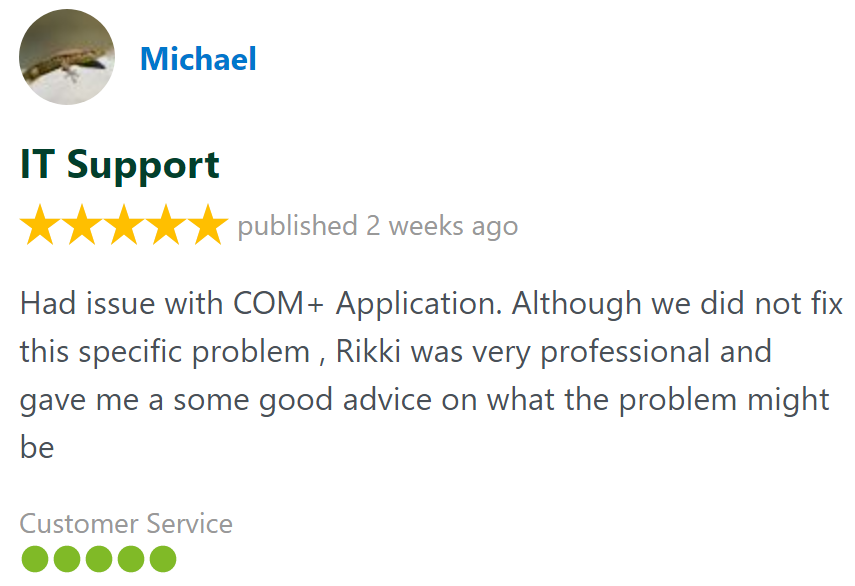
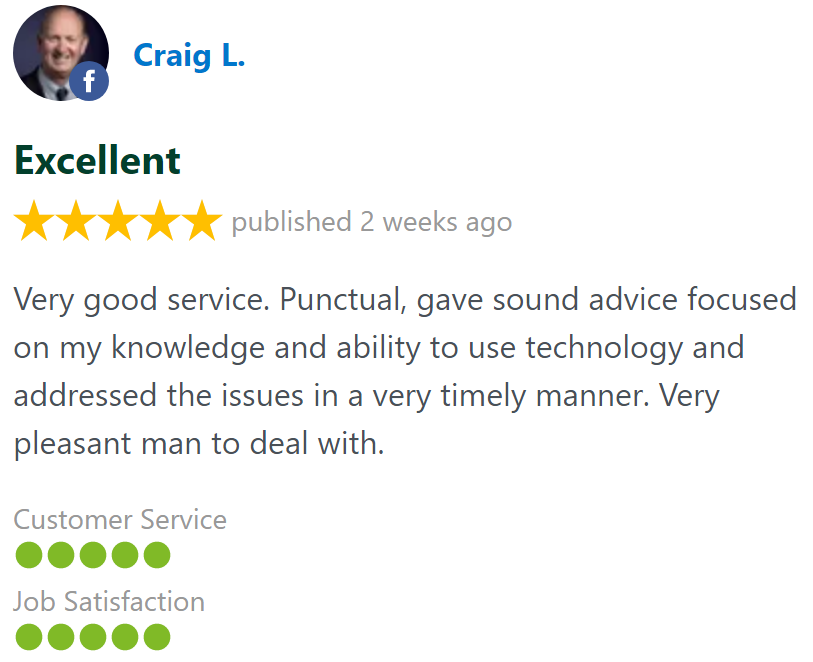
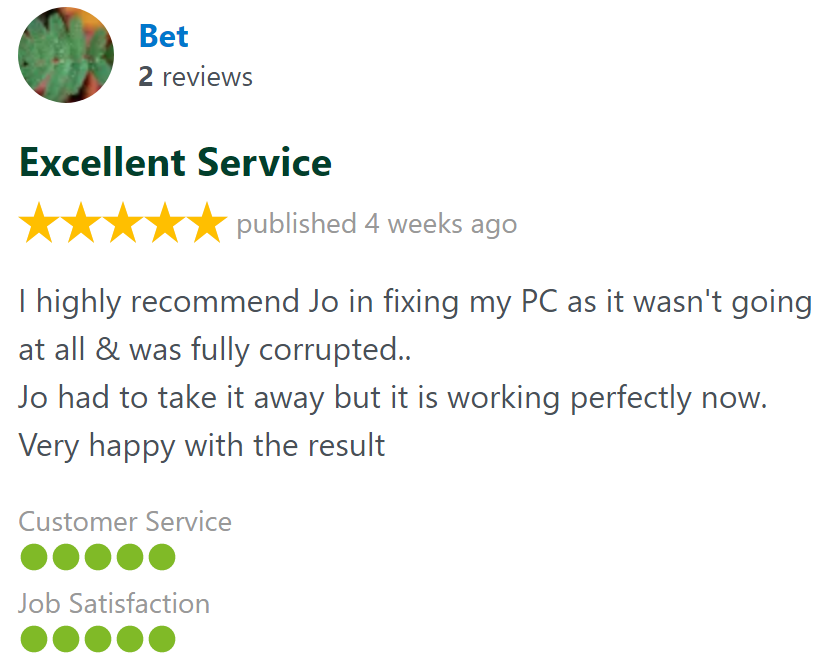
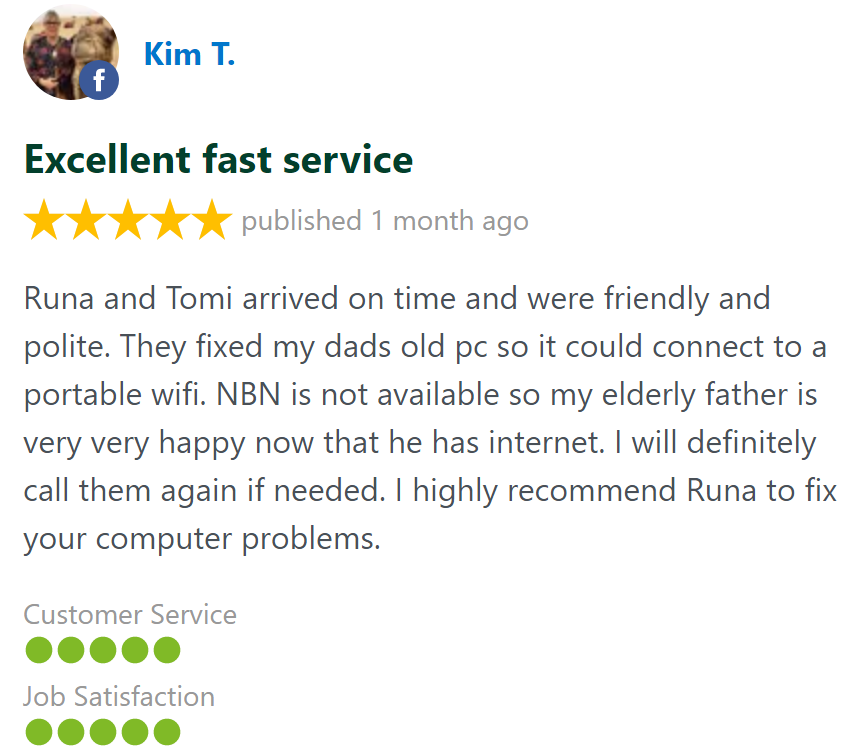
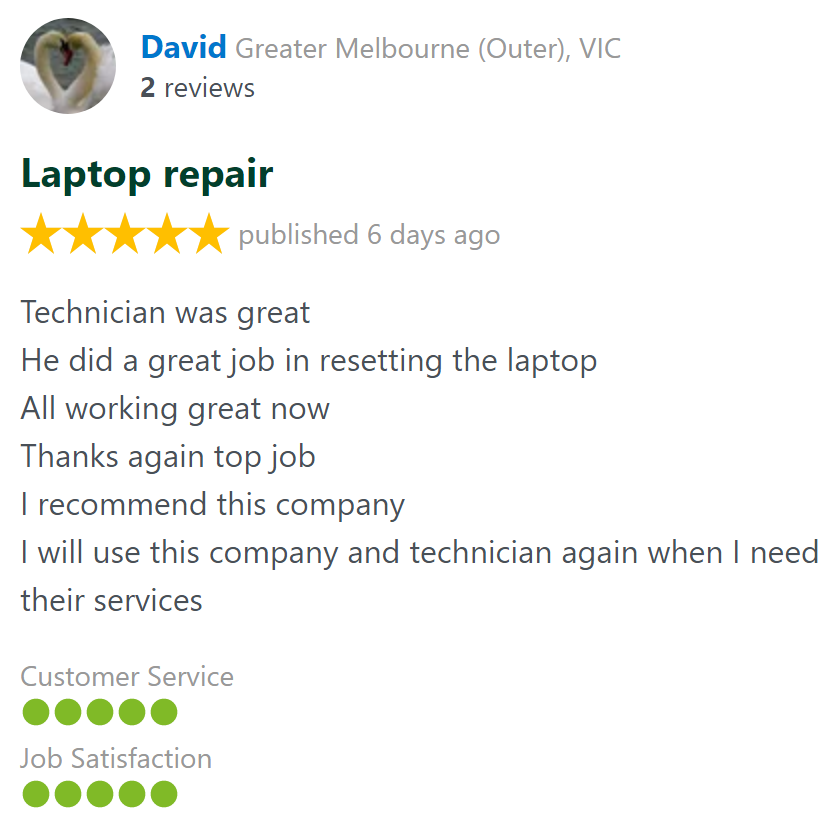
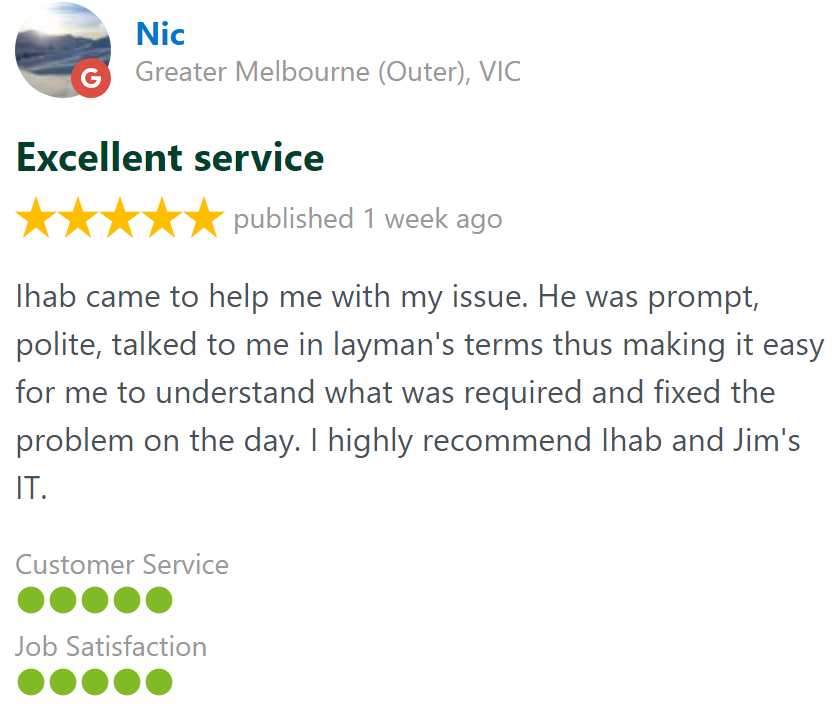
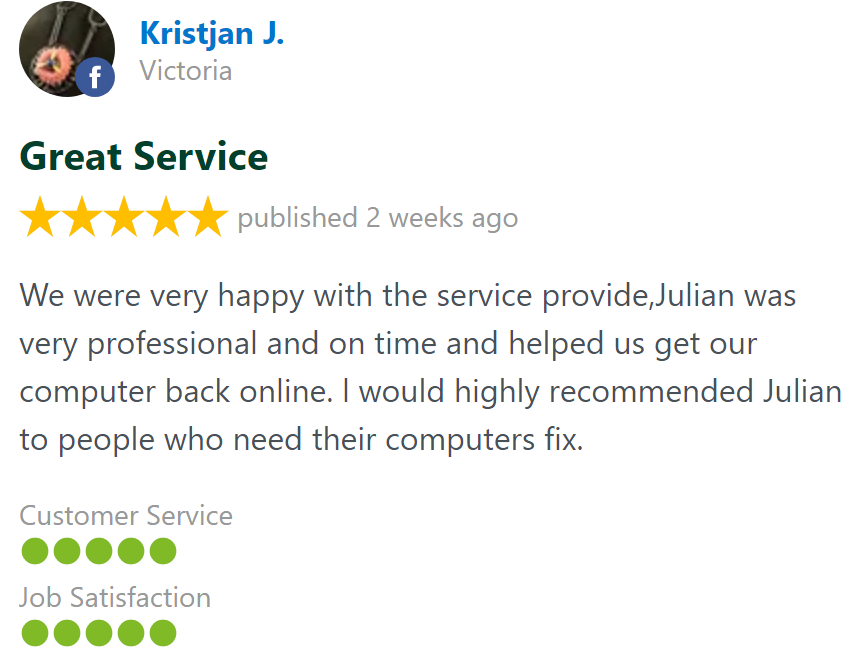
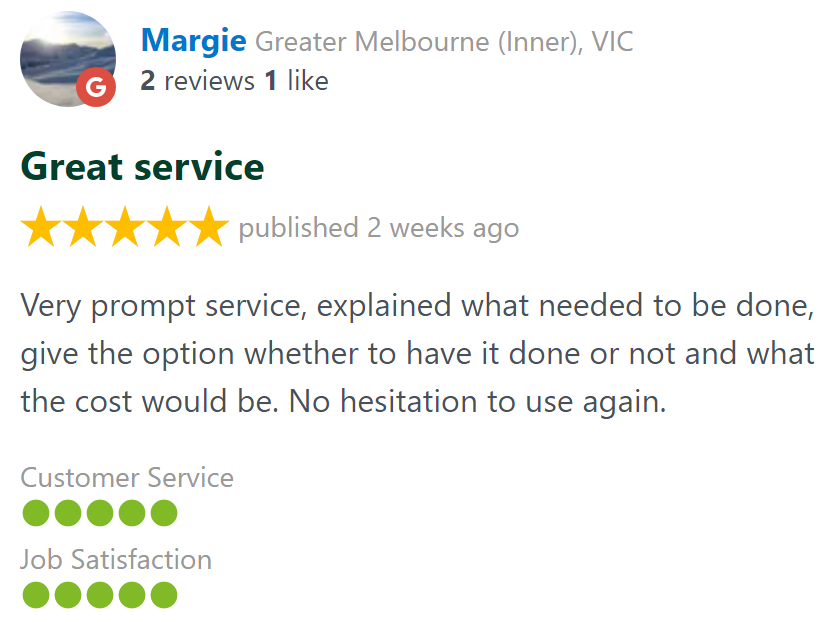
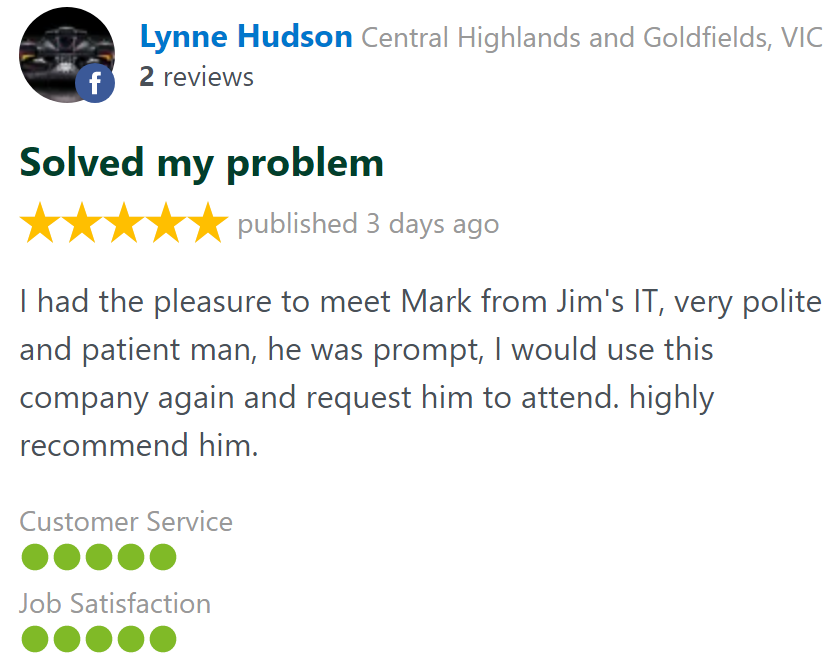
Customer Reviews 26,328 + 4.8-Star Reviews


Book Your Computer Maintenance Today
We can speed up your computer by freeing up hard drive space, updating drivers, installing security software and upgrading your operating system. Call us today on 131 546 or fill out the form on this page and we’ll get back to you ASAP.
Computer Maintenance At Your Home or Office Servicing all Suburbs
Computer Maintenance Services - Frequently Asked Questions
Call for Computer Maintenance: