
What is two-factor authentication and should you use it?
Two-factor authentication adds a second step to your login, so a stolen password alone won't let anyone into your account.
Should you use it? Yes, absolutely. It takes about two minutes to set up, and it closes one of the easiest doors a hacker has into your money and your identity.
In this guide, we'll take a closer look at two-factor authentication, how it works, its benefits, and what the best use cases are. Let's get started.
Key takeaways
Two-factor authentication is a secondary check that happens after you enter your password when logging into an account. It could be a code sent to your mobile phone or an app that generates one for you. It stops someone from getting into your account with just a stolen password.
What is two-factor authentication?
Two-factor authentication (2FA) means you need to pass two checks to log in instead of one. The factors need to be different, too. Typically, that means a combination of the following:
- Something you know, like your password.
- Something you have, like a code sent to your phone.
- Something you are, like your fingerprint or face recognition.
A normal password login works like this:
- You type in your email and password.
- If it’s correct, you’re in.
One piece of information grants you access. The problem is, that one piece of information can end up in someone else’s hands pretty easily. A password can be guessed through brute force, leaked in a data breach, or stolen through an email scam.
Two-factor authentication changes that:
- You type in your email and password, same as always.
- The app or website asks for a second thing, like a code sent to your phone.
- Only once you enter that code do you get in.
Say someone gets hold of your Gmail password somehow. They type it in, and normally they’d be logged in straight away. But with two-factor authentication turned on, Google asks for a second form of verification. Without it, the scammer is stuck. They’ve got the right password but can’t get any further.
Benefits of two-factor authentication
When you turn it on, two-factor authentication does a lot of heavy lifting when it comes to keeping your personal information safe online. Here are the benefits:
- It stops stolen passwords from working. If your password ends up in a data breach, whoever has it still can’t get into your account without the second step, too.
- It can warn you when someone’s trying to break in. If you get a code on your phone you didn’t ask for, that’s a good indication someone just typed in your password somewhere. You’ll know to change it right away.
- It gives you extra protection if you reuse passwords. A lot of people use the same password for a few accounts, even though they know they shouldn’t. If those accounts have two-factor authentication enabled, a leaked password alone still won’t be enough to get in.
- It secures your money, not just your inbox. Banking apps, PayPal, and super funds might offer two-factor authentication, as well. Switching it on is a great way to protect yourself against fraud and theft.
- It’s fast once it’s set up. After the first time, most apps only ask for that second step occasionally, like on a new device.
Should you use two-factor authentication?
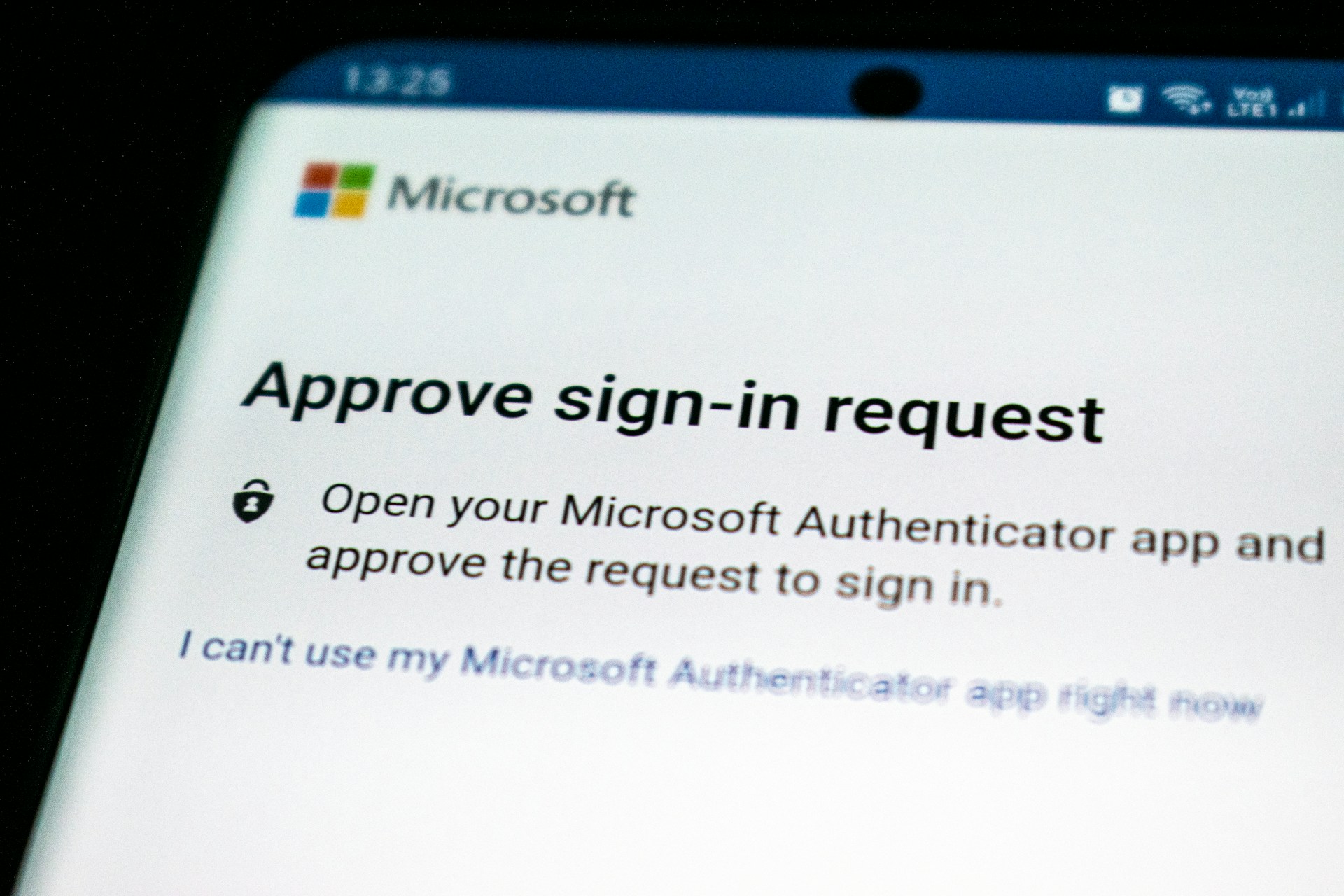
Yes. You should definitely use 2FA.
A national report found that almost half of Australians experienced at least one form of cybercrime in the past 12 months. That’s almost one in two people.
And 21.9% were victims of identity crime and misuse, which is exactly the kind of thing two-factor authentication aims to stop.
The government’s own advice on cybersecurity is pretty simple, too. As the Minister for Home Affairs put it: use unique passwords and turn on multi-factor authentication wherever you can.
Given how common cybercrime is, you should use two-factor authentication just about everywhere. That said, some accounts are more important than others. Here’s a quick reference guide.
| Where | Turn 2FA on? |
|---|---|
| Email accounts | Yes, always |
| Online banking & super | Yes, always |
| Social media | Yes |
| Work accounts & email | Yes, if your workplace allows it |
| A one-off account you’ll never log into again | Not essential |
| Shared family devices with no sensitive logins | Use your judgement |
FAQs
What is 2FA?
2FA is short for two-factor authentication. It means you need your password plus one more thing, like a code sent to your phone, to log into an account. It stops someone getting in with just your password.
What’s the difference between two-factor authentication and multi-factor authentication?
Two-factor authentication asks for two forms of verification, like a password and a one-time code. Multi-factor authentication is the broader term and can include two or more checks, like a password, a code, and a fingerprint.
How do I turn on two-factor authentication?
Head into the security settings of the app or account you’re using and look for “two-factor authentication” or “2-step verification.”
What’s the best two-factor authentication app?
Google Authenticator and Microsoft Authenticator are both free and work with almost any account. If an authenticator app isn't an option, SMS or email verification is still better than relying on a password alone, although these methods aren't as secure.
Secure Your Accounts & Devices
Worried about your online security, or think you may have already fallen victim to a scam? Jim’s IT can perform a comprehensive Digital Security Check of your accounts and devices, identify potential security risks, and help protect you with measures such as multi-factor authentication. Book your Digital Security Check today or call 131 546 to get started.

Paul Zdzitowiecki is an IT specialist and contributor at Jim’s IT, with extensive experience in computer repairs, managed IT services, and business technology solutions across Australia. Paul regularly writes about computer repairs, Wifi and internet optimisation, cybersecurity, and business IT support, delivering practical, easy-to-understand advice that helps readers solve real-world tech problems.