
Computer Upgrades & Hardware Installation

The team at Jim’s IT provides a comprehensive computer upgrade service, for all desktops PCs, Gaming Computers, Macs, and Laptops. We can install a new SSD hard drive to speed up your computer, install more memory so you can run more programs and upgrade your operating system so you can run the latest apps and programs.
If you have an older computer, it can be confusing if you should upgrade it, or to purchase a new computer. That’s where Jim’s IT computer technicians can assist as they can guide you through the upgrade process and advise on the best computer upgrades for your needs.
If your PC, Mac or Laptop is up to 5 to 7 years old, it is worth upgrading. If your computer is older than 10 years old, the hardware may be too out of date, and it may not be worth upgrading. It’s best to speak with one of our computer technicians to help guide you on the best computer upgrades for your needs.
Call us now at 131 546 with any questions about our computer upgrade service.
Customer Rating: 4.8/5 
based on 26,328 + Reviews
PC & Computer Upgrades Speed Up Your Computer
Computer Upgrades
Wish you could speed up your old computer? Are you unsure about the various computer upgrade available on the market? Do you want to upgrade your desktop or laptop, but are not sure where to start?
The team of friendly computer technicians at Jim’s IT can help you transform your old, slow computer into a fully functional and speedy machine. How? With computer upgrades and expertly installed new hardware.
Our qualified team of computer experts have years of experience installing the latest hardware, including SSD hard drives, RAM/Memory, and more which can dramatically improve the speed of your computer.

Here are some common computer upgrades we provide:
HD upgrade
RAM upgrade
GPU upgrade
Cooling upgrade
CPU upgrade
PSU upgrade
Software update
Accessories
If you would like to speed up your old computer and make it like new again, give us a call on 131 546 as we upgrade hundreds of computer each month, and can guide you through on the best upgrades for your computer.
Apple Mac Upgrades iMac & Macbook
A lot of people don’t know that older iMacs and MacBooks can be upgraded. The most common nuisance for Apple customers is their Macs, or MacBook’s slowing down over time. This is due to the mechanical hard drive wearing out due to age and wear and tear.
Jim’s IT can install a new SSD hard drive, which will dramatically increase the speed of your iMac or Macbook. Taking the boot up times down from 60 seconds to 5 seconds. An SSD hard drive upgrade will also extend the lifespan of your Mac, and it will be so fast, it will feel like a brand-new Mac.
Jim’s IT performs hundreds of Mac upgrades each month and has all the specialised tools to perform these upgrades safely. Jim’s IT does not recommend you try to perform these upgrades yourself, as you risk damaging your Mac.

Here are some common mac upgrades we perform:
SSD upgrade
Fusion drive
iMac screens
RAM upgrade
MacOS update
Retina display
If your mac is older than ten to twelve years old, have a chat with our Mac technicians and they will give you genuine advice if it’s worth doing a mac upgrade or purchasing a new mac computer.
Laptop Upgrades Speed Up Your Laptop
Do you have a slow laptop that is hampering your ability to perform normal computer tasks like checking emails and browsing the internet? Laptops usually slow down after 3 to 4 years of use, and apart from running regular computer maintenance on your laptop then it may be time to get your laptop upgraded.
Most laptops come with a conventional mechanical hard drive that has a lifespan of only 3 to 4 years, and we recommend replacing it with an SSD hard drive. This can transform your laptop from slow snail to a fast bullet train.
If your laptop battery struggles to hold charge and you have to power your laptop by being connected to wall power, then it’s time to replace your laptop battery. This is an easy upgrade we can provide and will fix this problem instantly.

Here are some common laptop upgrades we provide:
SSD drive upgrade
Memory upgrade
Wi-Fi card upgrade
Keyboard replacement
Battery replacement
Windows OS upgrade
Fan replacement
Screen replacement
If you are not sure if it’s worth upgrading your laptop, speak with one of our laptop technicians at Jim’s IT on 131 546 so they can guide you on what are the best upgrades for your laptop and budget.
Computer Accessories We Provide Free Quotes
With hundreds of computer accessories on the market it can be confusing to work out what accessories are right for your needs. That’s where Jim’s IT comes in, we can assist you in purchasing new monitors, webcams, docking stations, networking equipment and more.
After understanding your computer needs a Jim’s IT computer technician can guide you on your computer accessory or device purchase, making a shortlist of devices that would be suitable for your needs and budget.
We can then provide you with a quote and make recommendations that best fit your needs. We can also organize the delivery and setup of your new computer accessories and dispose of any old devices, cables or computer equipment.

Here are the top computer accessories Jim’s IT can install for you:
Dual monitors
Monitor stands
Bluetooth mice
Headphones
Webcams
Speakers
Printers
USB hubs
Docks
Modems
NAS units
Office chairs
If you have purchased some computer accessories not listed above, speak with one of our Jim’s IT computer technicians on 131 546 and they can provide you with a free quote to have your computer accessories installed.
Why Choose Jim's IT For Computer Upgrade Services? Jim's Work Guarantee
If you try to upgrade your own PC, Mac or Laptop, you risk damaging the internals of your computer, buying incompatible hardware or risking your safety. Custom PCs, Gaming PCs, and Mac computers all have very specific hardware, and it can be confusing on where to start.
All our Jim’s IT technicians are trained in PC, Laptop and Apple Mac upgrades and have all the specialist tools so they can upgrade all makes and models.
Jim’s IT has over 15 years of experience in computer upgrades all models of PCs, Laptops and Macs and has built a reputation as the gold standard in computer upgrades.
This is backed by our No-Fix, No-Fee Guarantee and offering Same-Day service across Melbourne.
Fixed Pricing
All quotes are free and fixed prices. We may charge to inspect the problem so we can quote accurately.
Same Day Service
You can request on-site same-day service before 10 am. We'll have a technician at your door that very same day!
No Fix No Fee
If we can't fix the problem or offer you a solution then there is nothing to pay.
or fill in our online enquiry form today to setup up an appointment with a local Computer technician.
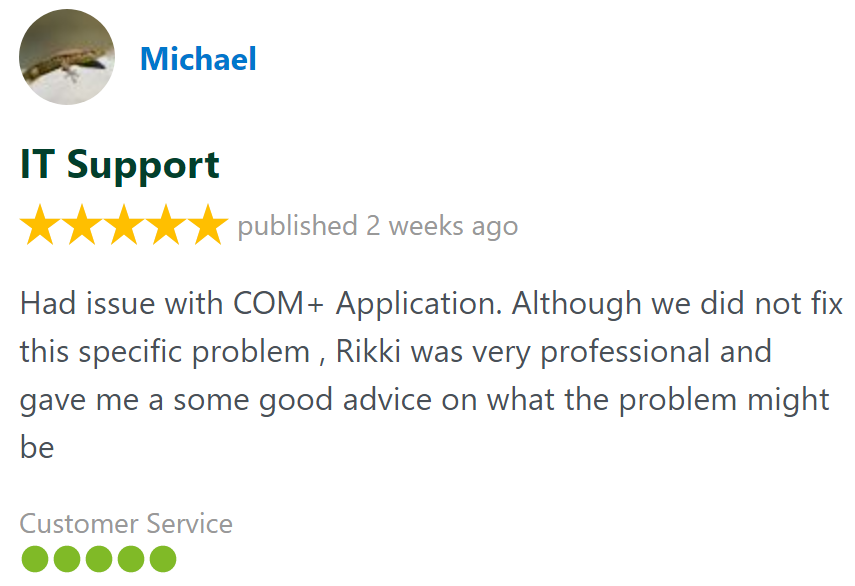
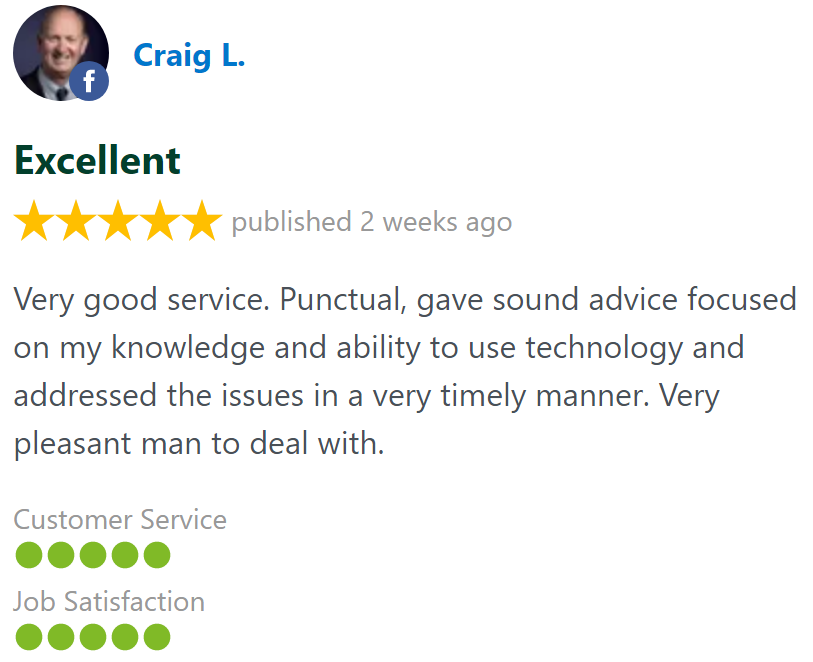
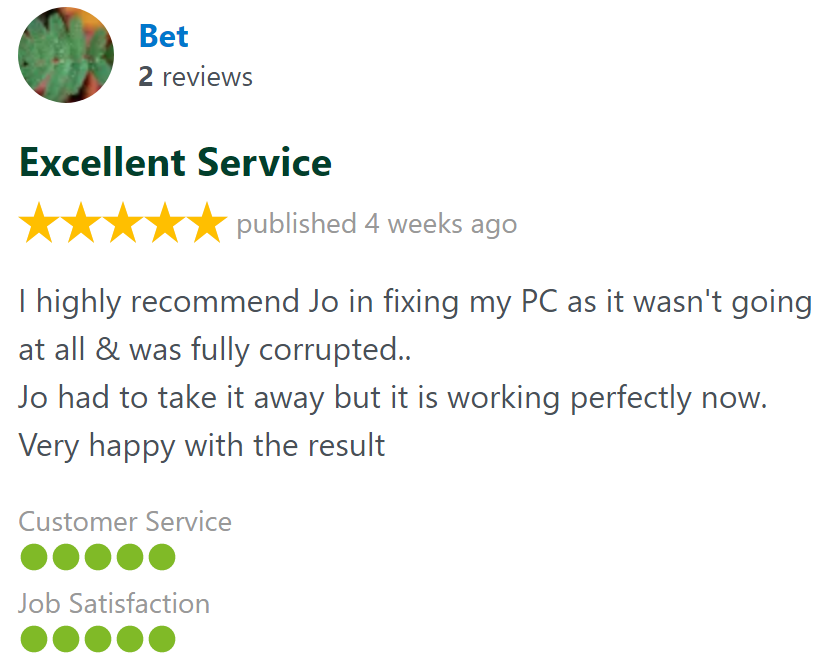
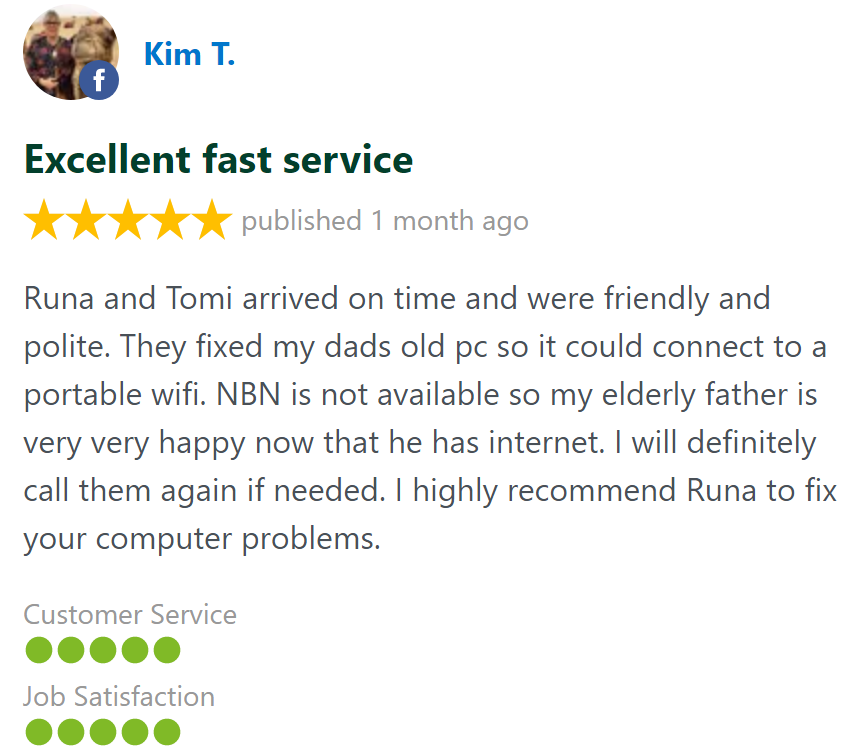
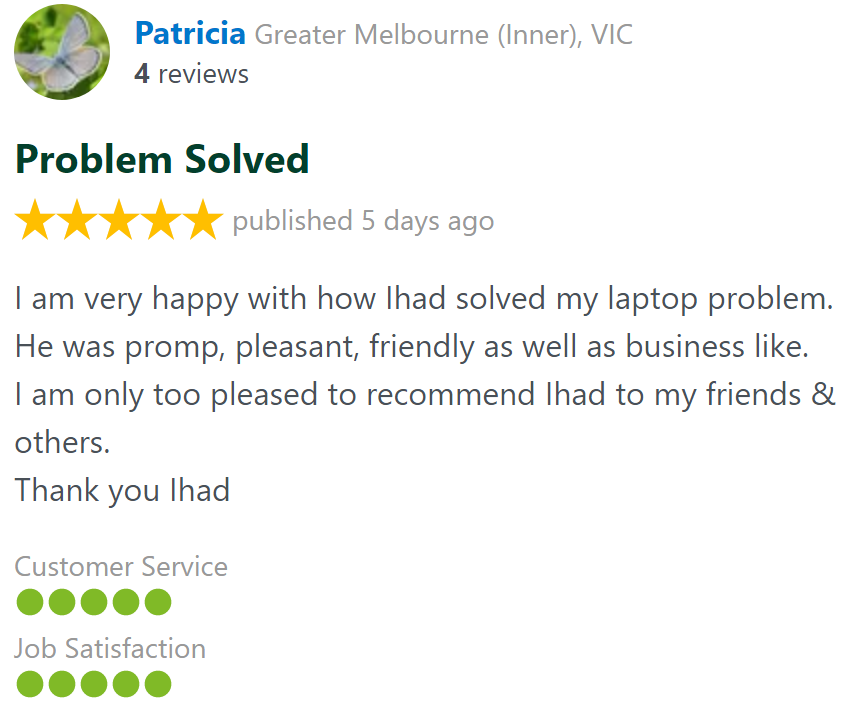
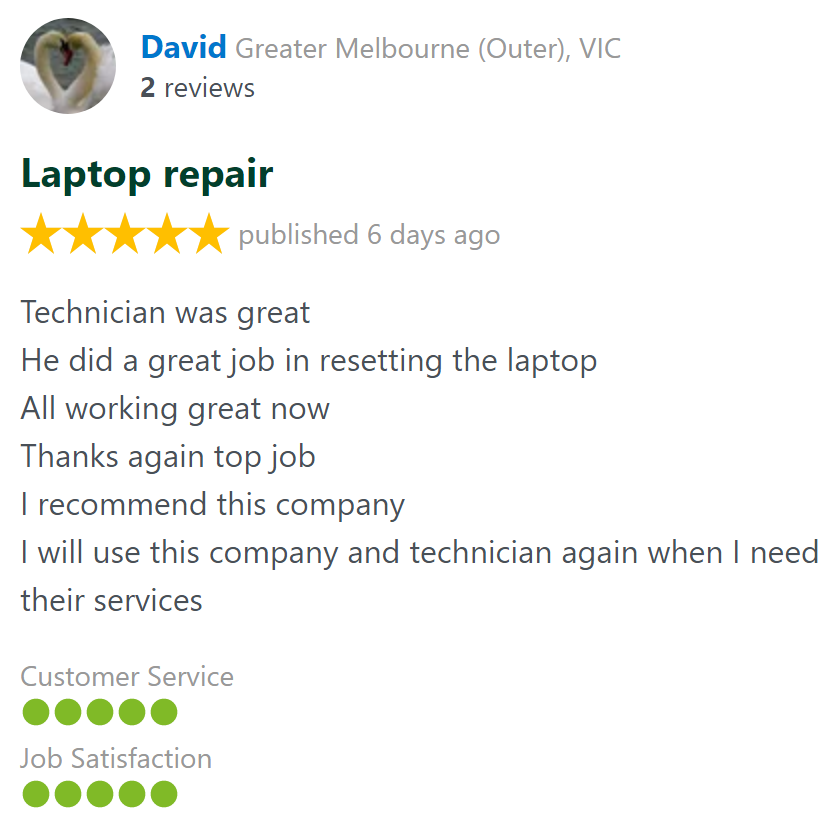
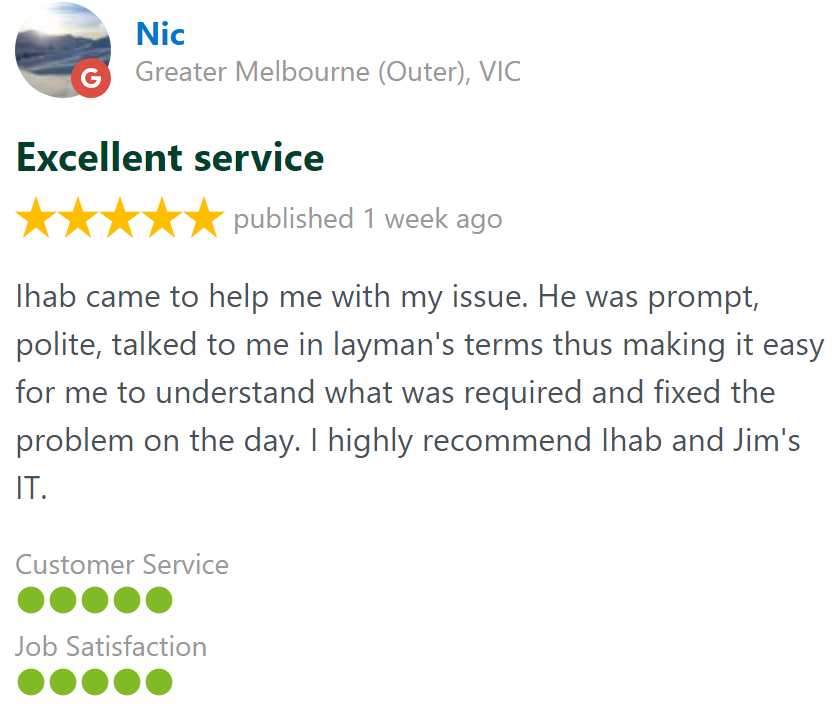
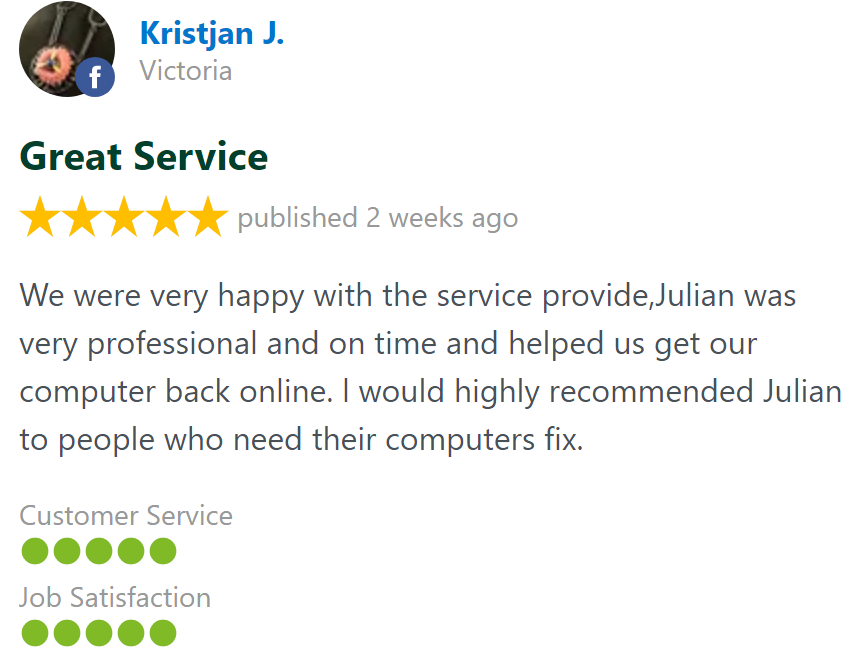
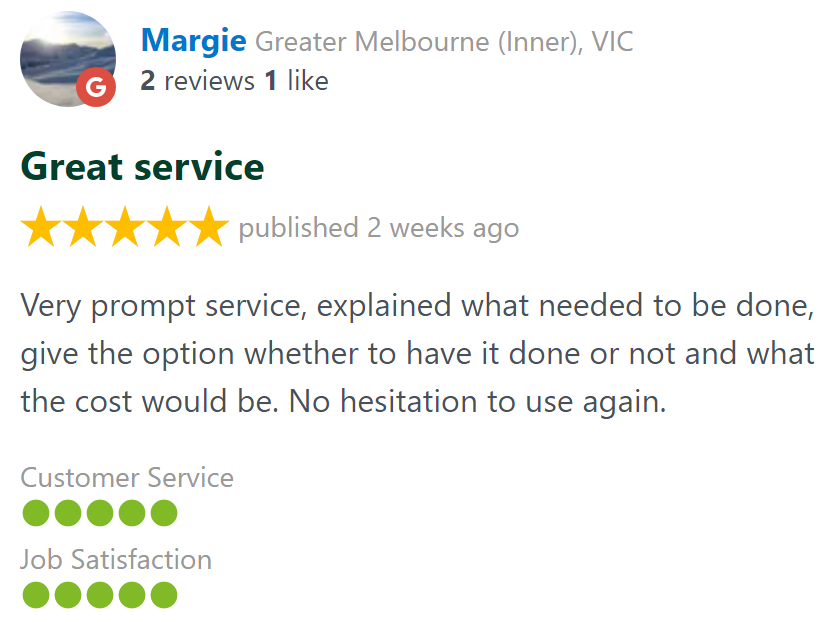
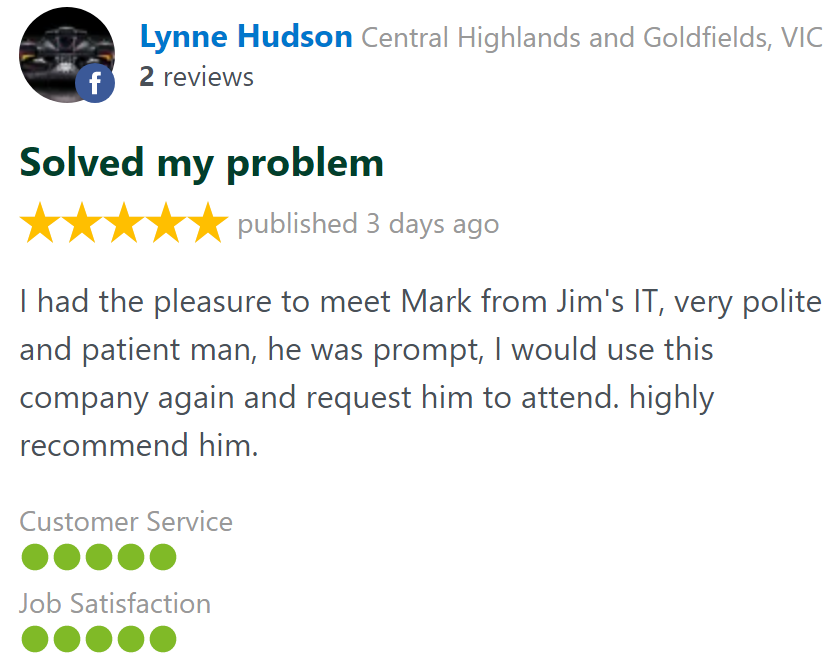
Customer Reviews 26,328 + 4.8-Star Reviews

Book Your Computer Upgrade Service Today
We upgrade all PCs, Macs, and Laptops to make them lightening fast again and extend their lifespan. We install SSD hard drives, RAM upgrades and new Graphic Cards. Call us today on 131 546 or fill out the form on this page and we’ll get back to you ASAP.
Computer Upgrades At Your Home or Office Servicing all Suburbs
Computer Upgrade Service - Frequently Asked Questions
Call for Computer Upgrade Services: