
Data Backup and Transfer Services

The team at Jim’s provides comprehensive data backup services for PCs, Macs, Laptops and Tablets. We can install simple, automated backups solutions to external or portable hard drives and set up cloud backups that automatically copy your files to the cloud as you work.
We understand how stressful it is when your computer crashes and you lose your important files before a deadline. Our backup service gives you the peace of mind you seek that your family photos, work documents, videos, and files are safe and secure, no matter what happens to your computer or device.
Jim’s IT also offers data transfers services for all old and new computers, so we can move your important data such as files, photos, documents, and emails to your new computer and have your computer setup exactly the way you want.
Don’t risk losing your valuable photos let us set up an automated backup system for you. Call us now at 131 546 with any questions about our data backup & transfer services.
Customer Rating: 4.8/5 
based on 26,328 + Reviews
Data Backups Local & Cloud Backups
Automated Backups
We save important information on our computer thinking it’s safe. Unfortunately, it isn’t.
Computers will crash without warning, losing all the data you can’t live without. Precious family photos, vital business documents, financial information and more – all gone. The good news is you can protect your important data with some simple backup solutions.
Jim’s IT computer technician can setup automated backup software that will backup your data to a portable hard drive and also backup your files to the cloud. We can setup daily, weekly or monthly backups depending on your needs.
If you have a large amount of data, such as 100gig + we can recommend a NAS solution that will have built in redundancy and be able to scale as your data needs grow. We provide NAS backup solutions for both home and business customers.

Here are some common backup services & backup strategies we can set up for you:
Local backups
Cloud backups
Hybrid backups
NAS backups
Full backups
Diff. backups
Inc. backups
Mirror backups
If you would like help setting up automated backups give us a call on 131 546 as we install hundreds of backup solutions each month and can guide you on the right backup software for your needs and help configure your backups on a weekly schedule.
Data Transfers PC, Mac & Laptop
Have you purchased a new computer and you need help to transfer all your files, emails, and programs from your old computer to your new computer? We can help you with this and can even transfer data from a PC to a Mac or Mac to a PC.
We will write a list of files, programs and data you would like transferred and then transfer it to your new computer, putting it back in its original place so you don’t get confused. We will also import all your old emails and set up all your email accounts, so they work perfectly.
We can also transfer your old iPhone to your new iPhone, and old iPad to your new iPad. We use a process that guarantees that 100% of all your data transfers to your new device and we can then wipe your old device and dispose of it.

We can transfer data to and from the following devices:
New PC
New Mac
New Laptop
iPhone to Mac
PC to Mac
Mac to PC
Android to PC
iPhone to PC
If you would like to transfer data from a device not listed above, speak with our computer technicians today as we are able to transfer data from all types of devices.
Data Recovery Services We Recover All Files
Jim’s IT provides onsite data recovery services across all suburbs and can recover data for both home and business users. Our data recovery technicians can be at your home or business within two hours and begin the data recovery process.
It’s important that you act now, to prevent any further data loss. If you suspect your computer has a failed hard drive, or has crashed, turn it off straight away and call us on 131 546. The faster you phone us, the higher the chances of recovering your data.
If you hear any clicking or grinding noises, turn your computer off straight away. This means your hard drive has become damaged, and the longer you use the computer the higher the risk of the hard drive completely failing, making data recovery more difficult.

We can recover data from the following computers & devices:
Hard drives
SSD drives
RAID systems
Memory cards
Servers
Smartphones
USB drives
SD cards
Tape drives
NAS units
If you need additional data recovery services not listed above, speak with our data recovery technicians on 131 546, as they can recover data from most devices.
Our 5-Step Data Backup Process Home & Business Users
Jim’s IT provides a comprehensive 5-step data backup process which allows our customers to have peace of mind as we set up an automated system to back up all their important data and keep it secure.

- Data Assessment – Our computer technicians will assess your data and work out its importance, and size and tailor a backup solution that best fits your needs.
- Backup Strategy – Based on the above, our technician will make a recommendation on the best backup solution that meets your risk needs and budget.
- Implementation – We will work closely with you and guide you through the installation and setup process.
- Testing – We will test the backup system to make sure it’s working correctly and make sure your data is secure and encrypted.
- Disaster Recovery – We will work with you to create a plan if your backups fail and what to do in those circumstances.
Why Choose Jim's IT For Data Backups & Data Transfers? Jim's Work Guarantee
Setting up reliable backups can be a frustrating experience with so many software choices online and information overload. The technicians at Jim’s IT can assist you in selecting easy-to-use backup software, setting up automated backups and checking the software to make sure it works reliability.
We will guide you on the best selection of both local and cloud backup services and set up a simple backup process that gives you peace of mind knowing your files are safe and sound.
With Jim’s IT, our professional computer technicians are trained in all types of backup systems from basic backups for home users, to more complex backups such as NAS systems for business.
Jim’s IT has over 15 years of experience setting up backup systems and doing data transfers and has built a reputation as the gold standard in backup setup for home and business users.
This is backed by our No-Fix, No-Fee Guarantee and offering Same-Day service across all suburbs.
Fixed Pricing
All quotes are free and fixed prices. We may charge to inspect the problem so we can quote accurately.
Same Day Service
You can request on-site same-day service before 10 am. We'll have a technician at your door that very same day!
No Fix No Fee
If we can't fix the problem or offer you a solution then there is nothing to pay.
or fill in our online enquiry form today to setup up an appointment with a local Computer technician.
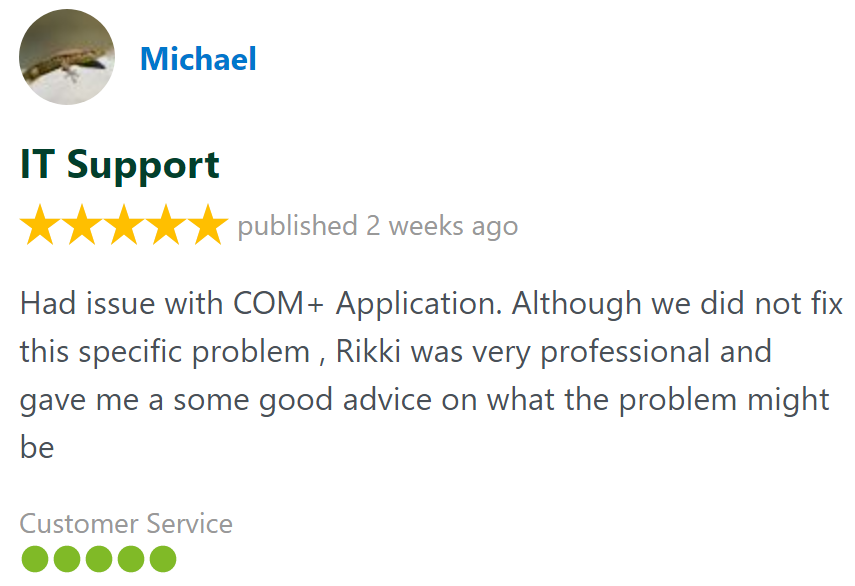
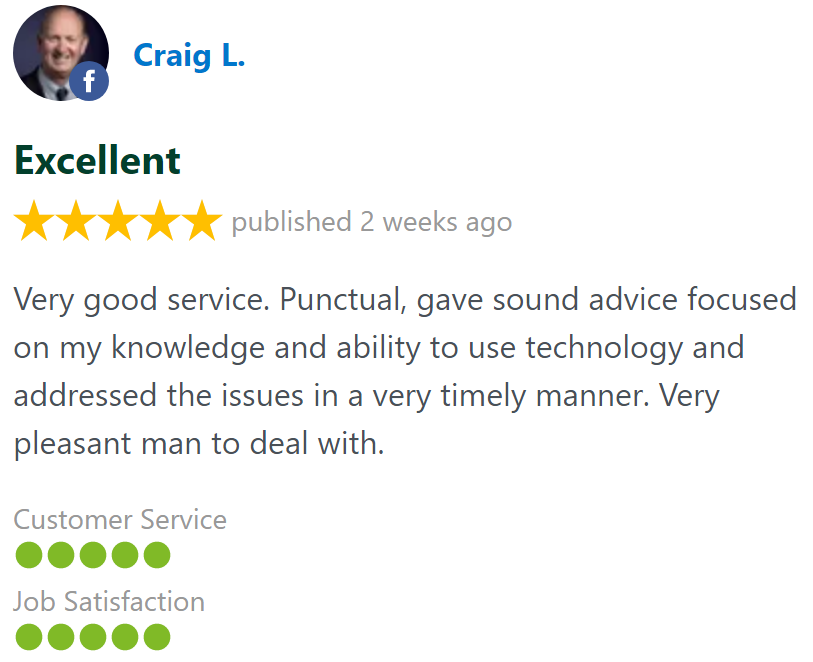
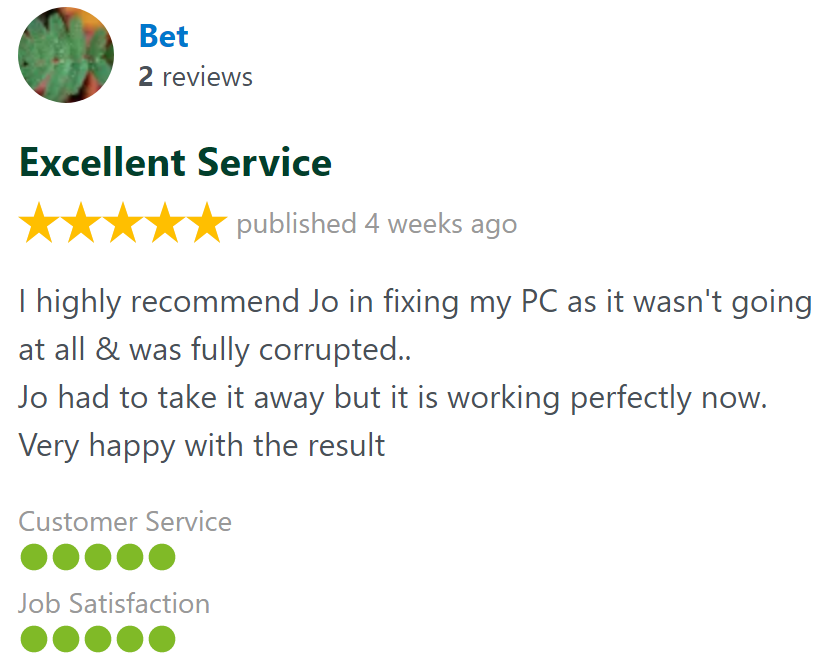
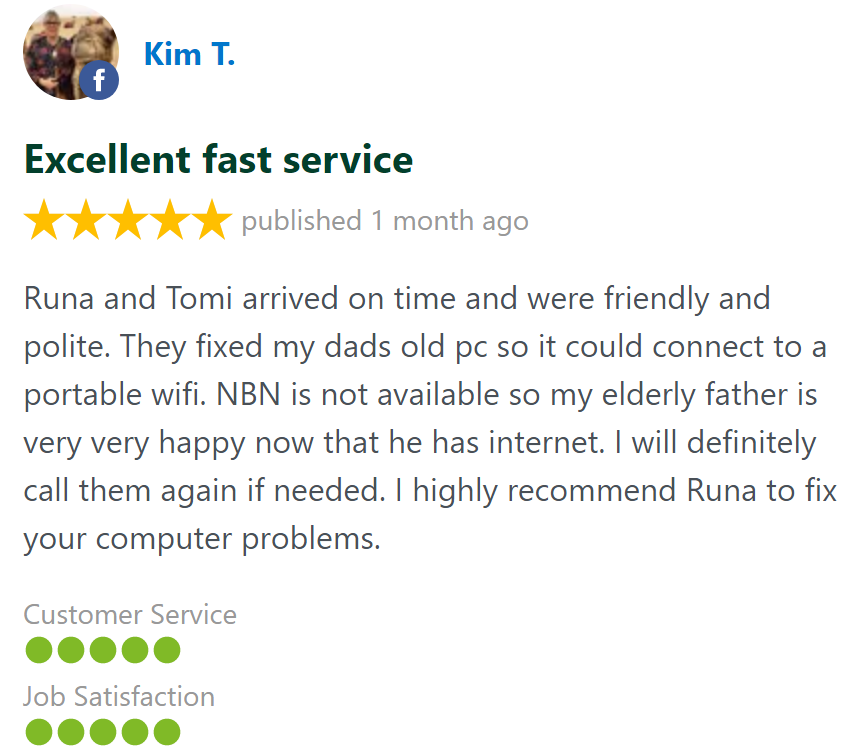
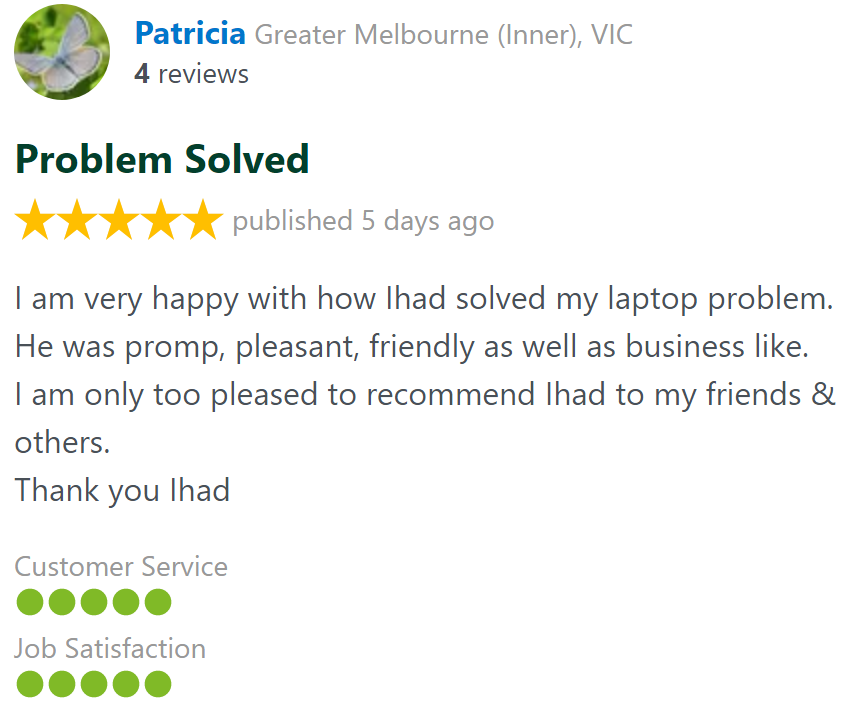
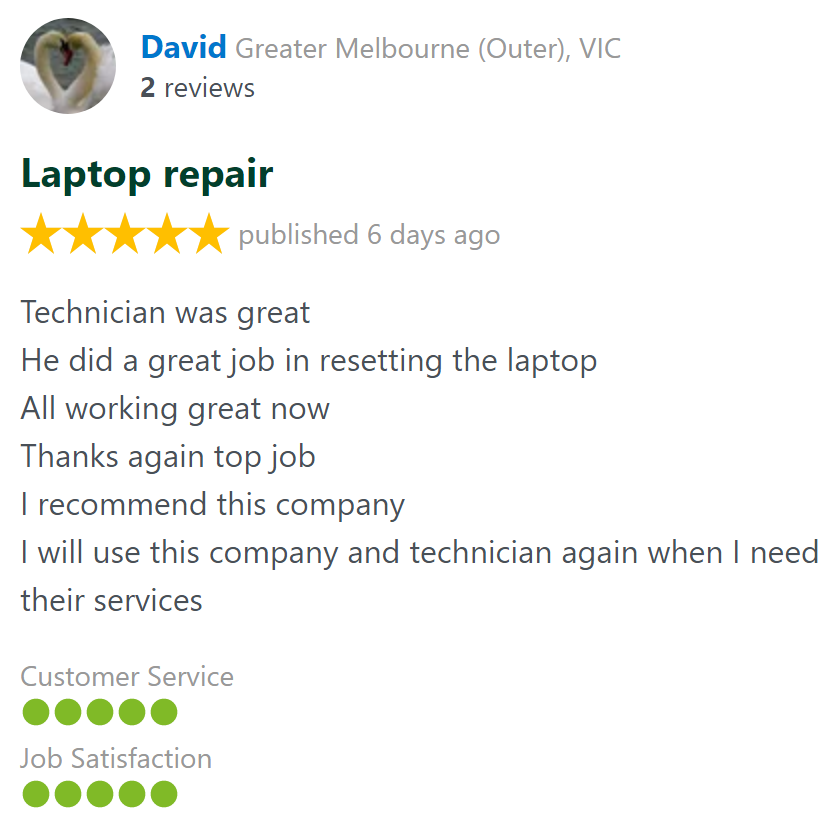
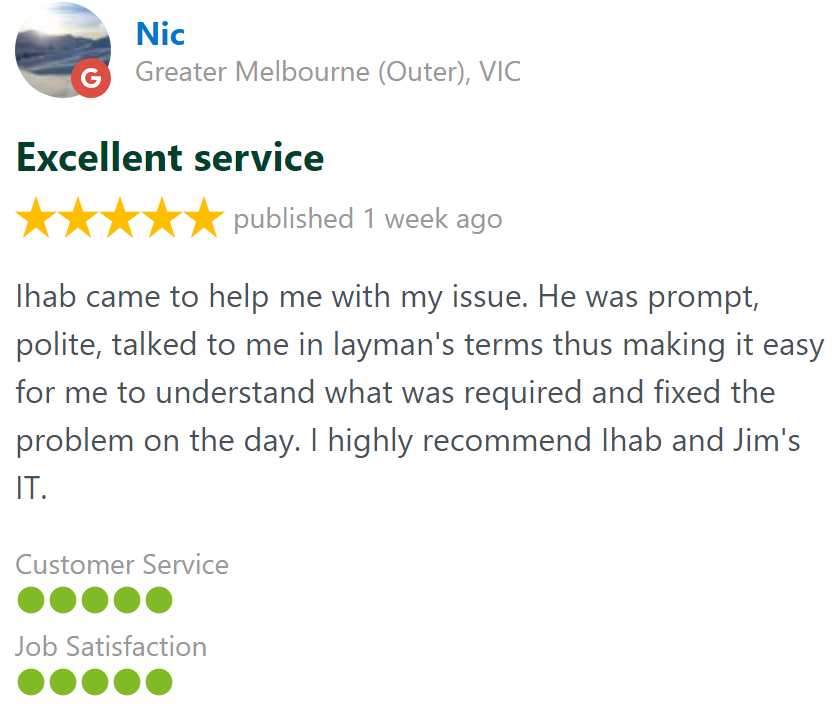
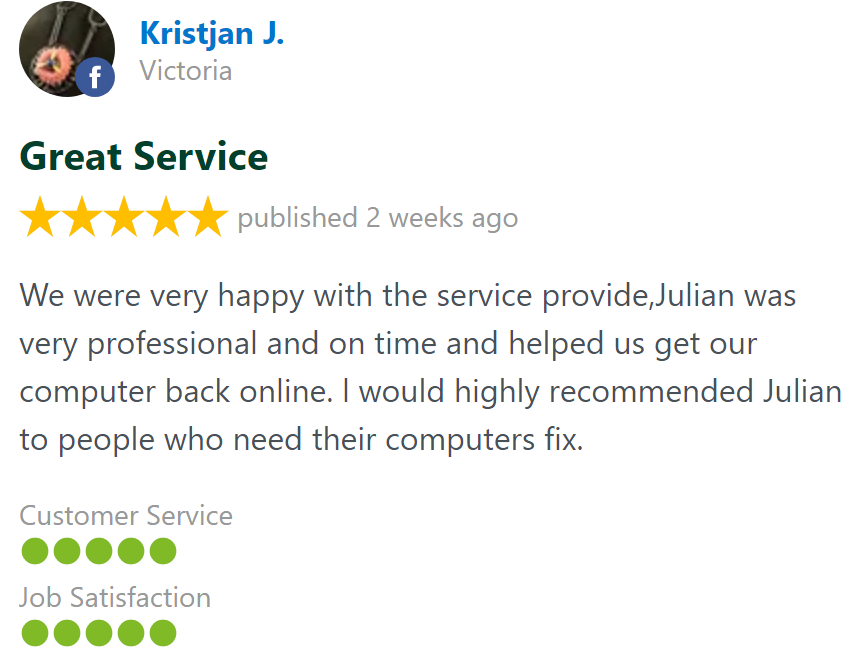
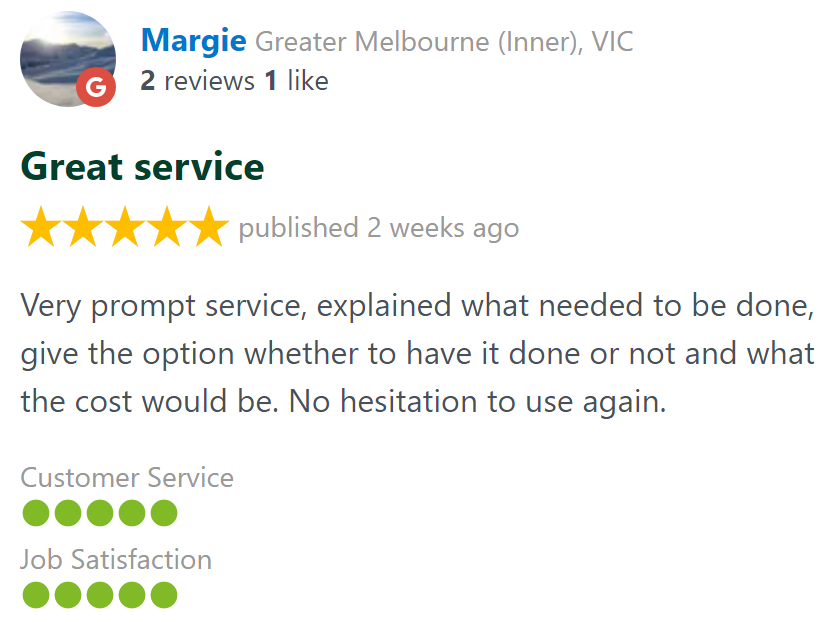
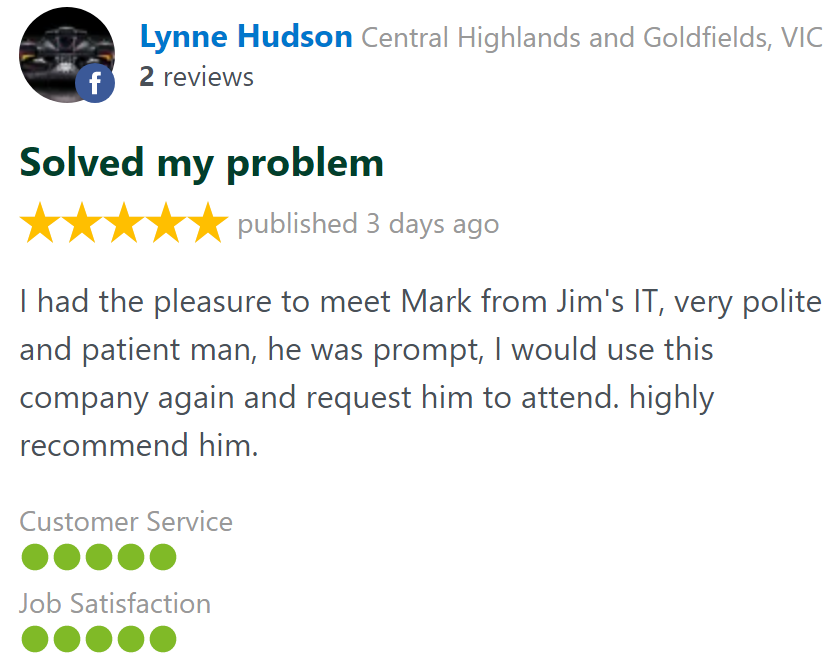
Customer Reviews 26,328 + 4.8-Star Reviews

Book Your Backup Setup Service Today
We setup automated backups for your PC, Apple Mac, or Laptop while keeping your files safe and secure. Stress-free backup solutions for home and business customers. Call us today on 131 546 or fill out the form on this page and we’ll get back to you ASAP.
Backup Setup At Your Home or Office Servicing all Suburbs
Data Backup & Transfer Service - Frequently Asked Questions
Call for Data Backup & Transfer Service: