
Refurbished laptops in Australia: Worth it or a waste of money?
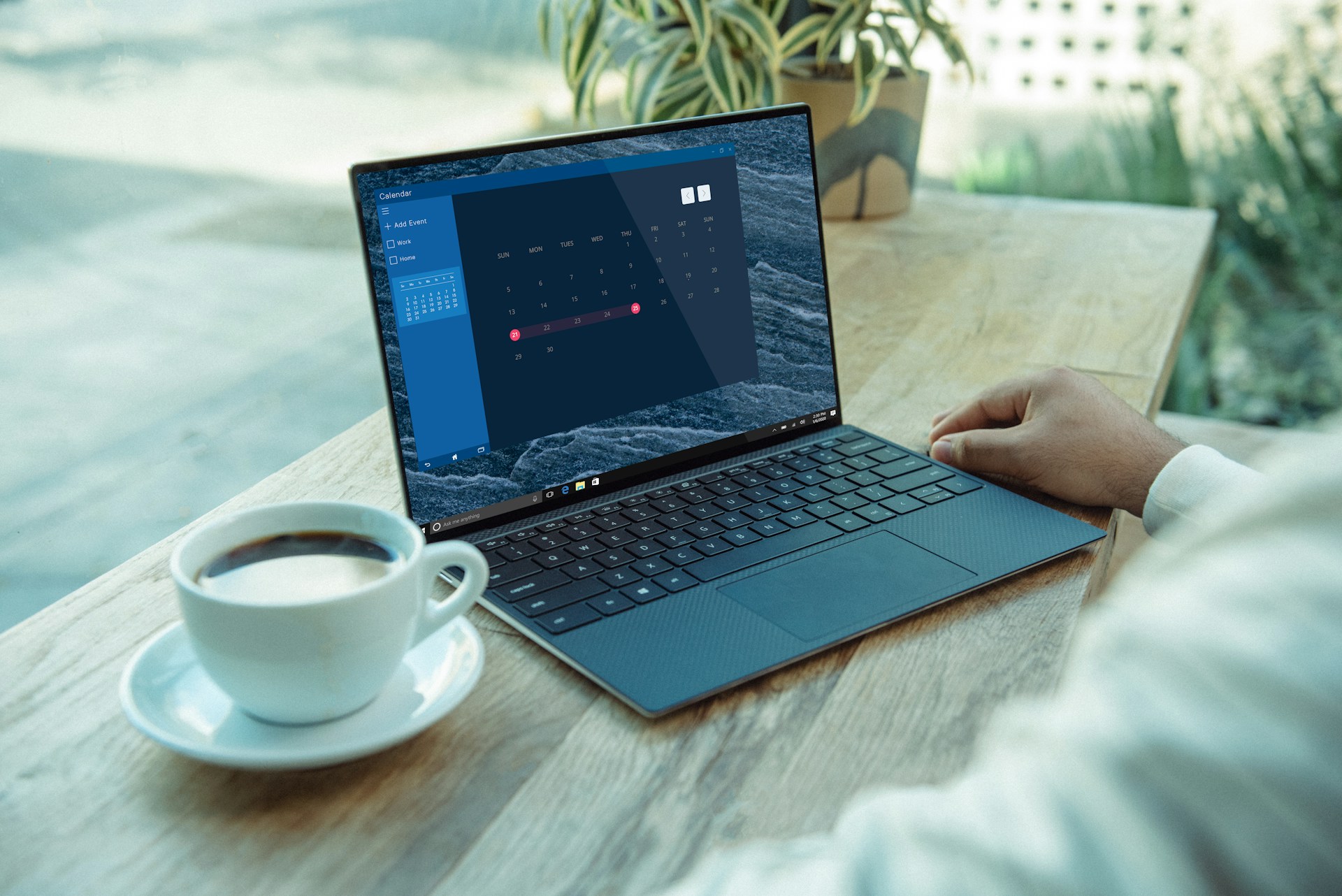
A refurbished laptop is a second-hand laptop that's been tested and repaired by a business, then resold in good working order.
For most people, a refurbished laptop is worth it. You pay less than you would for the same model new. You also get the same consumer rights when you buy from a business. The main risks are a worn-out battery and a laptop that’s too old to run Windows 11.
This guide explains what refurbished means and what to check before you go ahead and buy. It also covers how to get rid of your old laptop responsibly.
Key takeaways
A refurbished laptop can save you money and last for years. Just make sure you purchase from a reputable business that discloses the battery health and gives you a good warranty. The device should be able to run Windows 11, too. When you upgrade, wipe your old laptop and drop it at a free recycling point.
What is a refurbished laptop?
A refurbished laptop is a used laptop that’s been tested and fixed so it works well again. Here’s how it compares to other second-hand options:
| Type | What it means | What to expect |
|---|---|---|
| Refurbished | A used laptop a business has tested and repaired. Some parts may be replaced. | Works properly but may have small marks. Check the seller’s warranty. |
| Ex-lease | A business laptop returned at the end of a lease, tested, and resold. | Reliable business models, like a Lenovo ThinkPad or Dell Latitude, for less. |
| Private sale | A used laptop sold as it is, for example on Facebook Marketplace. | No testing. You get no legal guarantee from a private seller. |
Some sellers grade laptops A, B, or C. The grade describes marks and scratches on the outside; it doesn’t tell you how healthy the battery is or give you an idea of how long the computer will last you.
The pros of buying a refurbished laptop
The biggest pro is price. You pay less than you would for the same laptop new. For the price of a new cheap laptop, you might get better specs, like more RAM or a faster processor.
Buying refurbished also lowers your environmental impact. A sizable share of a laptop’s emissions come from manufacturing. In fact, almost two-thirds of the carbon footprint of the Dell Pro 14 laptop are from making it. Extending the life of an existing laptop means one less new laptop needs to be made.
It cuts e-waste, as well. The world produced 62 million tonnes of e-waste in 2022, and less than a quarter was properly recycled.
The cons of buying a refurbished laptop
Battery life is one of the biggest risks when buying a secondhand laptop. Batteries hold less and less charge as they age. Apple says a recent MacBook battery is made to hold up to 80% of its charge from new after 1,000 charge cycles. A used laptop could be well into those cycles, unless it’s had a new battery installed.
When buying a refurbished Windows laptop, you'll need to make sure it's not too old. Microsoft stopped its regular Windows 10 updates in October 2025. Home users can enrol in Microsoft’s Extended Security Updates program, which includes Windows 10 until 12 October 2027. After that date, computers that can’t run Windows 11 will stop receiving security patches.
To run Windows 11, a laptop needs:
- An 8th-gen Intel Core chip or newer, or an AMD Ryzen 3000 series chip or newer.
- A security chip called TPM 2.0.
Some sellers bend the rules, as well. In 2025, popular online marketplace Reebelo Australia paid $59,400 in penalties. The ACCC claimed it told buyers they had only 14 days to get faulty goods fixed or replaced.
Your rights when you buy refurbished
Anytime you make a purchase in Australia, you get consumer rights and guarantees. These apply to second-hand laptops, too.
The seller doesn't have to offer you a warranty, but they can't take your rights away.
How to check a refurbished laptop before you buy
- Battery health. Ideally, go for a laptop with a battery health above 80%.
- Processor. Make sure it can run Windows 11.
- Replaced parts. A new battery or new SSD is a big plus.
- Warranty and returns. Find out how long the warranty lasts and how returns work.
- Specs. For everyday use, aim for at least 8GB of RAM and an SSD.
What to do with your old laptop
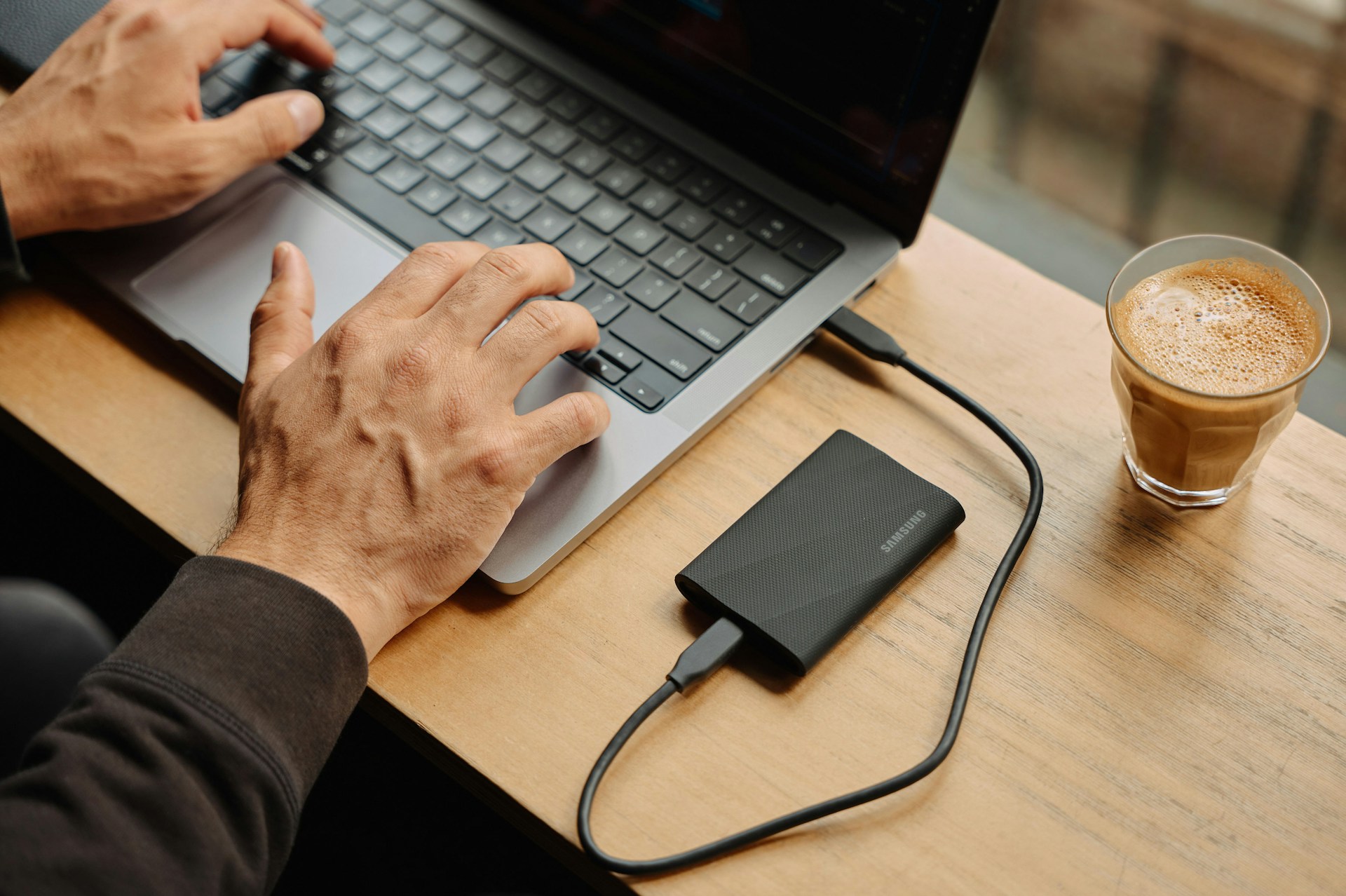
When you get your new laptop, you'll need to take care of your old one. Here's how:
- Back up your files. Copy your photos and documents to the new laptop or the cloud.
- Sign out and wipe it. A standard reset can leave files someone could recover. Our guide on how to factory reset a laptop explains how to wipe it properly.
- Reuse it if it still works. Sell it or give it to someone who needs it. Using it again is better for the planet than recycling it. Have a read of our article on what to do with an old laptop.
- Recycle it for free if it’s dead. Find a free drop-off point near you. Never put a laptop in your household bin.
Want help? A Jim’s IT technician can transfer your files and emails for you. We can then set up the new laptop just the way you want it. We can also wipe the old one so it’s ready to recycle or pass on. Find out more about our backup and data transfer service.
FAQs
Are refurbished laptops reliable?
Yes, they can be. A laptop that’s been tested and fixed by a reputable seller can work well for years and years. Before you checkout, ask about the battery health and the warranty.
Do refurbished laptops come with a warranty in Australia?
Yes. When you buy from a business, you get consumer guarantees by law. Sellers can add their own warranty on top.
How long does a refurbished laptop last?
There’s no predetermined lifespan. It really depends on the laptop’s age and battery health, plus how you use it.
Where can I recycle an old laptop for free in Australia?
Take it to a drop-off point for the national computer recycling scheme. It’s free for all households. Remember to wipe your data first!
Need Help Setting Up Your New Computer?
Bought a new or refurbished laptop and need help getting set up? The technicians at Jim’s IT provide professional computer setup services to get your new computer running smoothly. We can transfer your files, photos and emails, install software, configure your settings and connect your printer and other devices. Contact us online or give us a call on 131 546 today.

Paul Zdzitowiecki is an IT specialist and contributor at Jim’s IT, with extensive experience in computer repairs, managed IT services, and business technology solutions across Australia. Paul regularly writes about computer repairs, Wifi and internet optimisation, cybersecurity, and business IT support, delivering practical, easy-to-understand advice that helps readers solve real-world tech problems.