
Computer Training

Do you feel overwhelmed by new technology? Are you lacking confidence when it comes to using your computer?
Understanding how to get the most out of your computer and use it with ease can be a challenge if you did not grow up with technology. Technology is changing so rapidly that it can feel intimidating when trying to learn new software.
The professional computer technicians at Jim’s IT can teach you how to get the most out of your computer and devices including setting up your computer, teach you how to use your new computer, setup emails, office 365, sync your photos, setup backups and use social media.
With continuous updates being released every month and software changing rapidly it can be challenging to wrap your head around the many functions, programs, and apps on your computer.
Call us now at 131 546 with any questions about our computer training service.
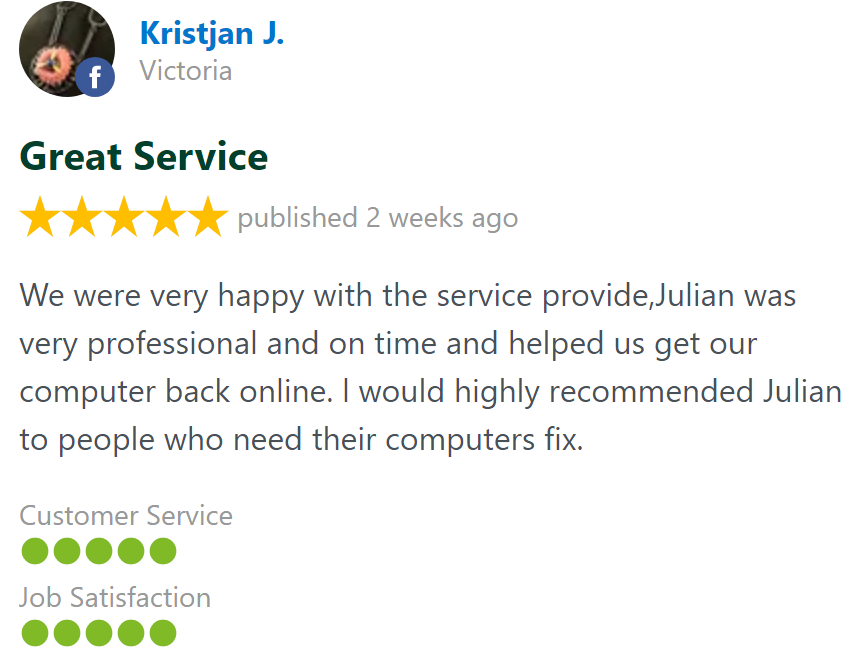
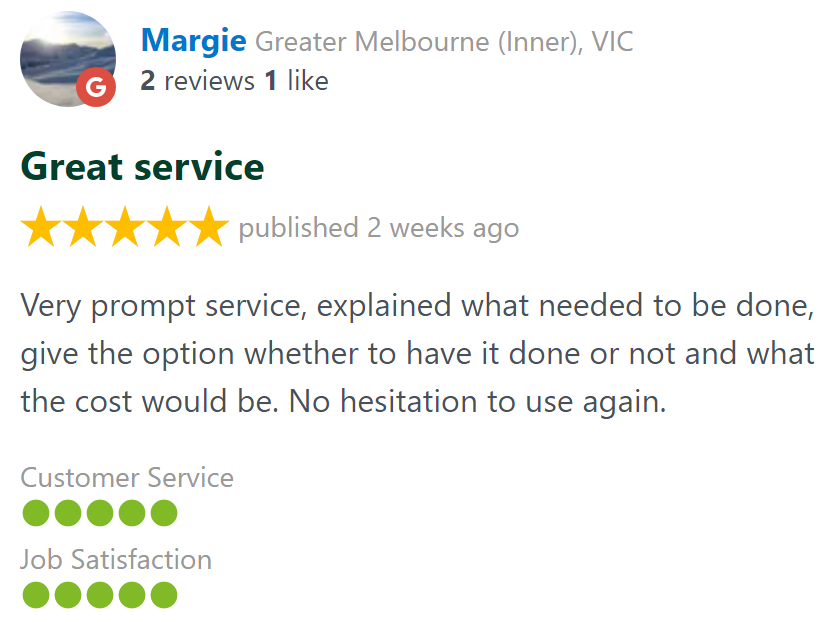
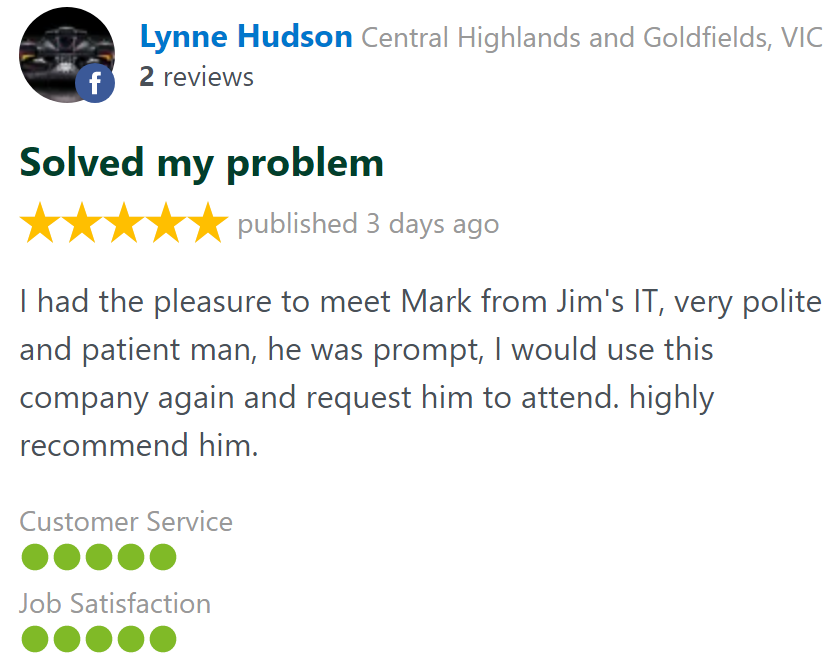
Customer Rating: 4.8/5 
based on 26,328 + Reviews
Computer Training For Seniors Build Your Confidence
Computer Training
Many of our customers who use Jim’s IT for our computer training services have an underlying fear of technology. Just thinking about working on a computer gives them anxiety. If this is you, don’t worry. It’s perfectly natural and we will alleviate those fears through our personalised computer training.
Have you had your children or grandchildren try to explain something to you? We bet afterward you were feeling even more confused and reluctant to try it on your own.
Our training sessions are one-on-one which are suitable no matter what your level of technical skills.
As you learn, your confidence will grow and save you frustration from having to work everything out yourself. Technology is always changing, and to remain independent you need to keep up to date with all the changes.

Here are some of the benefits of our computer training for seniors’ service:
Face to face
One-on-one
Personalised
Learn the basics
We come to you
Step-by-step
No geek speak
Build confidence
We provide computer training for seniors and customers of all ages. We can help teach you how to use any computer, smart devices, software program or gadget you have purchased.
Computer Setup We Setup PC's, Macs & Laptops
Jim’s IT can assist you with setting up your new PC, Mac or Laptop computer. Doing this yourself can be a frustrating experience trying to work out all the advanced settings for email, working out where to look for old data, and how to work your way around the new version of Windows 11.
Our computer technicians will make this a painless process for you and take care of every step of setting up your new computer. Even if you are unsure of your email passwords, or don’t know what version of Microsoft Office you have, our technicians will take care of this for you while guiding you through the installation process.
Our Jim’s IT technicians have dedicated checklists so you know, nothing will be missed, and your new computer will feel like home. All your old data like photos will be in the same spot, and historical emails will be transferred and viewable in outlook.

Our Jim’s IT technicians can help setup any of the following types of computers for you:
iMacs
Macbooks
All in Ones
PC's & Laptops
Gaming PC's
Surface Pro
Surface laptop
Custom PC's
We can also transfer all your data, emails, programs, music and photos from your old computer to your new computer. If you need additional software or computer peripherals installs, speak with one of our Jim’s IT computer technicians on 131 546
Device Setup We Setup All Tech Products
Do you get scared or frustrated trying to set up a new tech device? With so many tech gadgets and devices on the market it can be confusing to work out what to buy or how to set it them up.
Jim’s IT provides device and gadget setup for seniors (and customers of all ages) who are not tech savvy and need some technical TLC. Our IT technicians can provide one-on-one service and guided steps which allow you to get the most out of your new device.
They will sit down with you and guide you through the whole setup process of your new device, setting up your new laptop, phone, tablet or smart device and guide you through how to get the most out of it. They will even write down instructions for you.
Afterwards you will have the confidence to use your new tech device and impress your friends and family.

Here are some common tech products and smart devices we can setup for you and teach you how to use them.
Smart TV's
Apple TV
Fetch TV
Chromecast
Smart speaker
Smart phones
Tablets
Smart watch
Smart hub
Robot vacuum
We also setup other technology gadgets including wireless headphones, smart appliances and digital photo frames. If you have purchased a device not listed above, call one of our Jim’s IT technicians on 131 546 technicians as we setup hundreds of different devices each month.
Software & Services Setup We Provide Free Quotes
Signing up for, purchasing and installing the latest software such as Office 365, zoom, teams, cloud storage, and online backups can be confusing for somebody who did not grow up with technology.
With so many online services to choose from and hundreds of new apps being released daily, it can be totally overwhelming on what to purchase and ultimately use on your computer or devices.
Our technicians can guide you through the process and help you choose any software you require, teach you how to use it, and set it all up for you. Our done-for-you service includes setting up all your subscriptions such as software and streaming and we will even help you manage all your accounts and passwords.

Office 365
Email accounts
Netflix
Prime video
KAYO sports
SONOS
Spotify
Apple music
Dropbox
Google drive
If you need any other software or subscriptions setup, speak with one of our computer technicians on 131 546 and they will be able to organise everything for you.
Why Choose Jim's IT For Computer Training? Jim's Work Guarantee
Learning how to use your new PC, Mac or Laptop can be complicated and confusing. We help you gain confidence by teaching you all the basics of your computer and how to get the most out of it.
We can teach you how to use your computer, tablet, smartphone, Apple TV, smart speaker and all other tech gadgets and devices. Our IT technicians will take their time, are patient and take the time to adjust to your best learning style.
Build your confidence in how to use technology with our range of computer and tech training services.
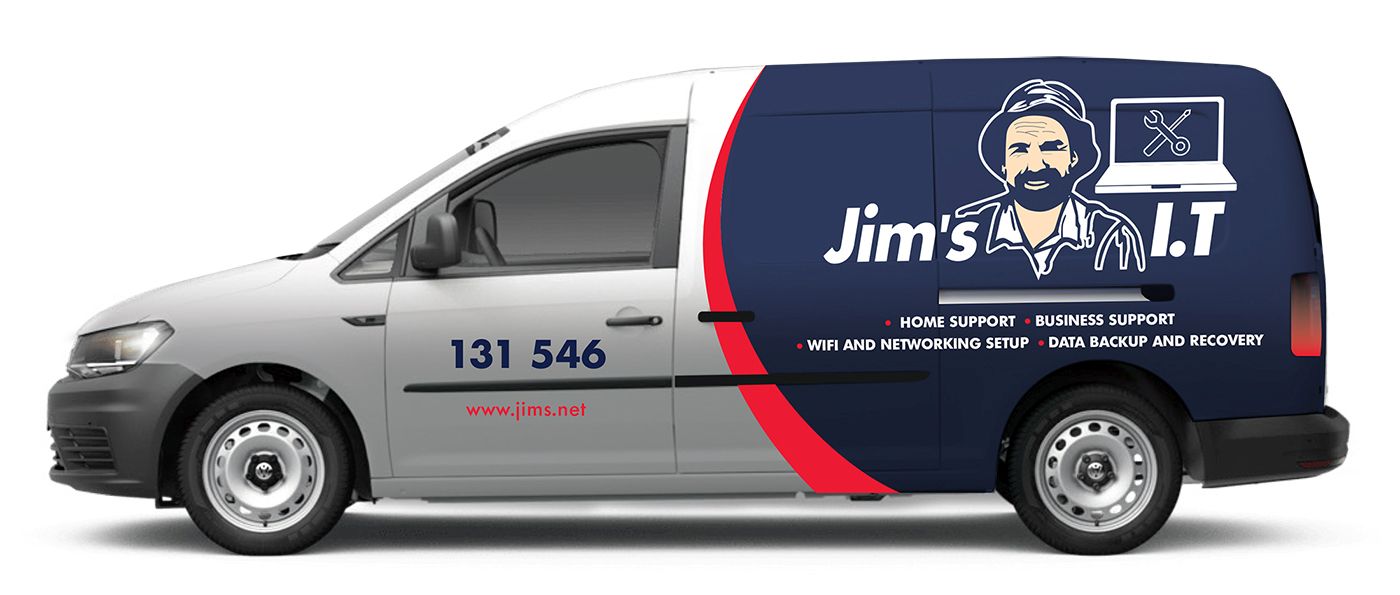
Jim’s IT has over 15 years of experience providing computer training for customers of all ages and has built a reputation as the gold standard in the industry.
This is backed by our No-Fix, No-Fee Guarantee and offering Same-Day service across all suburbs.
Fixed Pricing
All quotes are free and fixed prices. We may charge to inspect the problem so we can quote accurately.
Same Day Service
You can request on-site same-day service before 10 am. We'll have a technician at your door that very same day!
No Fix No Fee
If we can't fix the problem or offer you a solution then there is nothing to pay.
or fill in our online enquiry form today to setup up an appointment with a local computer technician.
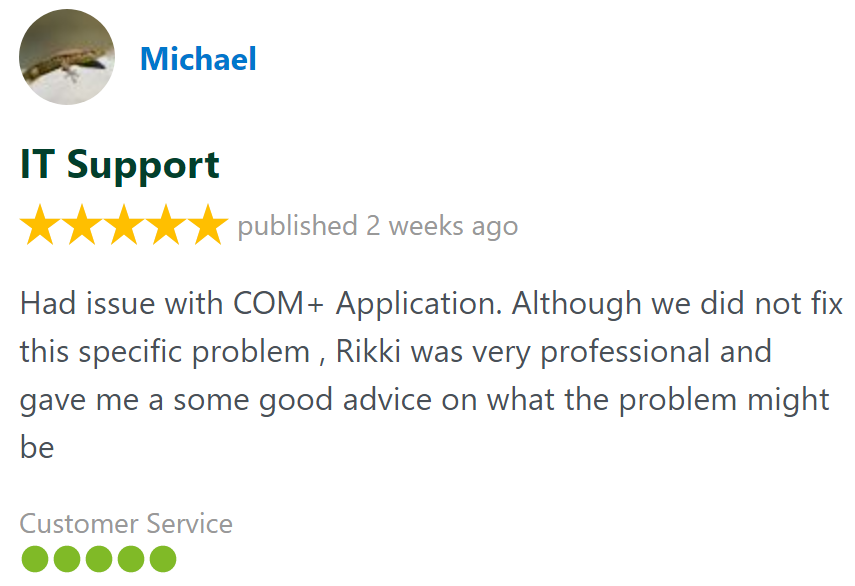
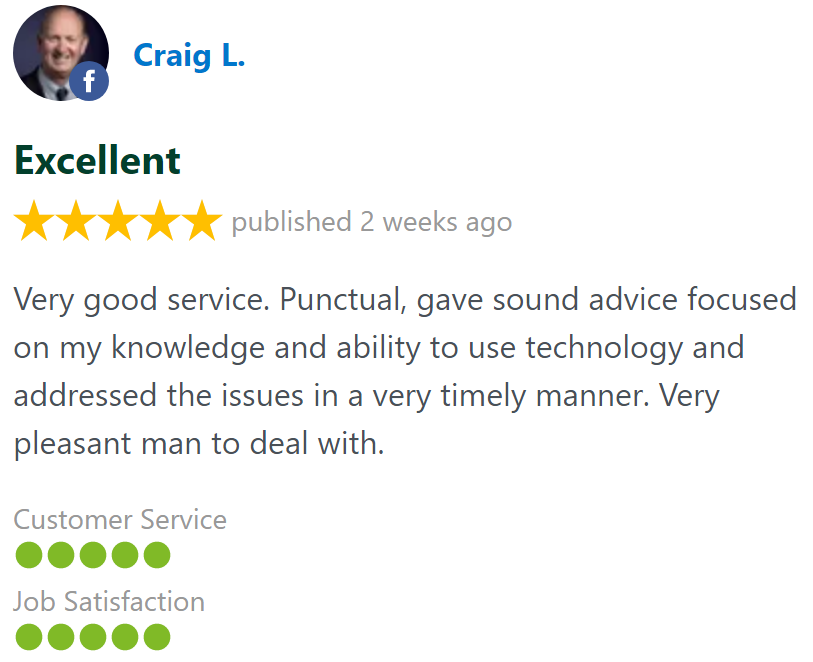
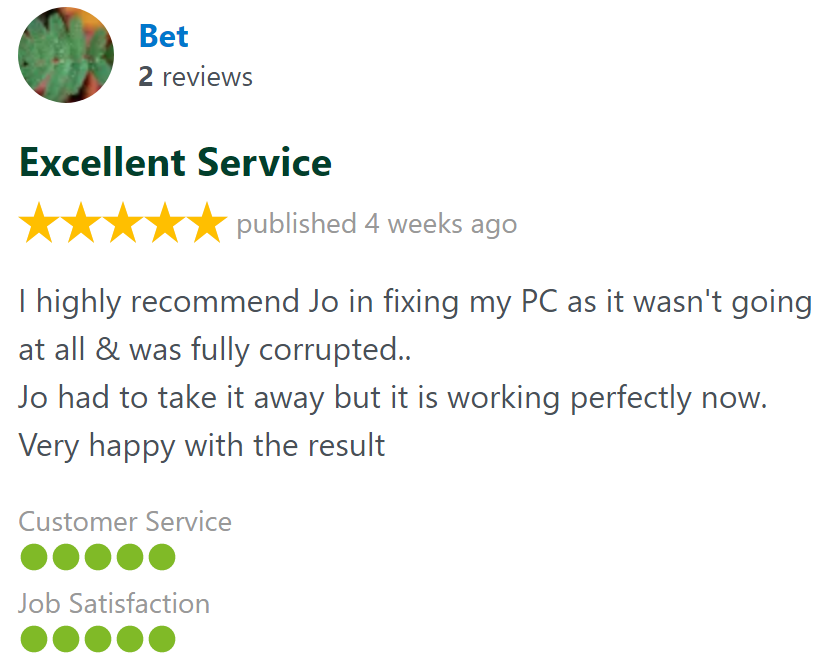
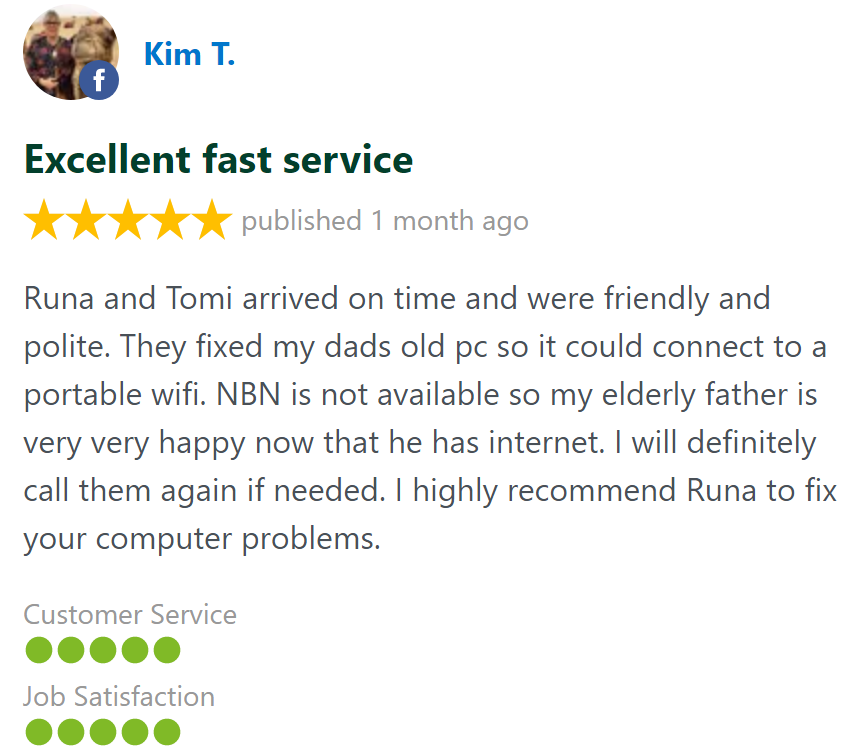
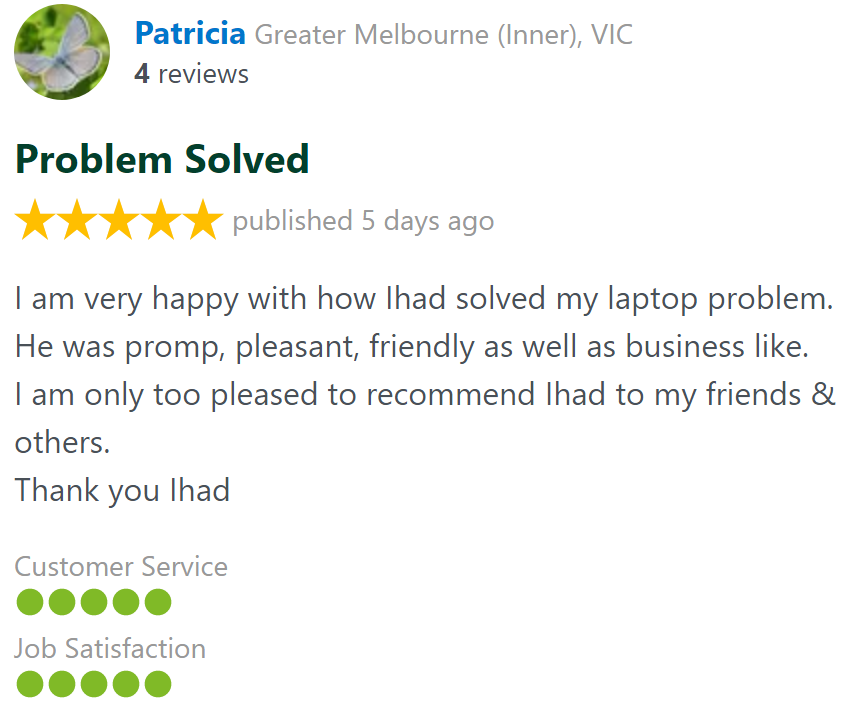
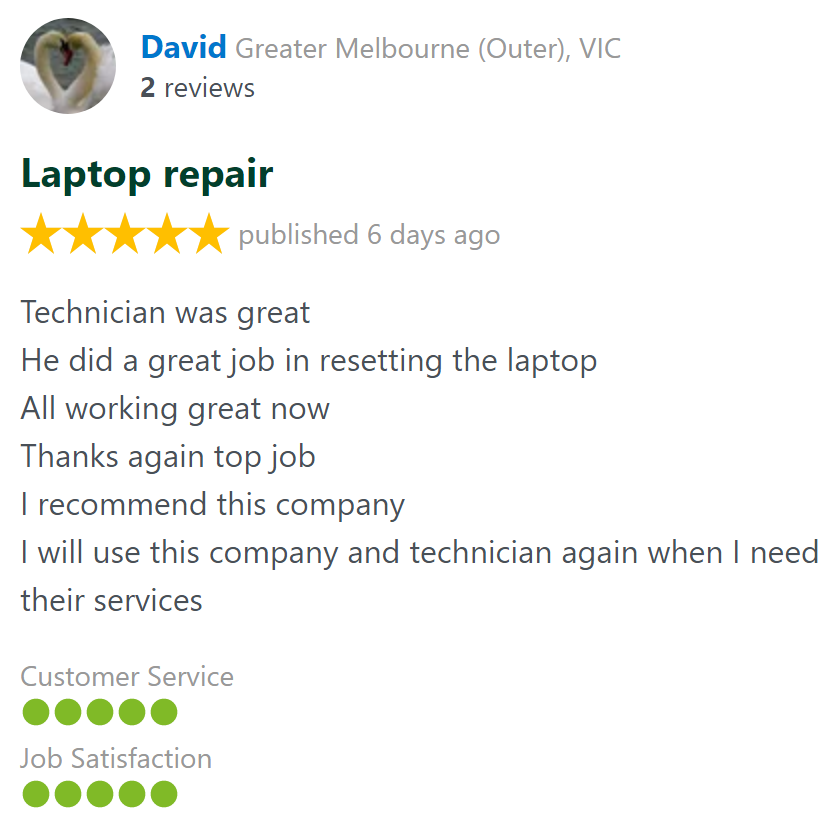
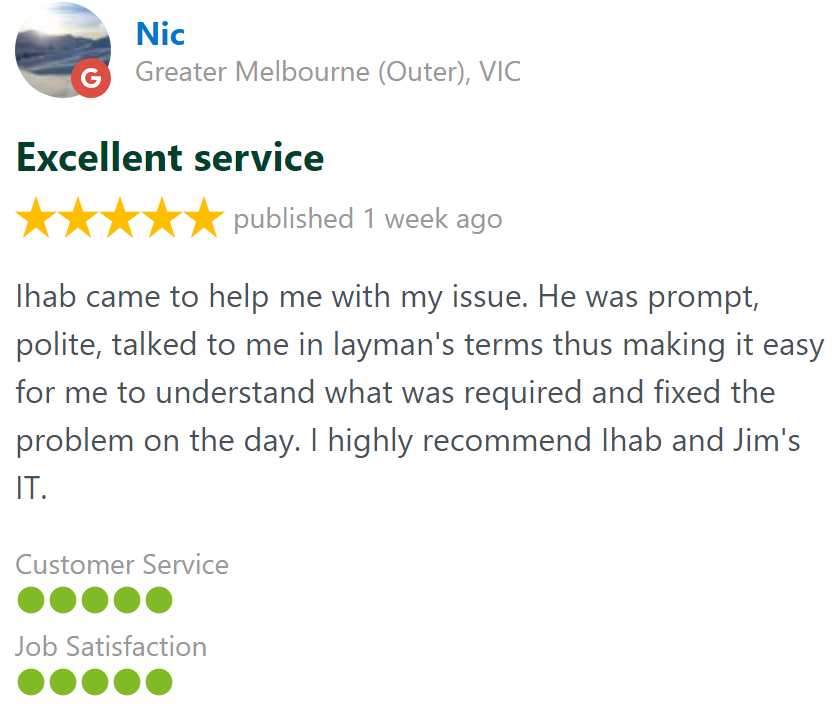
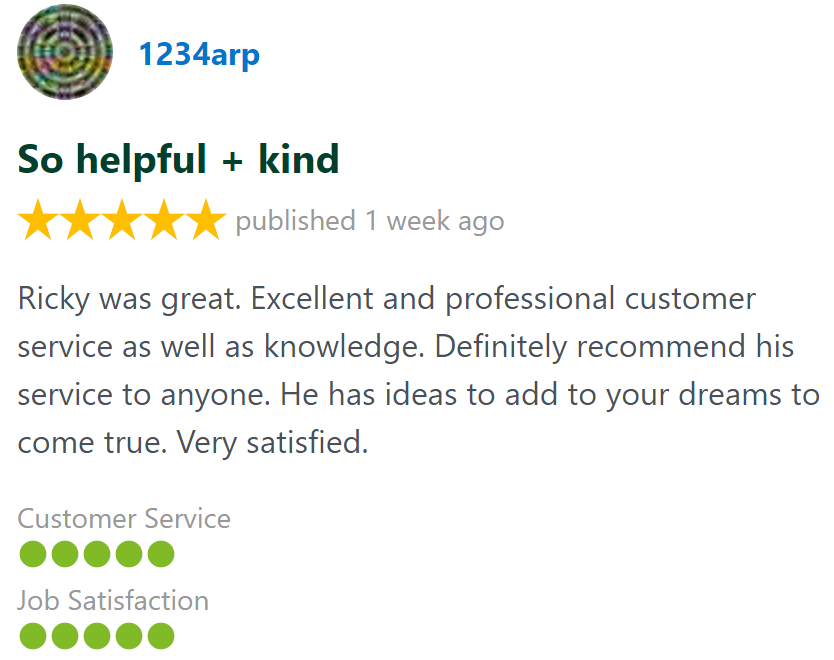
Customer Reviews 26,328 + 4.8-Star Reviews
Book Your Computer Training Today
We can help you get comfortable with technology with our one-on-one computer training service. Let our patient technicians help you get the most out of your computer, tablet, smart phone, smart TV and streaming services. Call us today on 131 546 or fill out the form on this page and we’ll get back to you ASAP.
Computer Training At Your Home or Office Servicing all Suburbs
Computer Training - Frequently Asked Questions
Call for Computer Training: