
Photo Management and Storage

Are your family photos scattered across multiple computers, smartphones, USB drives and external hard drives? Having trouble finding old photos or worried about losing precious family memories?
The professional computer technicians at Jim’s IT can help you organise, transfer, store and back up your digital photos, making it easier to find, access and share your favourite memories.
We understand how frustrating photo management can become, especially when you have thousands of photos stored across different devices, duplicate images taking up storage space or confusing cloud storage accounts.
Our experienced technicians can help organise your entire photo collection, set up iCloud or Google Photos, transfer photos between devices and configure reliable backup solutions to help protect your memories from accidental data loss.
Jim’s IT provides professional photo management and storage services for Windows PCs, Apple Macs, iPhones, iPads, Android smartphones and external storage devices.
Call us now at 131 546 for professional assistance with photo management and storage.
Customer Rating: 4.8/5 
based on 26,328 + Reviews
Digital Photo Management and Organisation Organise Your Photos and Family Memories
Over the years, it's easy to accumulate thousands of digital photos across multiple computers, smartphones, tablets and external hard drives. Finding a particular family photo from ten years ago can become an incredibly frustrating and time-consuming experience.
You may have duplicate photos stored in different folders, photos with confusing filenames or entire collections spread across devices you no longer use.
Jim’s IT computer technicians can help organise your digital photo collection into a simple, easy-to-use system. We can consolidate photos from multiple devices, create organised folders, identify duplicate images and help you find your favourite memories whenever you need them.
Our technicians can also install and configure photo management software on Windows PCs and Apple Macs, making it easier to browse, search and manage your digital photo library.

Here are some common photo management services we provide:
Photo transfers
Photo cleanup
Photo sorting
Photo imports
Software setup
Photo albums
Folder setup
Apple photos
Google photos
Photo training
Whether you have a few hundred photos or tens of thousands collected over many years, Jim’s IT can help create an organised photo library that's easy to manage and access.
Photo Transfers and Device Syncing Transfer Photos Between Computers, Phones and Tablets
Have you recently purchased a new computer or smartphone and need help transferring your old photos? Are your photos stored on an old laptop, USB drive or mobile phone that you no longer use?
Transferring large photo collections between devices can be confusing, particularly when different devices use different operating systems, photo applications and storage formats.
Jim’s IT technicians can assist with transferring photos between Windows computers, Apple Macs, iPhones, Android smartphones, tablets and external storage devices.
We can also help consolidate photos from multiple devices into one central location, making it easier to manage your entire photo collection without having to search through several computers or hard drives.
If you use multiple Apple devices, we can configure iCloud Photos to sync your photo library across your iPhone, iPad and Mac. We can also assist with Google Photos and other supported photo syncing services.

Here are some common photo transfer services we provide:
PC transfers
Mac transfers
PC to Mac
USB transfers
HDD transfers
iPhone photos
Android photos
iPad transfers
Camera photos
Photo syncing
If you've recently purchased a new PC or Mac, Jim’s IT can also assist with setting up your new computer, transferring your existing files and configuring your software and email accounts.
If you’re upgrading to a new computer or smartphone, call 131 546 and let Jim’s IT help transfer your photos safely to your new device.
Cloud Photo Storage and Setup iCloud, Google Photos and OneDrive
Cloud photo storage is one of the most convenient ways to store and access your digital photos. Instead of keeping your entire photo collection on one computer or smartphone, cloud services allow you to access your photos from multiple devices using an internet connection.
However, setting up cloud photo storage can be confusing, especially when you have multiple Apple or Google accounts, limited storage space or photos that aren’t synchronising correctly.
Jim’s IT technicians can help set up and configure popular cloud photo storage services, including Apple iCloud Photos, Google Photos and Microsoft OneDrive.
We can also help you understand how much cloud storage you need, configure automatic photo uploads and troubleshoot syncing problems between your devices.
For customers who are running out of storage space, our technicians can review your existing cloud storage plan and recommend a suitable upgrade or alternative storage solution.

Here are some common cloud photo storage services we provide:
iCloud setup
OneDrive setup
Storage plans
Syncing fixes
Auto uploads
Google photos
Cloud syncing
Photo sharing
Account setup
Cloud backups
Our friendly technicians can explain the different ways to store and back up your photos online, helping you choose the best cloud storage solution for your needs, devices and budget.
Photo Backup and Storage Solutions Protect Your Precious Family Photos
Imagine losing twenty years of family photos because your computer’s hard drive suddenly fails, your smartphone is lost or your external hard drive stops working.
Unfortunately, many people don’t realise how vulnerable their digital photos are until something goes wrong. Computers and storage devices can fail unexpectedly, and without a reliable backup system, recovering your photos can become difficult or even impossible.
Jim’s IT provides professional photo backup and storage solutions to help protect your valuable family memories from accidental deletion, hardware failure and other unexpected problems.
Our technicians can set up automatic photo backups using external hard drives, cloud storage services or Network Attached Storage (NAS) devices, depending on the size of your photo collection and your requirements.
We can also review your existing photo storage setup, identify potential risks and recommend additional backups so your photos aren’t stored in just one location.
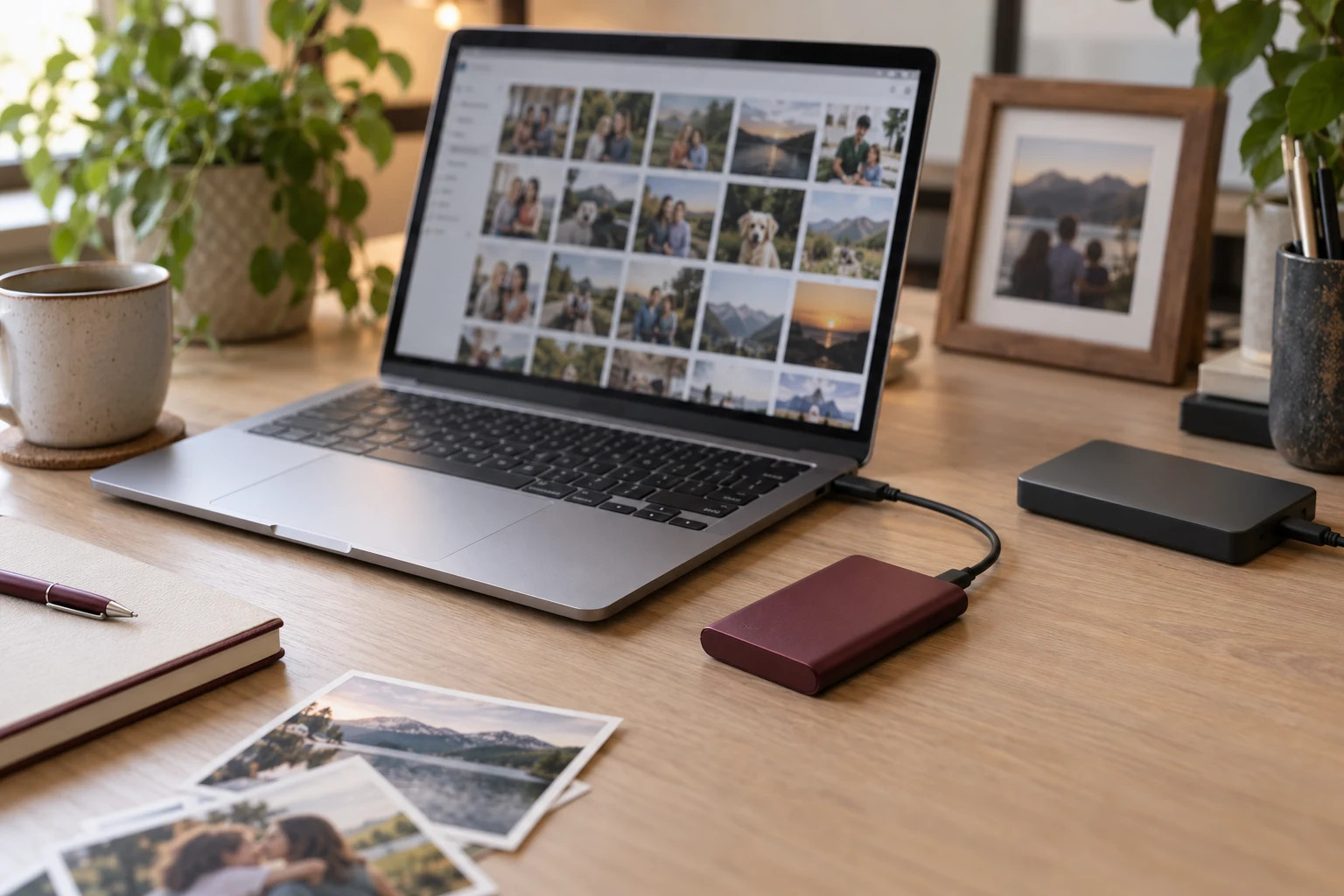
Here are some common photo backup and storage services we provide:
Drive backups
Auto backups
USB setup
Backup fixes
Photo archives
Cloud backups
NAS setup
Data recovery
More space
Backup checks
For added protection, we generally recommend keeping multiple copies of important photos, including an independent backup stored separately from your main computer.
Don’t wait until your computer or hard drive fails. Call 131 546 and let Jim’s IT help protect your precious family memories.
Why Choose Jim's IT for Photo Management and Storage? Helping You Preserve and Protect Your Digital Memories
Your family photos are more than just digital files. They represent important memories, special occasions, family holidays and moments you want to preserve for years to come.
At Jim’s IT, we understand how important these memories are and how frustrating it can be when your photos are disorganised, difficult to access or scattered across multiple devices.
Our experienced computer technicians can help you organise your entire photo collection, transfer photos between devices and recommend reliable storage solutions that make it easier to manage your photos.
Whether you use a Windows PC, Apple Mac, iPhone, iPad or Android smartphone, our technicians can explain the different photo storage options available and recommend a solution that suits your needs and budget.
We also understand that not everyone is comfortable using cloud storage or photo management software. Our technicians take the time to explain how everything works, show you how to find and access your photos and help you feel more confident managing your digital photo collection.
With over 15 years of experience providing computer repairs and IT support to Australian homes and businesses, Jim’s IT has built a reputation for providing friendly, professional and reliable technical assistance.
Our services are backed by our No-Fix, No-Fee Guarantee and Jim’s Group Work Guarantee.
Fixed Pricing
All quotes are free and fixed prices. We may charge to inspect the problem so we can quote accurately.
Same Day Service
You can request on-site same-day service before 10 am. We'll have a technician at your door that very same day!
No Fix No Fee
If we can't fix the problem or offer you a solution then there is nothing to pay.
or fill in our online enquiry form today to setup up an appointment with a local computer technician.
Customer Reviews 26,328 + 4.8-Star Reviews









Book Your Photo Management and Storage Service Today
Are your family photos scattered across multiple devices, difficult to find or at risk of being lost? Our friendly, experienced computer technicians can help organise your digital photo collection, transfer photos between devices, set up iCloud or Google Photos and configure reliable storage and backup solutions. Call us today on 131 546 or fill out the form on this page.
Photo Management And Storage Services Servicing All Suburbs Across Australia

Photo Management and Storage - Frequently Asked Questions
Need Help With Your Photos?