
Can you get files back from a broken hard drive?
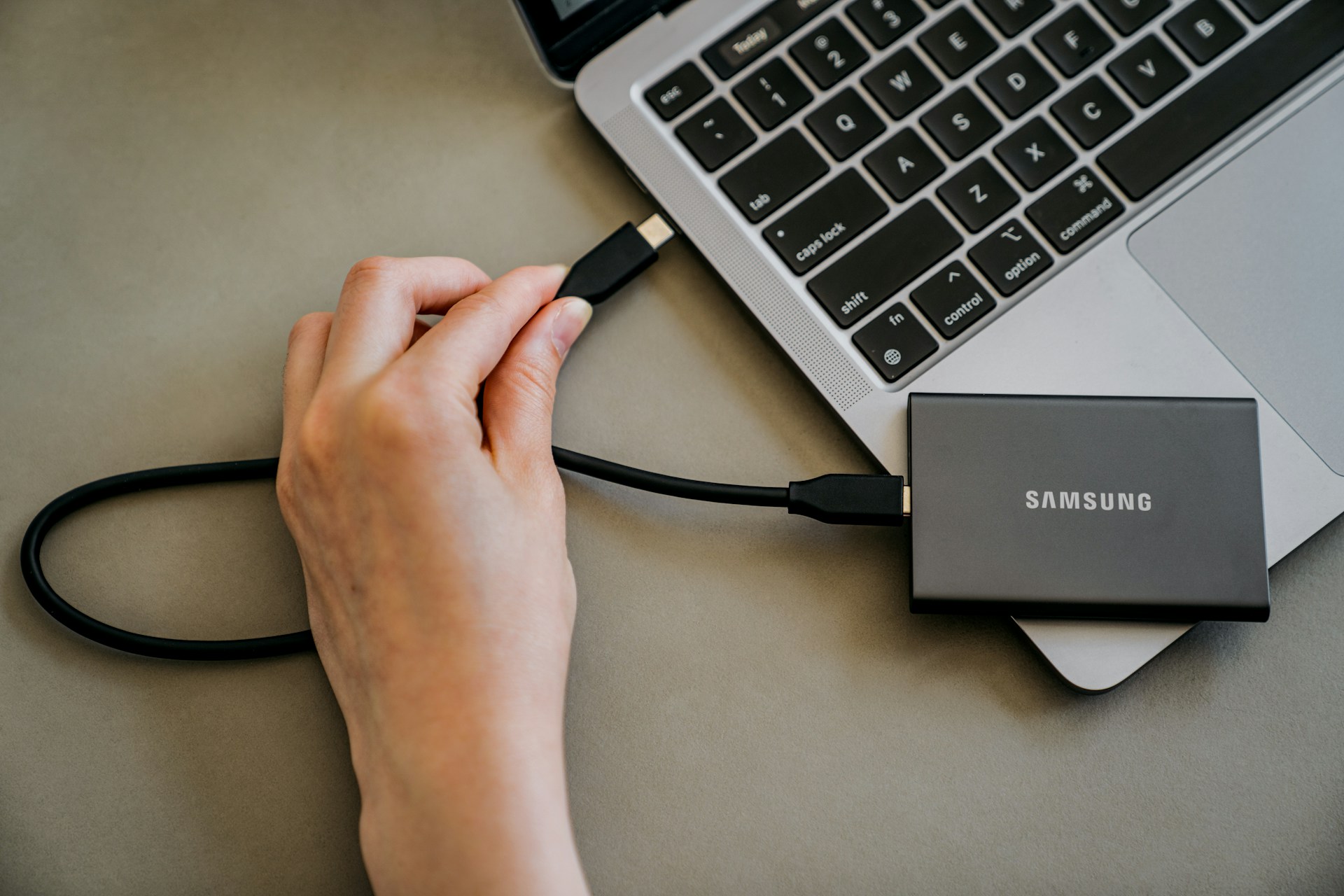
In most cases, you can get files back from a broken hard drive. Your files are still on the disk, but the computer just can't read them.
To give yourself the best chance of a full recovery, stop using the drive straight away. Every restart risks making the damage worse.
If it's a software problem, you might be able to get the files back yourself. But if the hard drive is clicking or you dropped it, you'll likely need the help of a professional.
Key takeaways
You can sometimes get files back from a broken hard drive. It depends on what went wrong and how much the drive has been used since it failed. If the issue relates to software, try checking your Recycle Bin and restoring a backup from the cloud or File History. If it’s a hardware issue, you’ll have to turn the drive off and take it to a data recovery professional.
Can you fix it yourself, or do you need a professional?
Hard drives fail in one of two ways:
- Software problems
- Physical damage
Here's how to tell them apart and what to do about it.
| What you notice | What it could mean | What to do next |
|---|---|---|
| You deleted files by mistake | Software problem | Try the steps below. Stop saving to that drive |
| The drive asks to be "formatted" | The drive is corrupted | Don't format it. Get help |
| Computer won't start, drive spins quietly | Software or early hardware fault | Test it in another computer, or get help |
| Clicking or grinding | The read/write head is failing | Turn it off. Call a professional |
| Dropped, wet, or hit by a power surge | Physical damage | Don't turn it on. Call a professional |
What to do when your hard drive fails
The first few minutes are critical:
- Do turn it off if it's clicking or grinding.
- Don't restart it over and over. Each spin can scratch the disk.
- Don't open the drive.
- Don't put it in the freezer. It's an old internet myth, and the moisture causes more damage.
- Don't install recovery software on the drive you're trying to save. It can write over the files you want back.
Signs your hard drive is on its way out
Hard drives have moving parts that wear out. Even in data centres, hard drives fail. Backblaze tracked about 349,000 drives in 2025, and 1.36% of them died that year.
Be on the look out for these signs:
- Clicking or grinding noises.
- Files that go missing or won't open.
- Slow opening and saving, even after a restart.
- Freezing or the blue screen of death.
- The drive dropping out of File Explorer or Finder,and then coming back.
- A "SMART error" warning about drive health.
If you notice any of these, back up your important files as soon as possible while the drive still works.
How to get files off a broken hard drive
If your hard drive isn't physically damaged (think, it hasn't be dropped or got wet and is quiet), you can give these data recovery methods a go:
- Try a different cable or computer. Sometimes the culprit isn't the drive itself at all.
- Check the Recycle Bin or Bin. Deleted files go here first, and you can restore them in a click.
- Check the cloud. Sign in to OneDrive, iCloud, Google Drive, or Dropbox. You might have backups saved there.
- Use File History or Time Machine. These work if they were turned on before the drive failed.
- Try recovery software with care. Stick with a well-known program. Install it on a different drive, and save recovered files somewhere else.
If none of these work, stop there. Extra attempts can sometimes compromise a professional's chances of getting your files back.
When to call a data recovery professional
For physical damage or files you can't replace, a hard drive data recovery professional is the safest choice.
Say your external drive with 10 years of family photos falls off the desk and starts clicking. Turn it off and leave it off. Every spin can scrape the disk where your photos are stored.
A specialist copies the drive safely before working on it, and can replace broken parts in a dust-free space.
Jim's IT offers professional data recovery for hard drives, SSDs, laptops, USB drives, memory cards, and phones. It all starts with a quick conversation and free advice over the phone. A technician checks your drive and gives you a list of recoverable files, plus a quote.
Recovery takes around 3 to 5 business days.
How to protect your files
The best way to recover data is using a backup.
Try the 3-2-1 rule. Have 3 copies of your files, on 2 types of storage, with 1 copy somewhere else, like the cloud.
Turn on automatic backups, too, so you don't have to remember to make them yourself. If you run a business from home, here's how frequently you should back up.
If your hard drive is getting old, it's worth thinking about an upgrade to an SSD. SSDs have no moving parts, so there's nothing to click or grind.
FAQs
Can data be recovered from a dead hard drive?
Yes, in most cases. Even when a drive won't power on, the files are still on the disk. A professional can repair the broken parts and copy your files to a new drive.
How much does data recovery cost in Australia?
It depends on the type of drive and how badly it's damaged. Generally, a software fix costs less than getting new parts installed in a drive.
Can I recover files from a hard drive that's clicking?
Yes, but likely only with professional help. Clicking means a part inside the drive is failing. Turn it off straight away and take it to a specialist.
Does data recovery software work on a broken hard drive?
It can work for software problems, like deleted files or a corrupted drive. It won't fix physical damage, and running it on a clicking drive can make things worse.
Recover Your Lost Files With Jim’s IT Data Recovery
Lost important files, photos or documents? Jim’s IT offers professional data recovery services for failed hard drives, corrupted SSDs, accidentally deleted files and damaged storage devices. Our experienced technicians can assess the issue and help recover your valuable data safely. Contact us online or call 131 546 today for expert data recovery assistance.

Paul Zdzitowiecki is an IT specialist and contributor at Jim’s IT, with extensive experience in computer repairs, managed IT services, and business technology solutions across Australia. Paul regularly writes about computer repairs, Wifi and internet optimisation, cybersecurity, and business IT support, delivering practical, easy-to-understand advice that helps readers solve real-world tech problems.