
Email scams and hackers are getting smarter - do you know how to protect yourself?
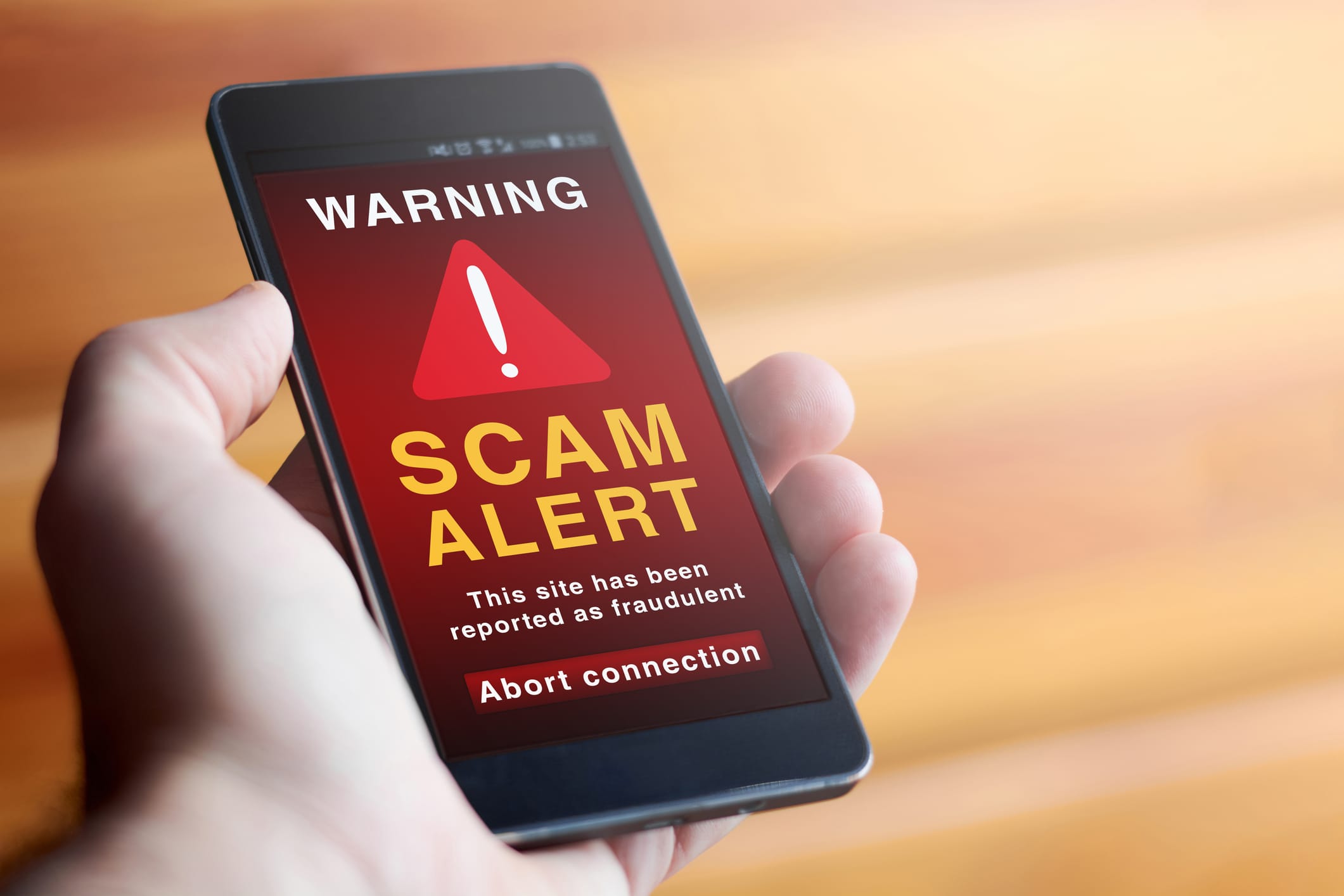
Email scams don’t usually look dangerous.
They look normal. A delivery notice. A bank alert. An email that feels routine enough to open without thinking.
And that’s the problem. Most people don’t realise they’ve seen an email scam until something breaks, an account is locked or money goes missing.
Here’s what we’ll cover today;
What Are Email Scams (And Why They Fool So Many People)
Email scams are messages designed to trick you into doing something you wouldn’t normally do.
That might be clicking a link, opening an attachment, sharing personal details, or logging in to a fake website that looks real. The goal is usually money, access, or information. Sometimes all three.
What makes email scams so effective is that they don’t rely on bad spelling or obvious mistakes anymore. Many are well written, branded correctly, and timed to situations that make sense. Deliveries, account warnings, password resets and invoices. Things people expect to see in their inbox.
Another reason email scams work is urgency. The message often pushes you to act quickly:
your account will be locked, a payment failed, a parcel is waiting. When people feel rushed, they stop checking details.
And finally, scammers rely on volume. Even if only a small percentage of people fall for an email scam, sending thousands of emails makes it worthwhile for them.
That’s why email scams aren’t just annoying. They’re persistent, evolving, and aimed at everyday users.
Common Email Scams Australians Are Seeing Right Now
Most email scams fall into a few familiar patterns. The details change, but the setup is usually the same.
Delivery and account-related scams
Fake delivery emails are extremely common. You’re told a parcel is waiting, delayed, or needs confirmation. These often pretend to be Australia Post, couriers, or online retailers. The link looks harmless, but it leads to a fake page designed to capture your details.
Account warning emails work the same way. They claim there’s suspicious activity, a failed payment, or a locked account. The goal is to create urgency so you act before thinking.
Payment, subscription, and billing scams
Bank and payment emails are another big one. These may look like they come from your bank, PayPal, or a subscription service. You’re told there’s a charge you don’t recognise or a payment problem that needs fixing.
People often click because they want to stop a payment or check what’s going on. That reaction is exactly what the scam relies on.
Impersonation and Familiar-name scams
Some email scams pretend to come from well-known companies like Telstra, Microsoft, or MyGov. Others go a step further and appear to come from someone you know.
These are particularly effective because they don’t feel suspicious at first glance, especially on a phone screen where it’s harder to check details.
What all of these scams have in common is that they blend in. They don’t stand out unless you slow down and look closely.
How to Spot an Email Scam Before It Catches You Out
Most email scams rely on people being distracted or in a rush. When you slow down and check a few key things, they become much easier to spot.
Check who the email is really from
The sender name is not enough. Scam emails often use a familiar name, but the actual email address tells a different story.
Look closely at the address itself. Extra letters, numbers, or odd domains are common. On a phone, this is easy to miss because the full address is often hidden unless you tap into it.
If an email claims to be from a bank, delivery service, or government body, but comes from a generic address, that’s a warning sign.
Watch for urgency and pressure
Email scams almost always try to rush you. They warn about accounts being locked, payments failing, or actions that must be taken immediately.
That pressure is deliberate. The goal is to push you into clicking before you have time to think or double-check anything.
Legitimate organisations don’t usually demand instant action through email alone.
Be cautious with links and attachments
Links in scam emails often look convincing, but lead to fake websites designed to steal information. On a computer, hovering over a link can reveal where it really goes. On a phone, this is harder, which is why mobile users are targeted so often.
A scam email checker helps protect your personal inbox by quickly identifying phishing and scam emails. It can also be used to safeguard your organization against phishing attacks and email fraud. By detecting and blocking scam emails before delivery, a scam email checker strengthens overall email security, reduces the risk of data breaches, and helps prevent credential theft and financial loss.
Attachments are another risk. If you weren’t expecting a file, especially from someone you don’t normally receive attachments from, it’s safer not to open it.
Question requests for personal information
Any email asking for passwords, full card numbers, or personal details should raise alarms. Reputable companies don’t ask for this information by email.
Even if the message looks professional, it’s worth stopping and checking before responding.
What to Do If You Receive a Scam Email
If you think an email might be a scam, the most important thing is not to interact with it. Even small actions can sometimes be enough to cause problems.
Do not click links or open attachments
If something feels off, don’t click links to “check” what’s going on. That includes links to log in, confirm details, or view documents.
Attachments are just as risky. Opening a file can trigger malware or redirect you to a fake website designed to capture information.
When in doubt, leave the email unopened or delete it.
Report the email scam properly
Reporting email scams helps reduce how often they spread and can protect other people as well.
In Australia, scam emails can be reported through official government channels like Scamwatch. Many email providers also let you report scam or phishing emails directly from your inbox.
If the email claims to be from a bank, telco, or service you use, it’s worth reporting it to that organisation as well using contact details from their official website.
If you've already clicked or responded
If you’ve clicked a link, entered details, or opened an attachment, act quickly.
Change any affected passwords straight away, starting with email accounts. If banking or payment details were involved, contact your bank as soon as possible.
The sooner action is taken, the easier it is to limit the damage.
How to Protect Yourself From Email Scams Going Forward
Email scams aren’t going away, but there are simple habits that make a big difference. You don’t need to be technical. You just need to be consistent.
Slow down before your click
One of the most effective ways to avoid email scams is also the simplest. Pause.
Scam emails rely on urgency. Taking a moment to read the message properly, check the sender, and think about whether it makes sense often reveals problems straight away.
If an email is pushing you to act immediately, that’s usually a reason to stop, not rush.
Use separate passwords and extra protection
Using the same password across multiple accounts makes email scams far more damaging. If one account is compromised, others often follow.
Where possible, enable extra security such as two-factor authentication. It adds a second step when logging in and can stop scammers even if they have your password.
Keep devices and software updated
Phones, laptops, and tablets all play a role in email security. Updates don’t just add features. They fix known security gaps.
Keeping your devices and email apps up to date reduces the chance of scams causing damage if something slips through.
Get help if something feels off
If you’re unsure whether an email is safe, or if you think an account or device may already be compromised, getting help early can save a lot of stress.
A Jim’s IT technician can help check affected devices, secure email and online accounts, and put sensible safety measures in place. That might include tightening security settings, cleaning up compromised systems, or setting up guidelines to reduce the risk in future.
You don’t have to handle it alone, especially when personal information or money could be involved.
Book Your Digital Security Check Today
We help secure all your devices to prevent you from being scammed, hacked or infected with a virus. We protect all your online accounts, manage your passwords and keep your computer security up to date. Call us today on 131 546 or fill out the form on this page and we’ll get back to you ASAP.

Adrian is based in Morphett Vale, South Australia. He studied IT after leaving school and, despite working various roles along the way, has always stayed hands-on with technology through personal projects and ongoing learning. He has experience providing IT support in professional services environments and enjoys helping customers across the Jim’s network with practical, real-world tech solutions.