
SSD Hard Drive Upgrade Service
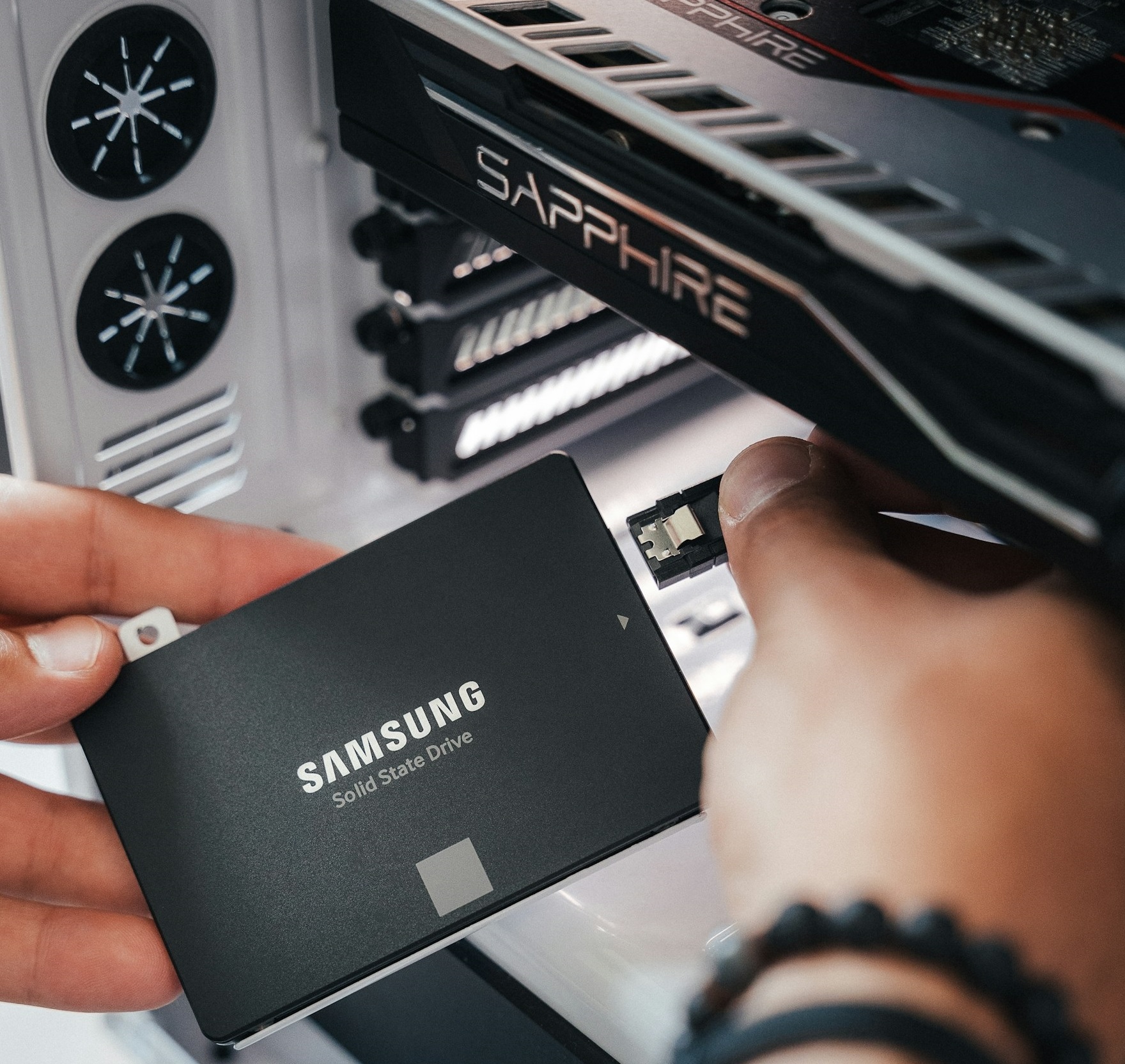 Is your computer taking forever to start up? Are programs opening slowly, or does your computer freeze whenever you try to do more than one thing at a time? Before you spend hundreds or even thousands of dollars replacing your computer, there may be a much simpler and more affordable solution.
An SSD hard drive upgrade is one of the most effective ways to breathe new life into an older computer. SSD hard drives can be up to 500% faster than traditional mechanical hard drives. By replacing your old hard drive with a modern Solid-State Drive (SSD), you can dramatically reduce startup times, launch programs faster and enjoy a much smoother user experience.
At Jim’s IT, our experienced computer technicians provide professional SSD hard drive upgrades for desktop PCs, laptops and Apple Mac computers. We can install a new SSD, transfer your existing files and programs, and ensure your computer boots up in seconds and feels brand new.
Call us now at 131 546 any questions about our SSD hard drive upgrade service.
Customer Rating: 4.8/5 
based on 26,328 + Reviews
Professional SSD Hard Drive Upgrade Services Make Your Computer 500% Faster with an SSD Upgrade
There are few things more frustrating than turning on your computer and waiting several minutes for Windows to load. Even after reaching your desktop screen, you might find yourself waiting for Microsoft Outlook, Word or your internet browser to open.
Many older computers still use traditional mechanical hard drives, which store information on spinning disks. These drives can become a major performance bottleneck, particularly when running modern operating systems and applications.
Unlike mechanical hard drives, SSDs use flash memory to store information and have no moving parts. This allows them to access files much faster, making a noticeable difference to how quickly your computer starts, loads programs and responds to everyday tasks.
Our Jim’s IT technicians can assess your existing hard drive, recommend a suitable SSD and install it in your computer. Where the existing drive is healthy and compatible, we can also clone its contents to the new SSD, keeping all your files and documents.
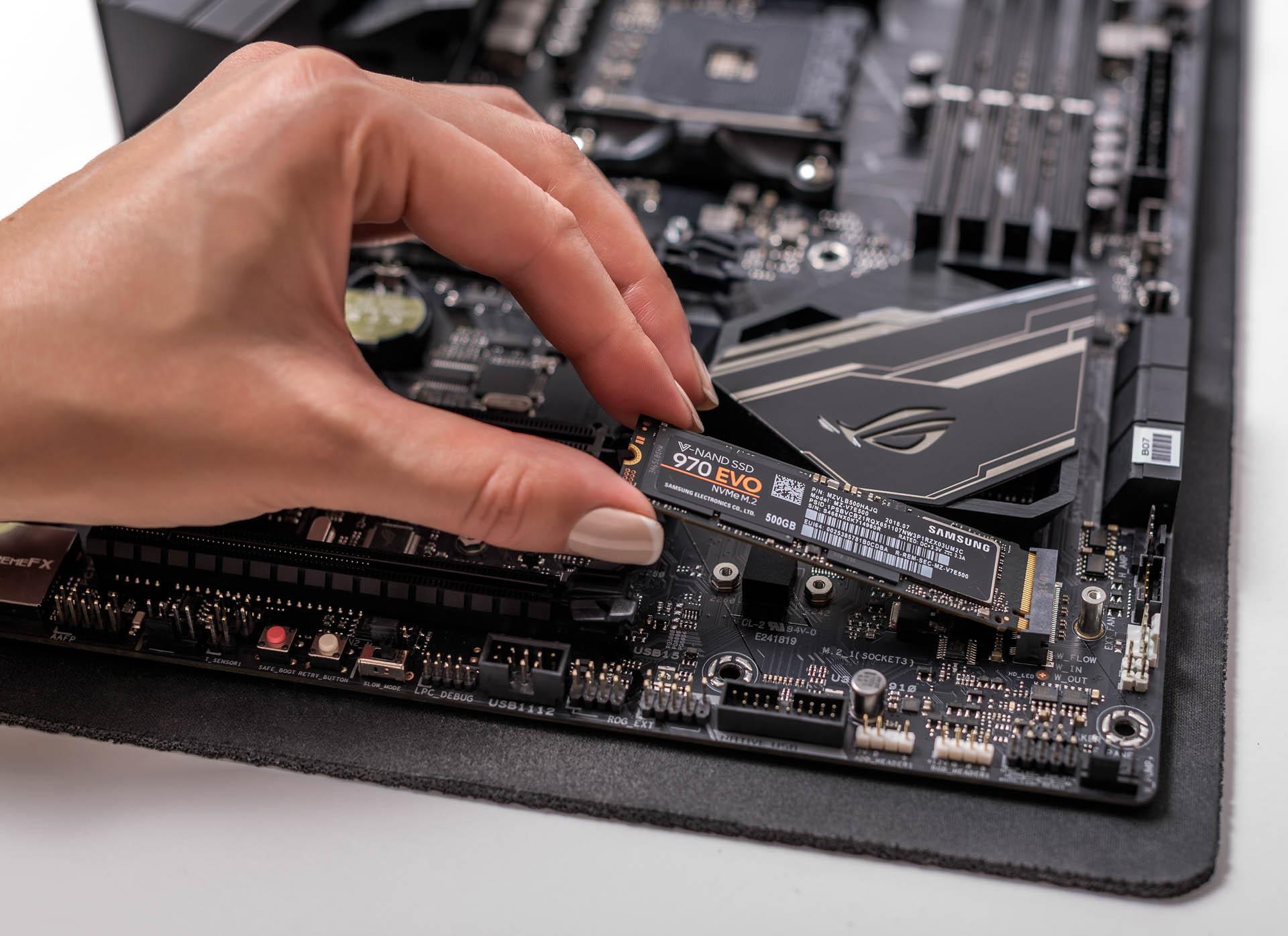
Our SSD upgrade services include:
PC SSD upgrade
Mac SSD
SATA SSDs
NVME SSDs
OS installs
Laptop SSD
Data migration
Extra storage
HD health
HD swaps
If your computer has become frustratingly slow, an SSD upgrade could be a cost-effective alternative to purchasing a new machine. Our technicians can also recommend other computer upgrades if additional hardware improvements are worthwhile.
Benefits of Upgrading to an SSD Hard Drive Faster Startup, Quicker Programs & Improved Computer Performance
One of the biggest advantages of upgrading to an SSD is the immediate & dramatic improvement in computer speed. Tasks that previously involved long waiting times become almost instant, especially when replacing an older mechanical hard drive.
For example, your computer may take several minutes to reach the Windows desktop, followed by another lengthy wait while background applications finish loading. With a suitable SSD installed, the operating system can access the files it needs in seconds. This applies to all Windows PCs, Laptops and Mac computers.
The improvement isn’t limited to startup times. Opening documents, launching programs, switching between applications and transferring files can also become instant.
SSDs have no spinning disks or moving read/write heads, which means they also operate silently and are less vulnerable to certain types of mechanical damage.
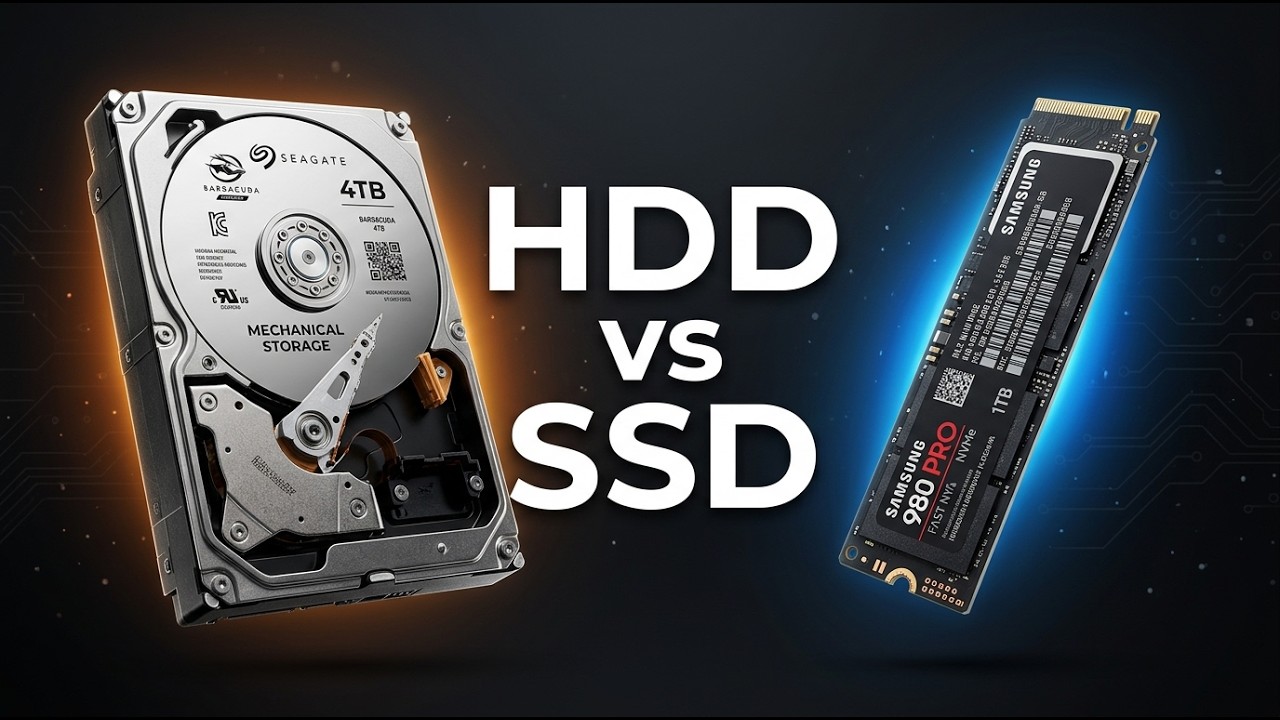
Here are some of the benefits of an SSD hard drive upgrade:
Faster startup
Quicker apps
Quick response
Fast transfers
Less lag
Silent
Faster files
More relilable
Multitasking
Longer lifespan
The actual improvement depends on your existing hardware, the type of SSD installed and the tasks you perform. An SSD won’t fix every computer performance problem, particularly if your system has insufficient RAM, an overheating processor or other hardware faults.
For a more detailed explanation of the technology, read our article on why you should upgrade to an SSD.
Laptop & Desktop SSD Upgrades Upgrade Your Existing Computer Instead of Replacing It
Have you been thinking about buying a new computer simply because your existing one has become too slow? If the processor, memory and other components are still in good condition, replacing the hard drive may be all that’s needed to make it enjoyable and super-fast to use again.
Many older desktops and laptops can accept a modern SSD, although the type of drive and installation process will depend on the computer’s make and model.
Some computers support standard 2.5-inch SATA SSDs, while newer systems may use faster M.2 NVMe drives. Other machines have limited upgrade options or storage soldered directly onto the motherboard.
Our Jim’s IT technicians can check your computer’s compatibility and recommend an SSD that suits your existing hardware, storage requirements and budget.
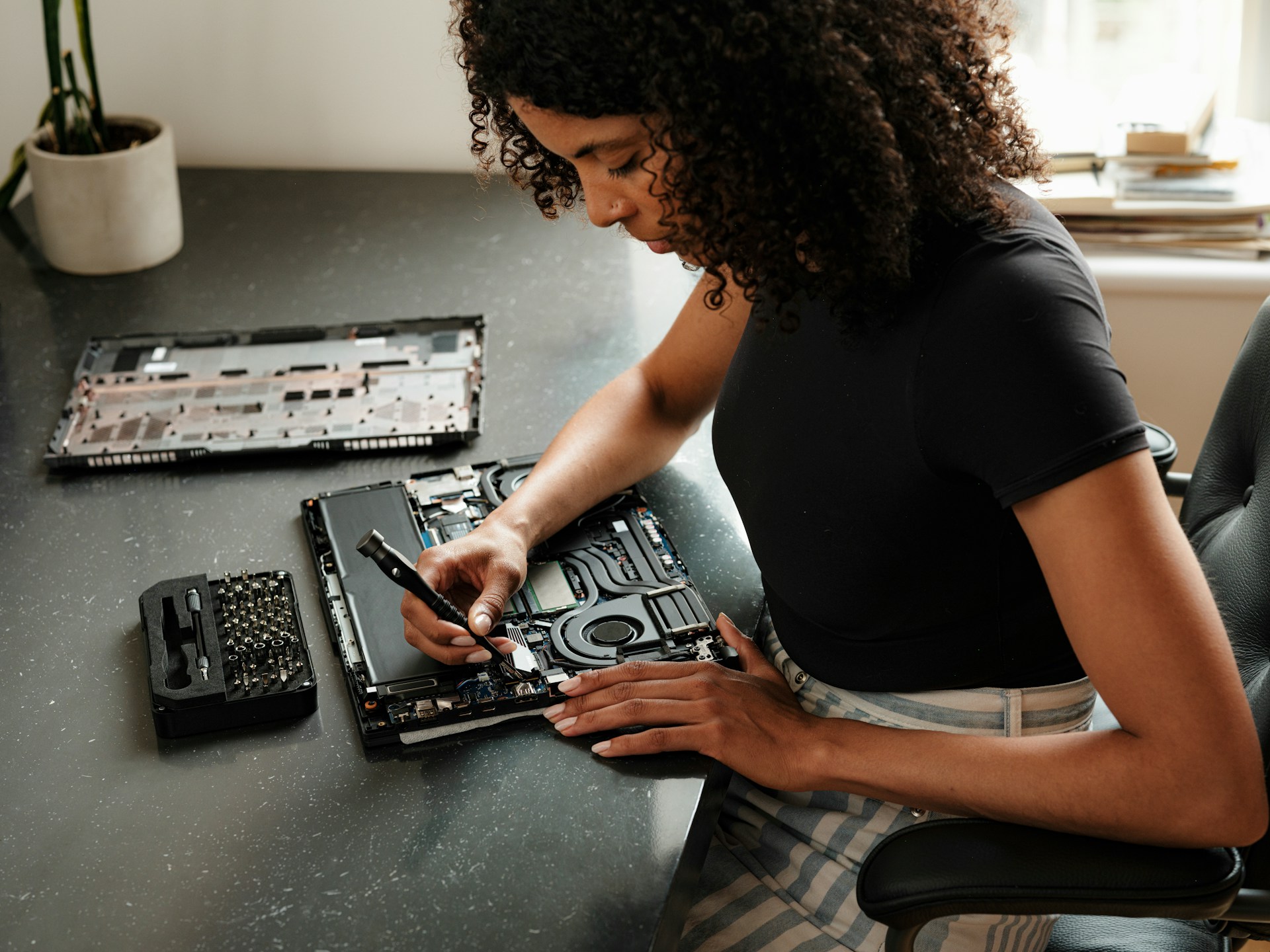
We can assist with SSD upgrades for a range of supported computers, including:
Windows PCs
Laptops
iMacs
Macbooks
All in Ones
Custom PCs
Lenovo
Dell
ASUS
All brands
Not every MacBook or modern laptop has replaceable internal storage. Our technicians can assess your specific model before recommending an upgrade. If your computer has additional problems beyond slow storage, our computer repairs service can help identify whether other components need attention.
Call 131 546 to find out whether your existing computer is suitable for an SSD upgrade.
SSD Installation & Hard Drive Cloning Keep Your Existing Files, Programs & Settings
One of the biggest concerns customers have when replacing their computer’s hard drive is what will happen to their photos, documents, emails and installed programs.
After spending years setting up your computer exactly how you like it, the last thing you want is to start from scratch, reinstall everything and spend hours trying to locate your important files.
Fortunately, when your existing hard drive is healthy and the systems are compatible, it may be possible to clone its contents directly to a new SSD.
Hard drive cloning creates a copy of the existing drive, including the operating system, applications, files and many settings. Once the new SSD is installed and configured correctly, your computer can look and operate just like it did before, except it’s now dramatically faster, and feels brand new.
Our Jim’s IT technicians can assess whether cloning is suitable, recommend appropriate backup precautions and help transfer your existing data to the new SSD.
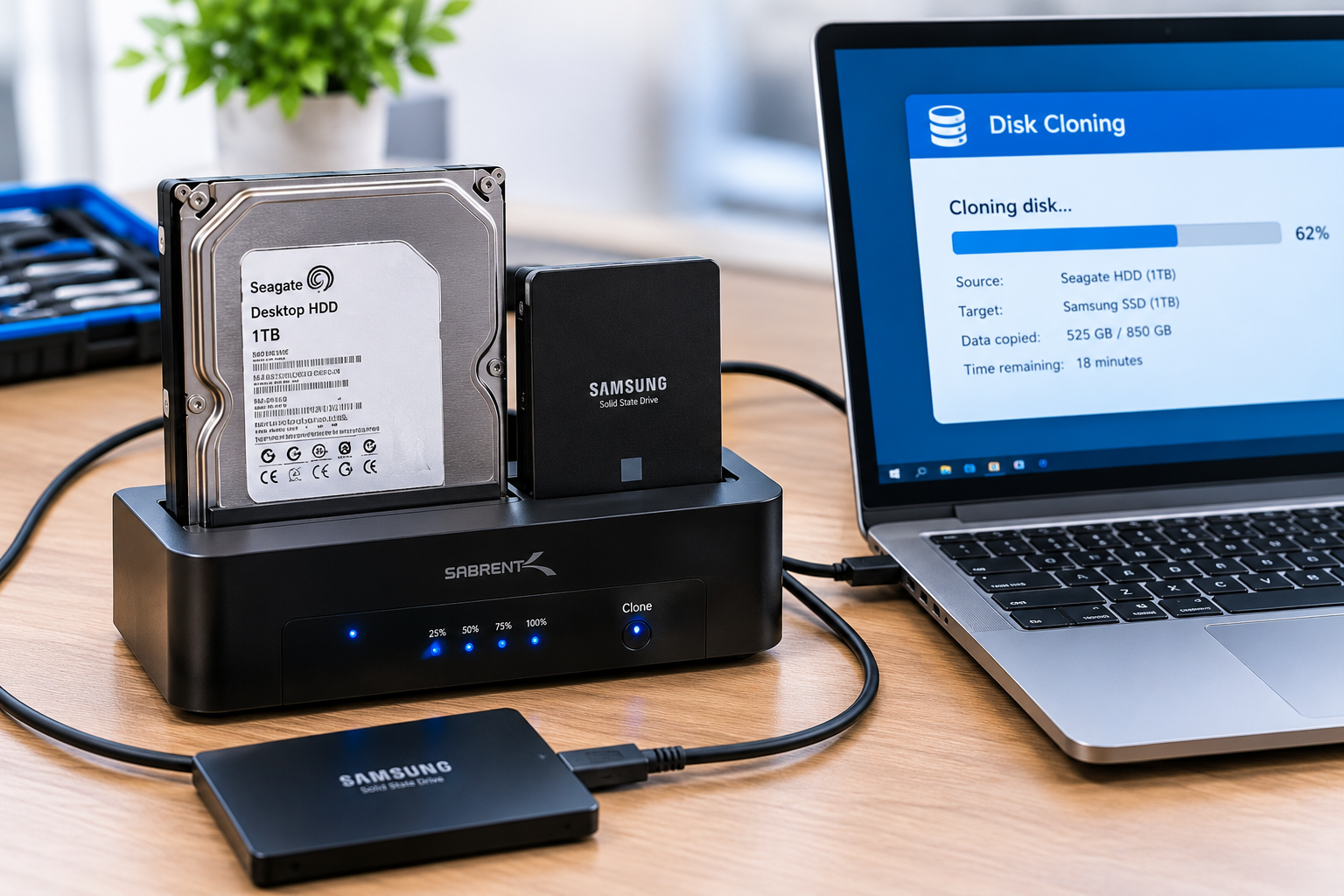
Depending on the condition of your computer and the migration method, we can assist with:
OS cloning
Personal files
Desktop files
Bookmarks
Emails
Data migration
Photos
Videos
Apps
Settings
Not every drive can be cloned successfully. Existing disk errors, encryption, software licensing and differences between storage devices can complicate the process. In some cases, a fresh operating system installation followed by a file transfer may be the better option.
If your hard drive is failing or important files are already missing, we may recommend assessing data recovery options before attempting to copy the drive.
Why Choose Jim's IT for SSD Hard Drive Upgrades? Speed Up Your Computer by 500%
Replacing a mechanical hard drive with an SSD can make a noticeable difference to an older computer, but choosing the right drive and transferring your existing system correctly are just as important as the installation itself.
Buying an incompatible SSD or attempting to clone a failing hard drive can result in unnecessary expense, installation problems or potential data loss.
Our Jim’s IT computer technicians can assess your existing hardware, recommend a compatible SSD and explain the most appropriate installation and migration options.
We don’t believe every slow computer needs replacing. If a relatively simple upgrade can improve your computer’s performance and extend its useful life, we’ll help you understand whether it’s worth doing.
Jim’s IT has over 15 years of experience assisting Australian home and business customers with computer repairs, upgrades and technical support.
Whether you’re upgrading a single home laptop or several business computers, our goal is to make the process straightforward and minimise disruption.
Our services are backed by our No-Fix, No-Fee Guarantee and Jim’s Group guarantee, making sure you have piece of mind before completing your upgrade.
Fixed Pricing
All quotes are free and fixed prices. We may charge to inspect the problem so we can quote accurately.
Same Day Service
You can request on-site same-day service before 10 am. We'll have a technician at your door that very same day!
No Fix No Fee
If we can't fix the problem or offer you a solution then there is nothing to pay.
or fill in our online enquiry form today to setup up an appointment with a local computer technician.
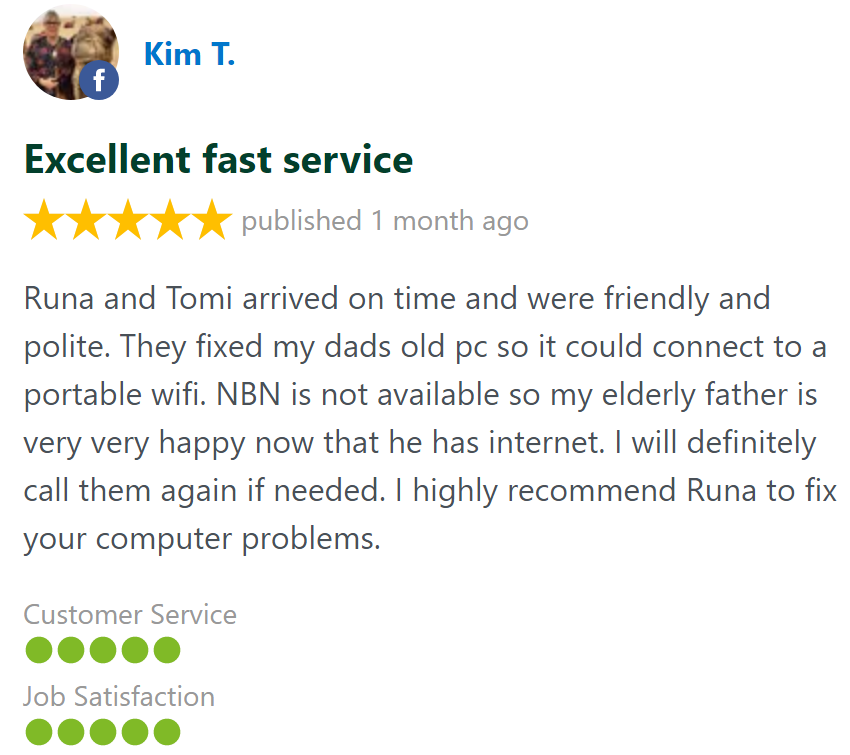
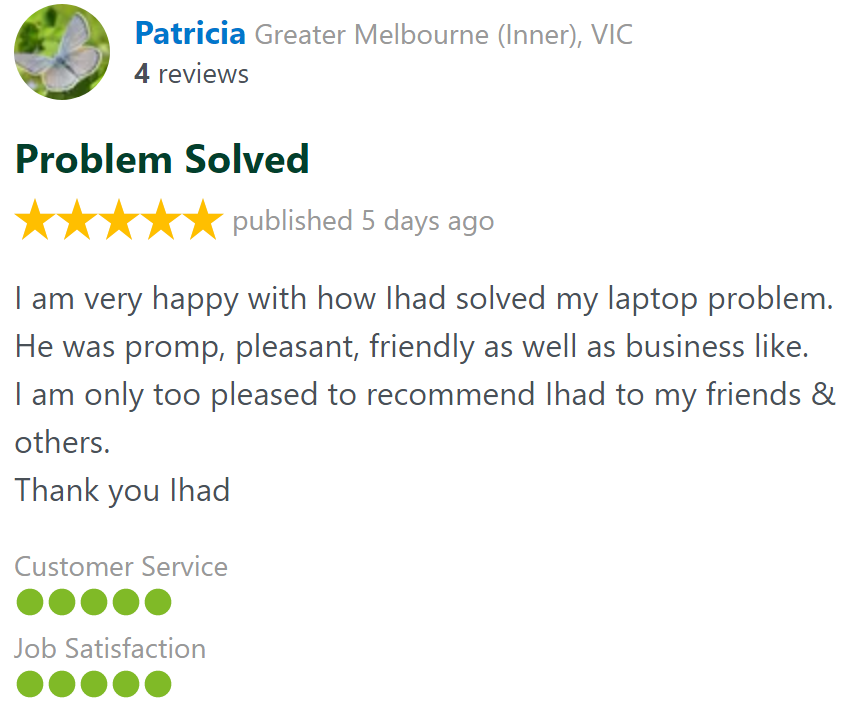
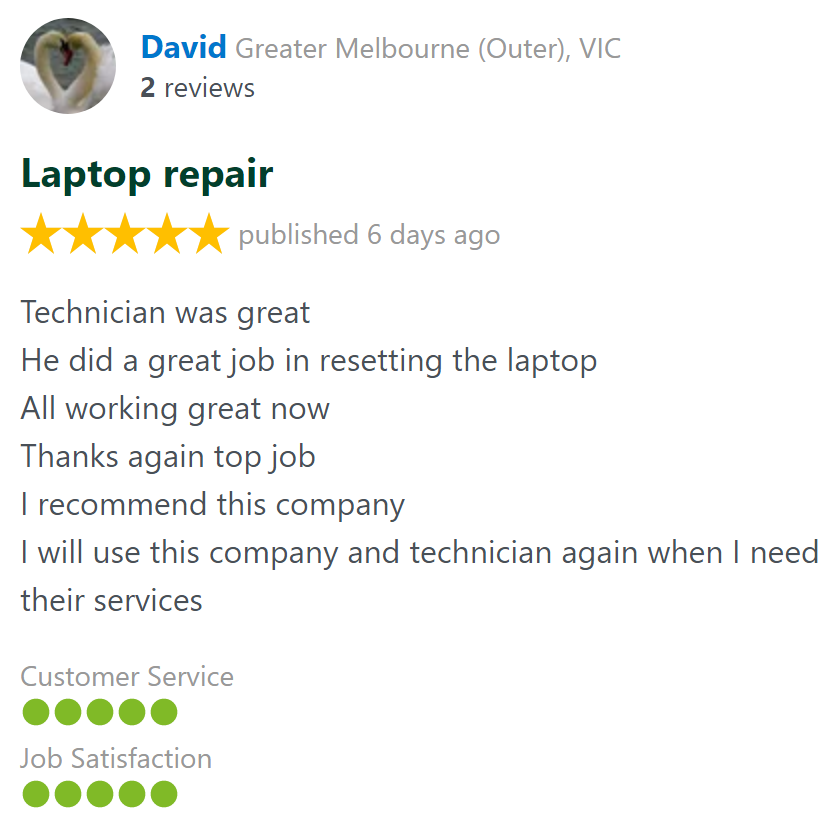
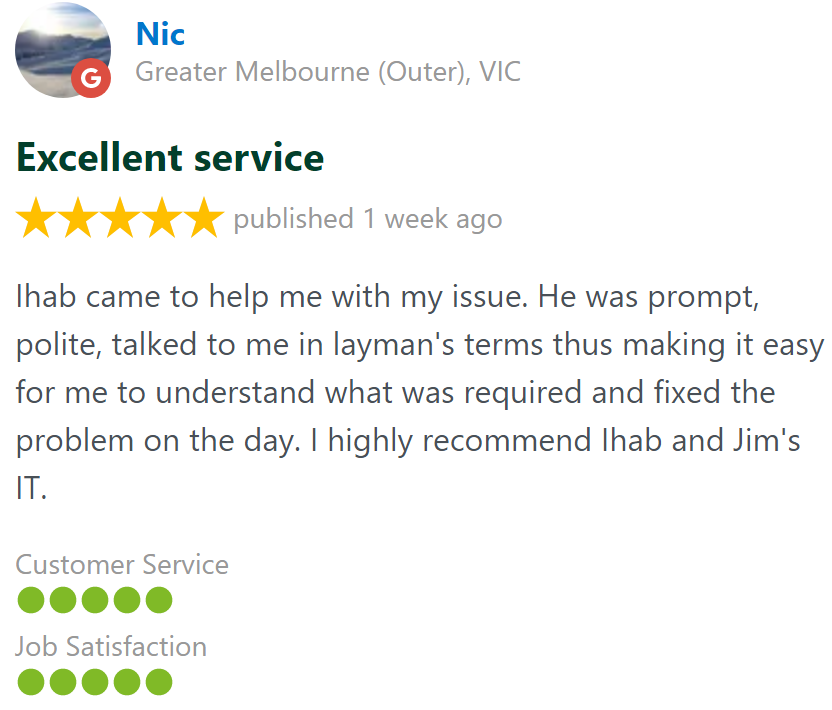
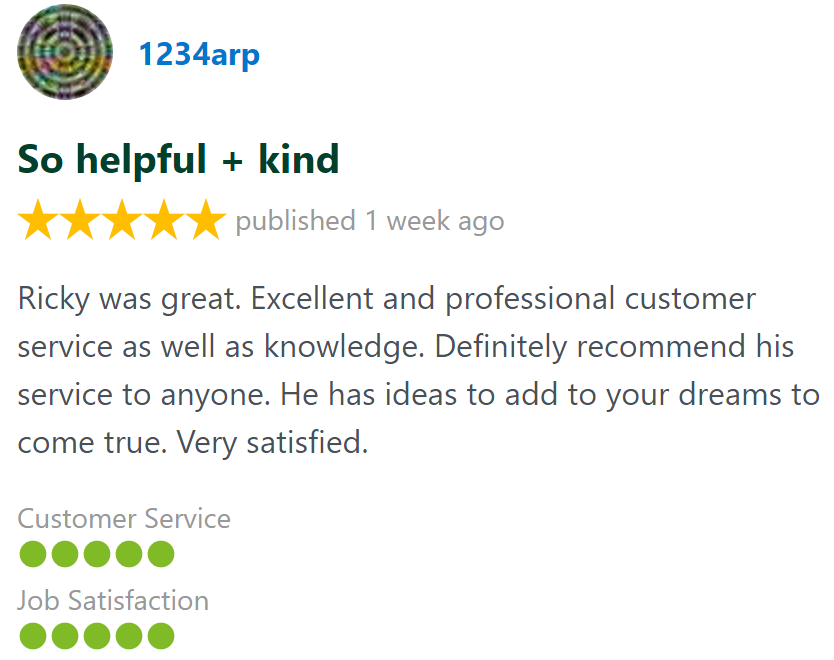
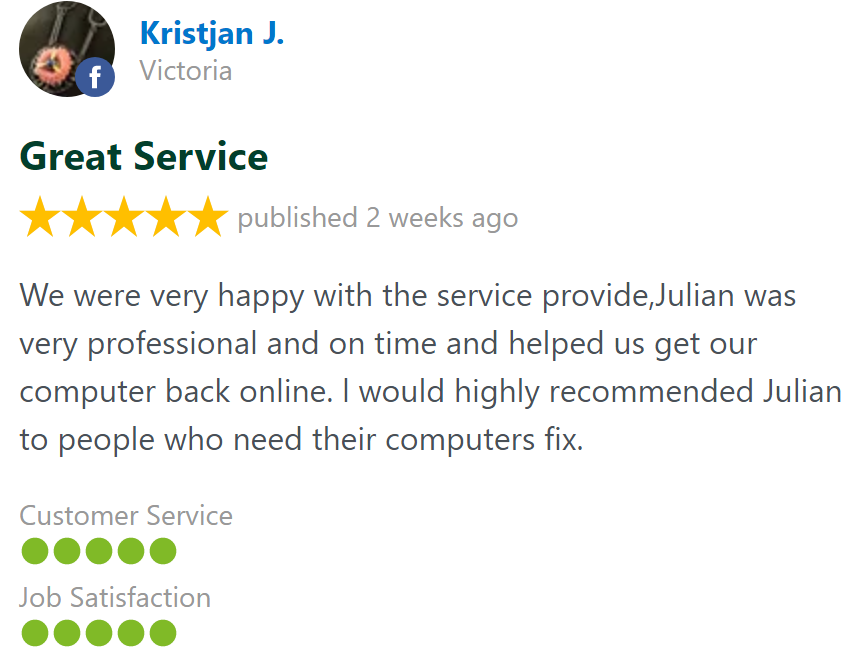
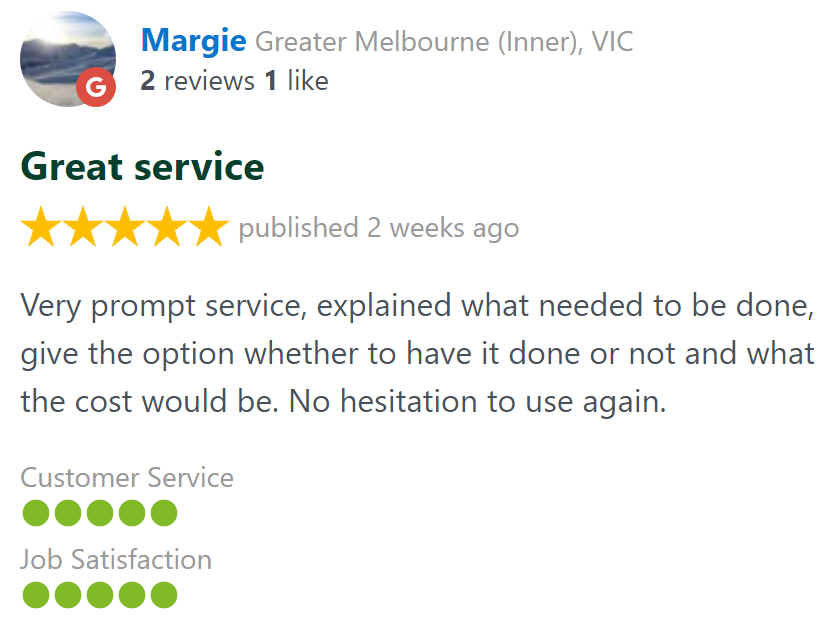
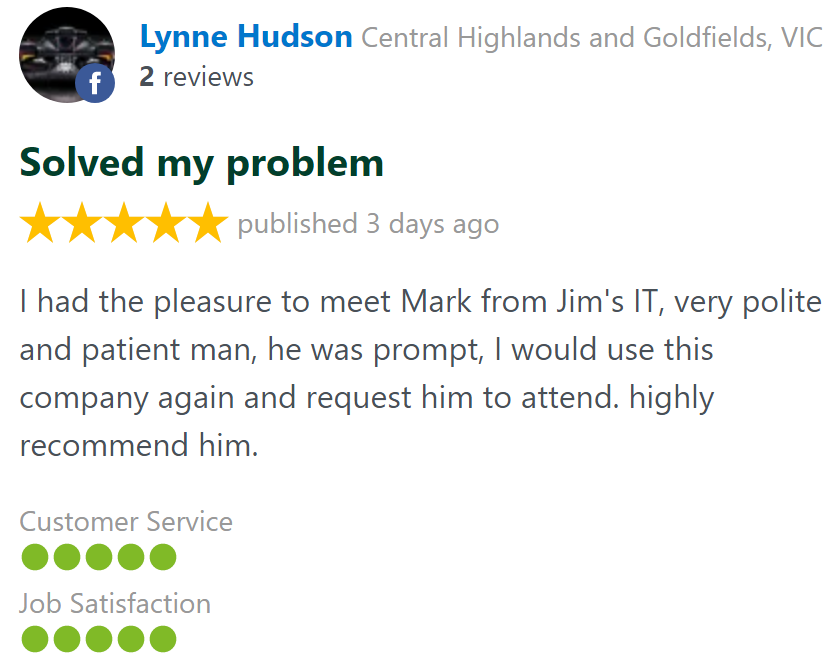
Customer Reviews 26,328 + 4.8-Star Reviews
Book Your SSD Hard Drive Upgrade Today
Is your computer running slowly, taking forever to start or struggling to open programs? Our friendly, experienced Jim’s IT technicians can upgrade your PC, laptop or Mac with a high-performance SSD to dramatically improve speed and responsiveness. Call us today on 131 546 or fill out the form on this page.
SSD Hard Drive Upgrade Services Servicing All Suburbs Across Australia
SSD Hard Drive Upgrades - Frequently Asked Questions
Need an SSD Hard drive Upgrade?