
Office 365 Setup Service
Have you purchased Microsoft 365 but are having trouble installing Office, setting up Outlook or getting OneDrive to sync across your devices? Perhaps you have changed computers and cannot find your old emails, documents or Microsoft Office licence.
Microsoft 365 (previously called Office 365) includes several applications and online services. Although the installation may look simple, account sign-in problems, licence errors and incorrect settings can quickly turn it into a frustrating experience.
At Jim’s IT, our computer technicians can help you install Microsoft 365, configure Outlook, set up OneDrive and get Word, Excel and other Office applications working on your PC, Mac or mobile devices. We also assist small businesses with staff accounts, business email and Microsoft 365 security settings.
Whether you need Office installed on one laptop or help setting up Microsoft 365 for your business, call Jim’s IT on 131 546 to discuss your requirements.
Customer Rating: 4.8/5 
based on 26,328 + Reviews
Professional Microsoft 365 Setup & Installation Expert Microsoft 365 Setup for PCs, Macs & Laptops
Microsoft 365 combines familiar Office programs with cloud-based services, but the features available depend on your subscription. Choosing the wrong plan or signing in with the wrong Microsoft account can leave you paying for software you cannot use.
Our Jim’s IT technicians can review your existing subscription, check your computer, install the applications included in your plan and make sure your account is correctly activated. We can also explain how to access your documents and email on other devices.
Here are some of the Microsoft 365 setup services we can assist with:
365 installation
Word & Excel
Outlook setup
Office updates
Device setup
365 activation
PowerPoint
Account sign-in
Billing support
Mac installation
If you are unsure which Microsoft 365 subscription you have, call 131 546 and we can help you work out the next step.
Microsoft Outlook & Office 365 Email Setup Sync Your Emails Across All Your Devices
Have you installed Outlook but your emails are missing, your password keeps being rejected or messages will not send? Email setup problems can be particularly disruptive when you rely on Outlook for work.
Jim’s IT can configure Outlook with compatible Microsoft 365, Outlook.com and other supported email accounts. For business customers, we can help connect an existing domain, configure Microsoft 365 mailboxes and check the settings needed for reliable email delivery.
We can also help transfer existing email data where a supported migration method is available, while checking important folders, contacts and calendars before the old setup is retired.
Common Outlook and email setup services include:
Outlook setup
365 mailboxes
Calendars
Shared inbox
Email errors
Email issues
Business email
Mail migration
Signatures
Mobile email
For general email problems involving other providers, see our Email Setup Service. If your Outlook email is not working, call Jim’s IT on 131 546 for assistance.
OneDrive Setup & Cloud File Syncing Access Your Files Anywhere, Anytime
OneDrive makes it easier to access documents from multiple computers, but it can also be confusing when files appear in different folders or stop syncing. Accidentally deleting a synced file can affect other devices, so it is important to understand how your folders are connected.
Our technicians can sign you into OneDrive, configure the folders you want to sync and explain how to access your files online and offline. We can also help move documents from an old computer, review available storage and troubleshoot common sync errors.
OneDrive cloud syncing is not a complete substitute for an independent backup. Where appropriate, we can discuss additional backup options for important business and personal files.
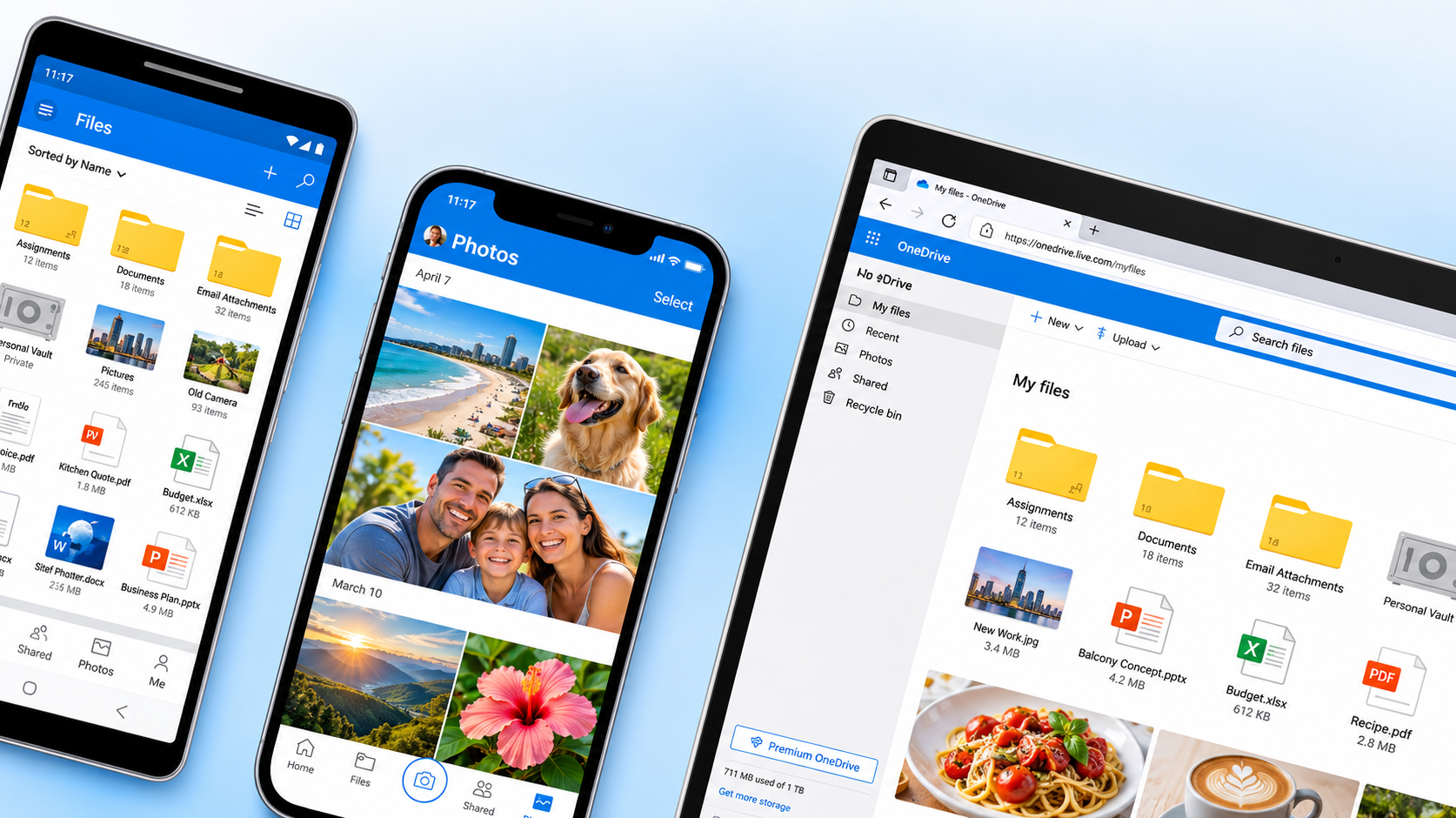
Here are some common OneDrive services we provide:
OneDrive setup
File access
Sync fixes
File sharing
Folder sync
Security
Increase space
File transfers
Sign-in issues
Backup advice
If you’re having trouble syncing your OneDrive files or want to make sure your important documents are protected, our Jim’s IT technicians can also help with computer backup services.
Call us today on 131 546 for assistance with OneDrive setup, file syncing and backing up your important files.
Microsoft 365 Setup for Small Businesses Get Your Business Email, Staff & Applications Connected
Setting up Microsoft 365 for a business involves more than installing Word and Outlook. You may need to choose suitable licences, create staff accounts, connect your domain and control who can access company files.
Jim’s IT can help small businesses plan their Microsoft 365 setup, configure user accounts and introduce tools such as Teams, OneDrive and SharePoint where included in the chosen subscription. We can also assist with staff joining or leaving the business and with basic access permissions.
Getting these settings right from the beginning can reduce confusion for staff and make it easier to add users as the business grows.

Here are some of the business Microsoft 365 services we can assist with:
Business license advice
Business email setup
OneDrive for Business
Shared mailboxes
Domain connection
New user accounts
Teams configuration
SharePoint setup
Staff access permissions
New computer rollouts
For larger migrations or more complex business requirements, our technicians can review the project scope and advise on the appropriate next steps. Call 131 546 to discuss your business.
Microsoft 365 Security & Account Troubleshooting Fix Account Problems & Keep Your Information Secure
A Microsoft 365 account can hold important emails, documents and personal information. If somebody gains access to your account, they may also be able to access connected services and files.
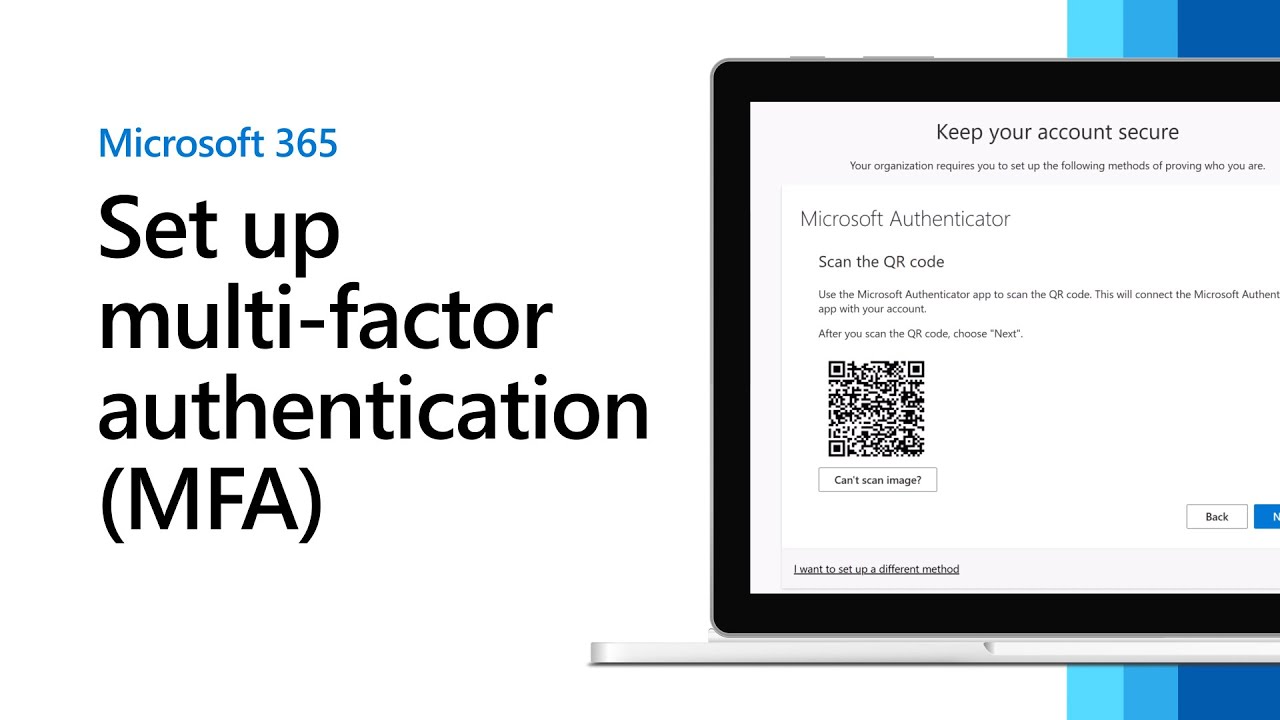
Our Jim’s IT technicians can help enable multi-factor authentication, review account recovery options, update Microsoft 365 applications and troubleshoot sign-in or activation errors. For business accounts, we can also review basic access settings and help identify suspicious account activity.
We will explain the changes made so you know how to sign in securely and what to do if you change your phone or computer.
Common security and troubleshooting tasks include:
Business license advice
Business email setup
OneDrive for Business
Shared mailboxes
Domain connection
New user accounts
Teams configuration
SharePoint setup
Staff access permissions
New computer rollouts
For a broader review of your online accounts and computer protection, see our Digital Security Check. If you are locked out of Microsoft 365 or concerned about your account security, call 131 546.
Why Choose Jim’s IT for Your Office 365 Setup Service? Get Microsoft 365 Installed & Working Without the Headaches
Installing Microsoft 365 should be straightforward, but account problems, licence activation errors and incorrect settings can quickly turn a simple installation into a frustrating experience.
Whether you're setting up Microsoft 365 on a new computer, configuring Outlook or trying to get OneDrive working correctly, getting everything set up properly from the beginning can save you time and unnecessary problems later.
Our Jim’s IT computer technicians can help you choose the right Microsoft 365 subscription, install Word, Excel, Outlook and other Office applications, and configure your accounts and settings to suit your needs.
We can also assist with transferring existing emails, setting up OneDrive, troubleshooting licence problems and configuring Microsoft 365 security features to help protect your important information.
Jim’s IT has over 15 years of experience assisting Australian home and business customers with computer repairs, software installation and technical support.
Whether you need Microsoft 365 installed on a single home laptop or want to configure business email and Office applications for several employees, our goal is to make the process straightforward and minimise disruption.
Fixed Pricing
All quotes are free and fixed prices. We may charge to inspect the problem so we can quote accurately.
Same Day Service
You can request on-site same-day service before 10 am. We'll have a technician at your door that very same day!
No Fix No Fee
If we can't fix the problem or offer you a solution then there is nothing to pay.
or fill in our online enquiry form today to setup up an appointment with a local computer technician.
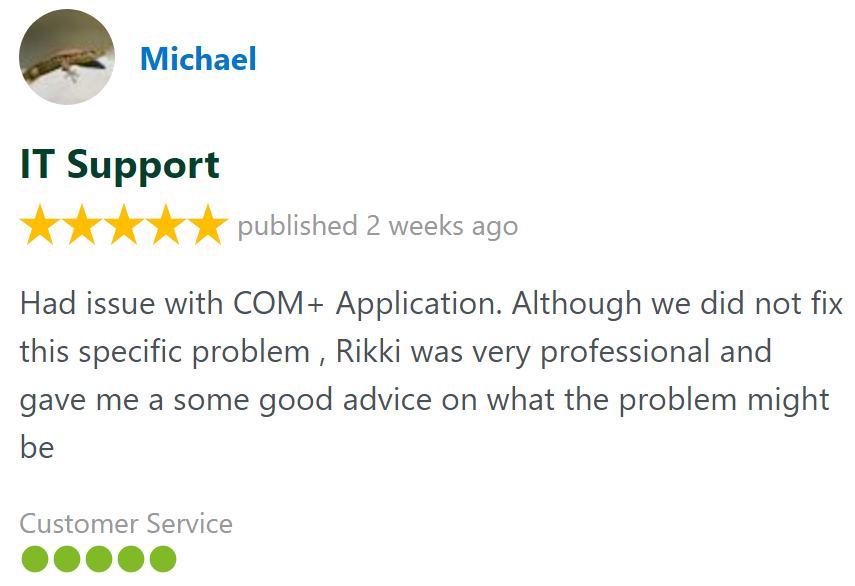
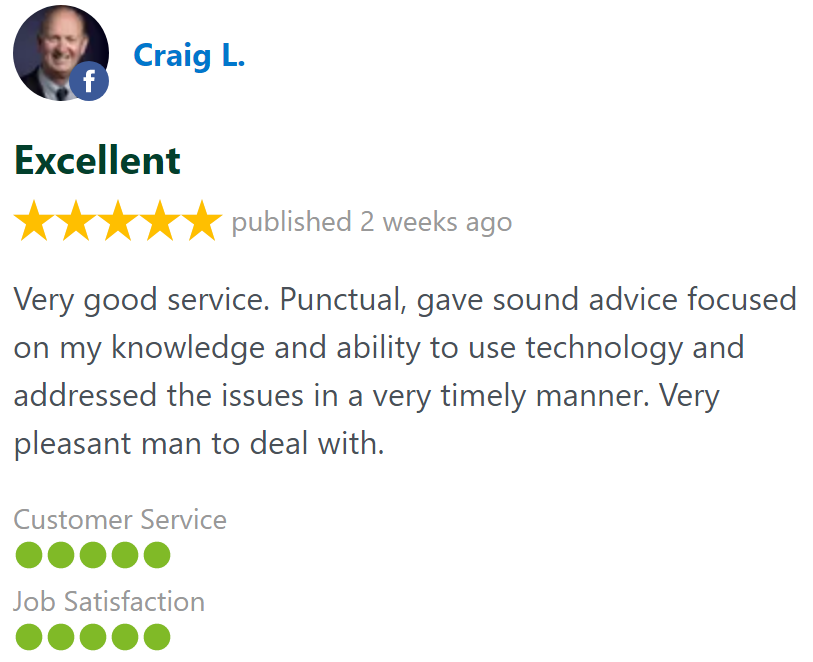
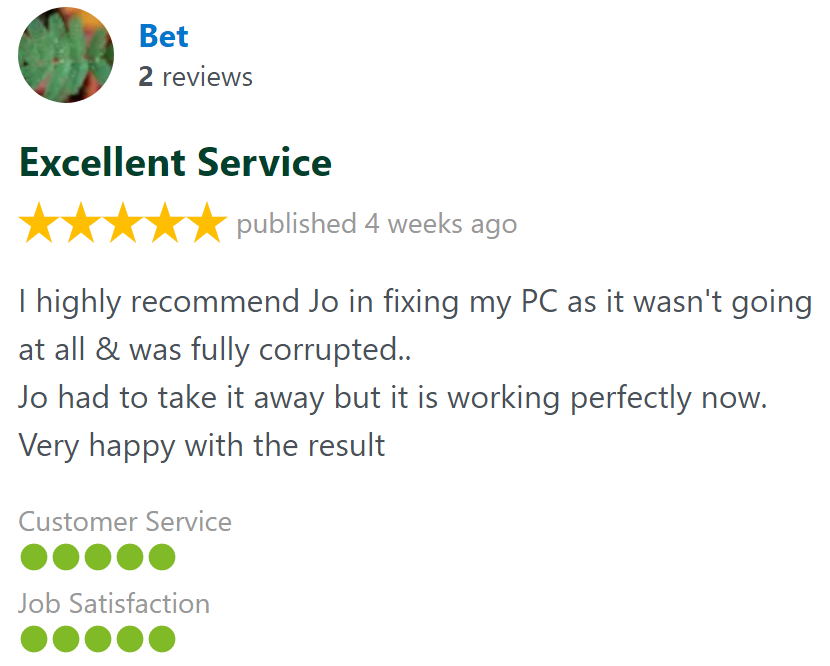
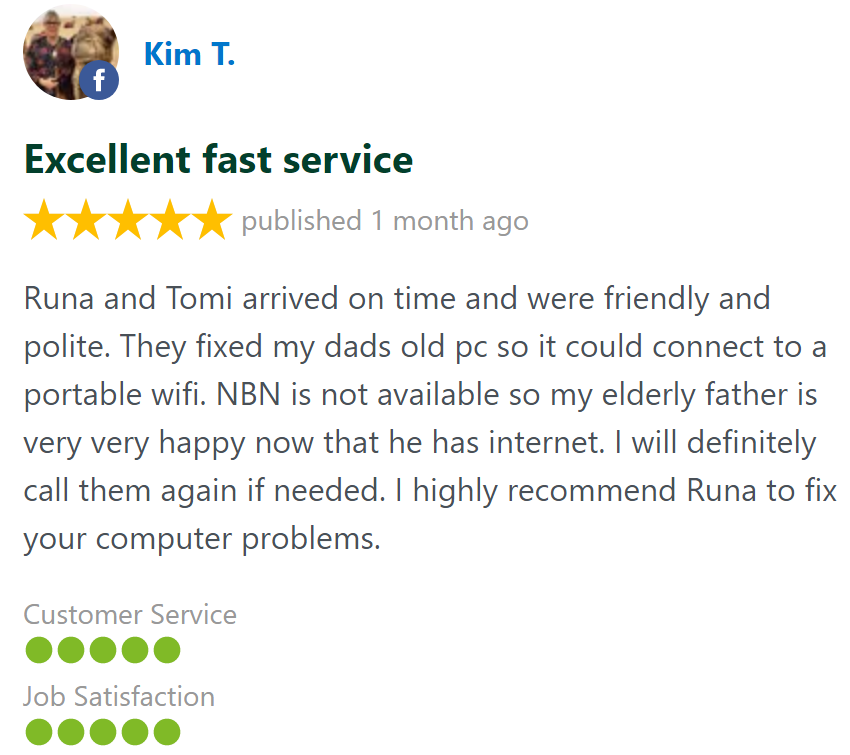
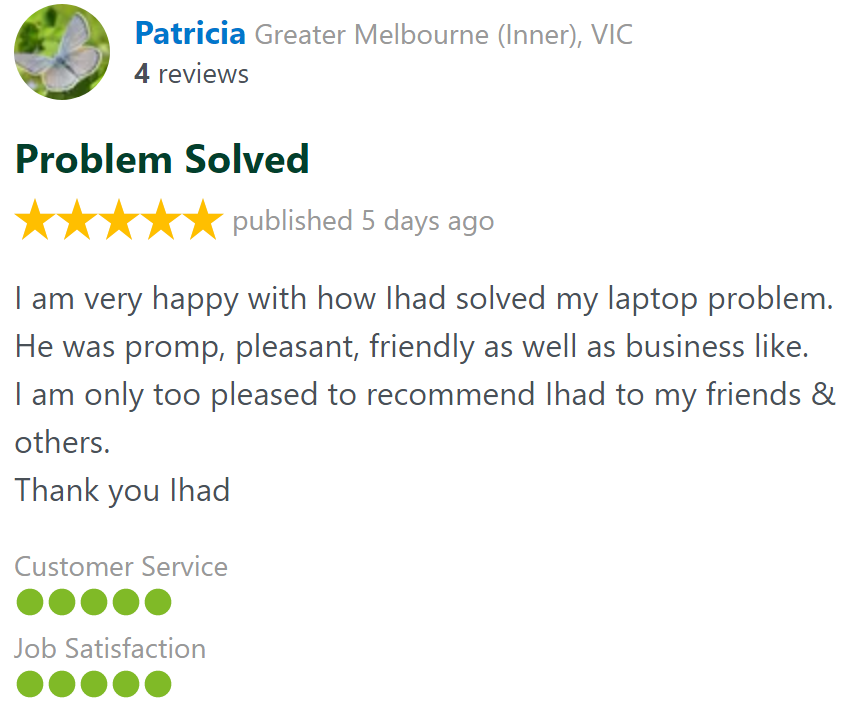
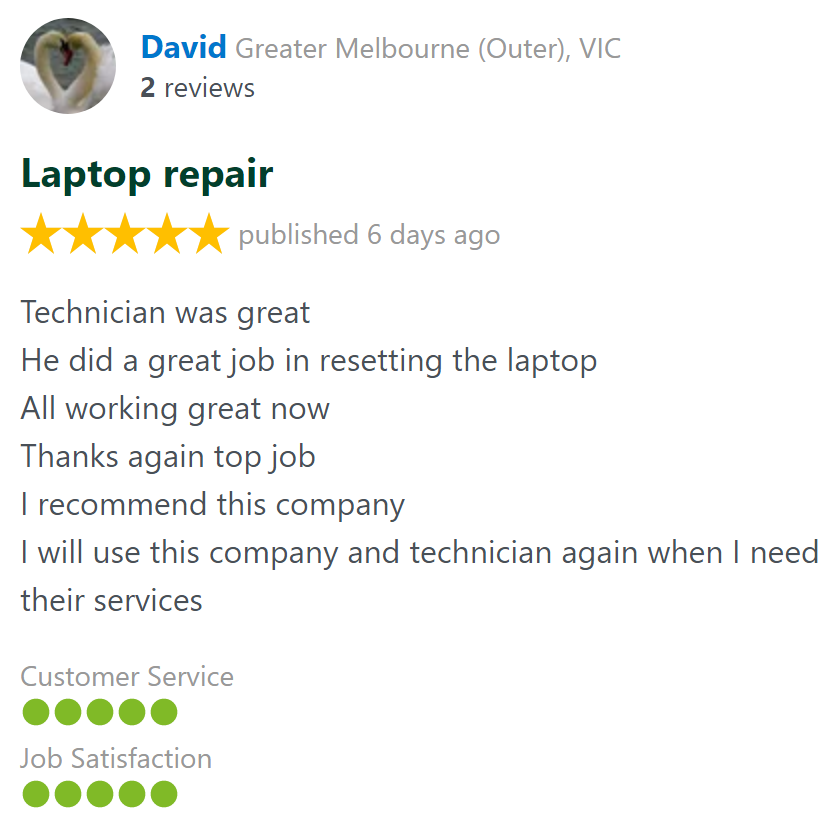
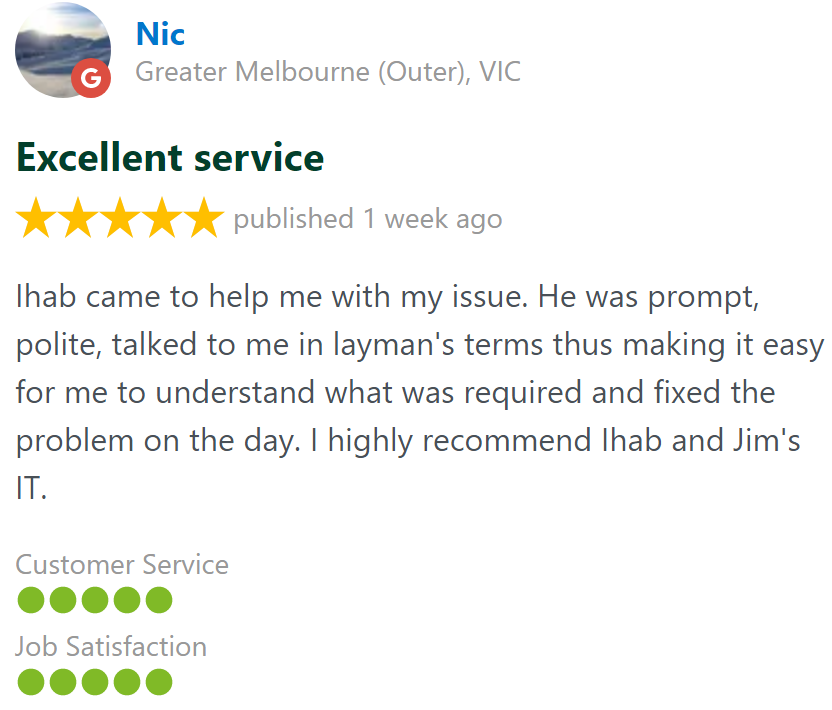
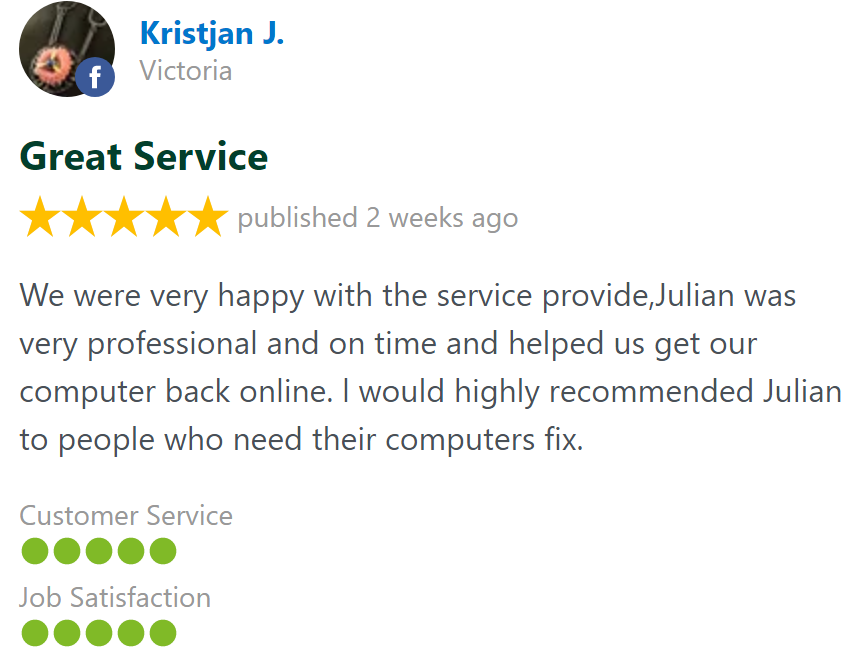
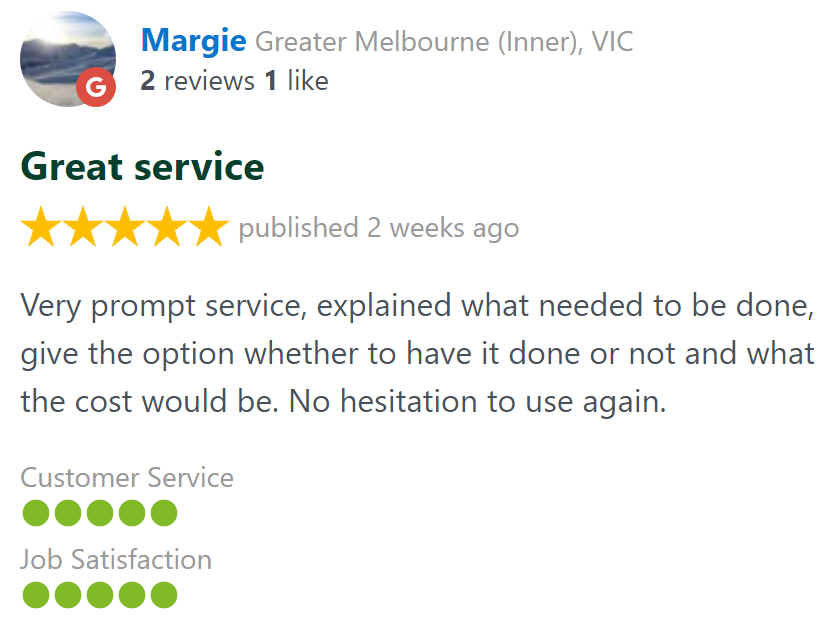
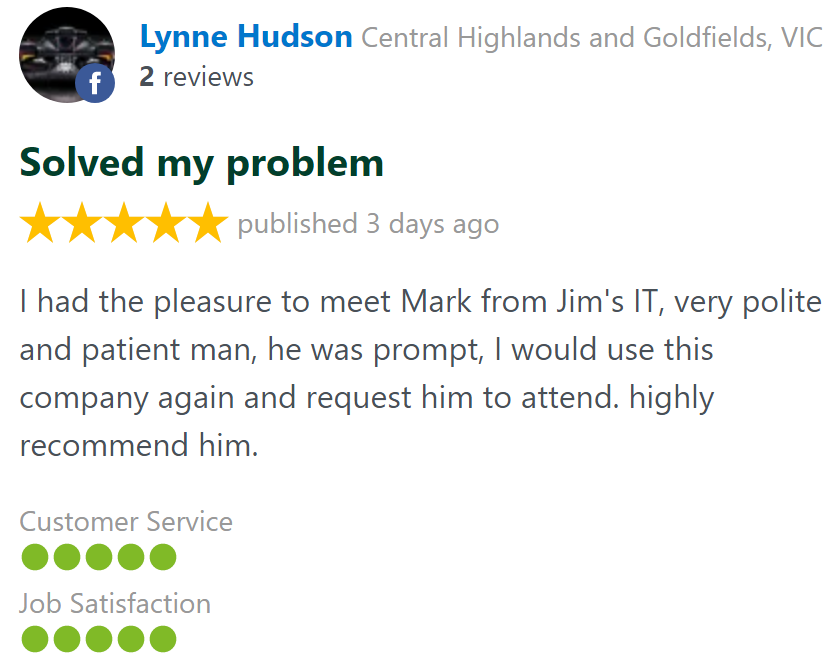
Customer Reviews 26,328 + 4.8-Star Reviews

Book Your Office 365 Setup Service Today
Having trouble installing Microsoft 365, setting up Outlook or getting OneDrive to sync properly? Our friendly, experienced Jim’s IT technicians can install Microsoft Office, configure your email accounts, set up cloud storage and troubleshoot common Microsoft 365 problems on PCs, laptops and Apple Macs. Call us today on 131 546 or fill out the form below.
Office 365 Setup Service Servicing All Suburbs Across Australia

Office 365 Setup Service - Frequently Asked Questions
Need Help Setting Up Office 365?