
Windows 11 Upgrade Service
Are you still running Windows 10 and wondering whether it's time to upgrade? Perhaps you've received a message saying your computer isn't compatible with Windows 11, or you're concerned about losing your files, programs and settings during the upgrade.
Microsoft officially ended security support for Windows 10 on the 14th of October 2025. Without ongoing security updates, your computer becomes increasingly vulnerable to hackers, viruses, malware and other cyber threats.
However, installing Windows 11 isn't always as straightforward as clicking the upgrade button, especially if your computer is several years old.
At Jim’s IT, our experienced computer technicians can help you upgrade from Windows 10 to Windows 11 safely and correctly. We check your computer's compatibility, help protect your important files and applications, install Windows 11 and make sure everything is working properly afterwards.
Whether you're upgrading a home computer, laptop or multiple business PCs, our Windows 11 upgrade service can help make the transition as smooth and hassle-free as possible.
Call us today on 131 546 if you have any questions or need professional assistance upgrading to Windows 11.
Customer Rating: 4.8/5 
based on 26,328 + Reviews
Professional Windows 11 Upgrade Services Upgrade from Windows 10 to Windows 11
Upgrading your computer's operating system can be a frustrating experience, particularly when you're unsure whether your existing hardware is compatible. You might have already tried installing Windows 11, only to receive an error message saying your computer doesn't meet the minimum system requirements.
Even if your computer is compatible, there are still things to consider before upgrading. Older software may not work correctly, printer drivers might need updating, and important files should be backed up in case something goes wrong during installation.
Our Jim’s IT technicians can take care of the entire Windows 11 upgrade process, from checking your computer's hardware through to installing the operating system and configuring your existing programs. We can also assess whether your computer would benefit from additional memory or a faster SSD before upgrading.
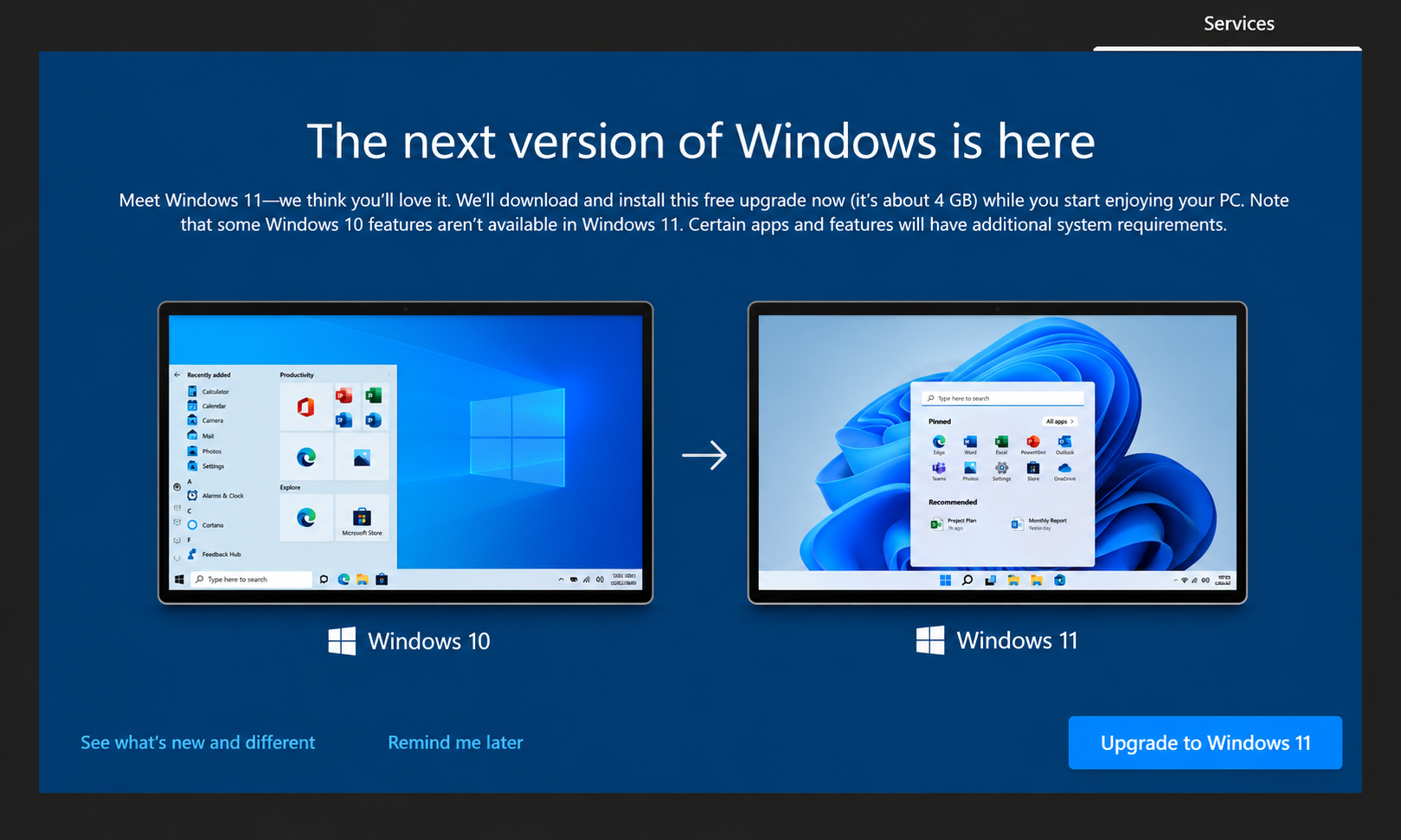
Our Windows 11 upgrade service includes:
Win 11 upgrades
Win 11 installs
Data backups
Win 11 setup
System checks
Security
Upgrade errors
Driver updates
Failed upgrades
Home & bus.
If you're unsure whether your computer is ready for Windows 11, give Jim’s IT a call on 131 546. We can assess your system and recommend the most appropriate way forward.
Windows 11 Compatibility Check Can Your Existing Computer Run Windows 11?
Not every computer running Windows 10 can be upgraded to Windows 11. Microsoft introduced stricter hardware requirements, which means some older computers may be unable to install the operating system through the normal supported upgrade process.
One of the most common problems involves TPM 2.0, a security feature required by Windows 11. Some computers have compatible hardware but don't have TPM or Secure Boot configured correctly, while others have processors that simply aren't supported.
Our Jim’s IT technicians can inspect your computer's hardware, review its BIOS or UEFI settings, and determine whether it meets Microsoft's Windows 11 requirements.
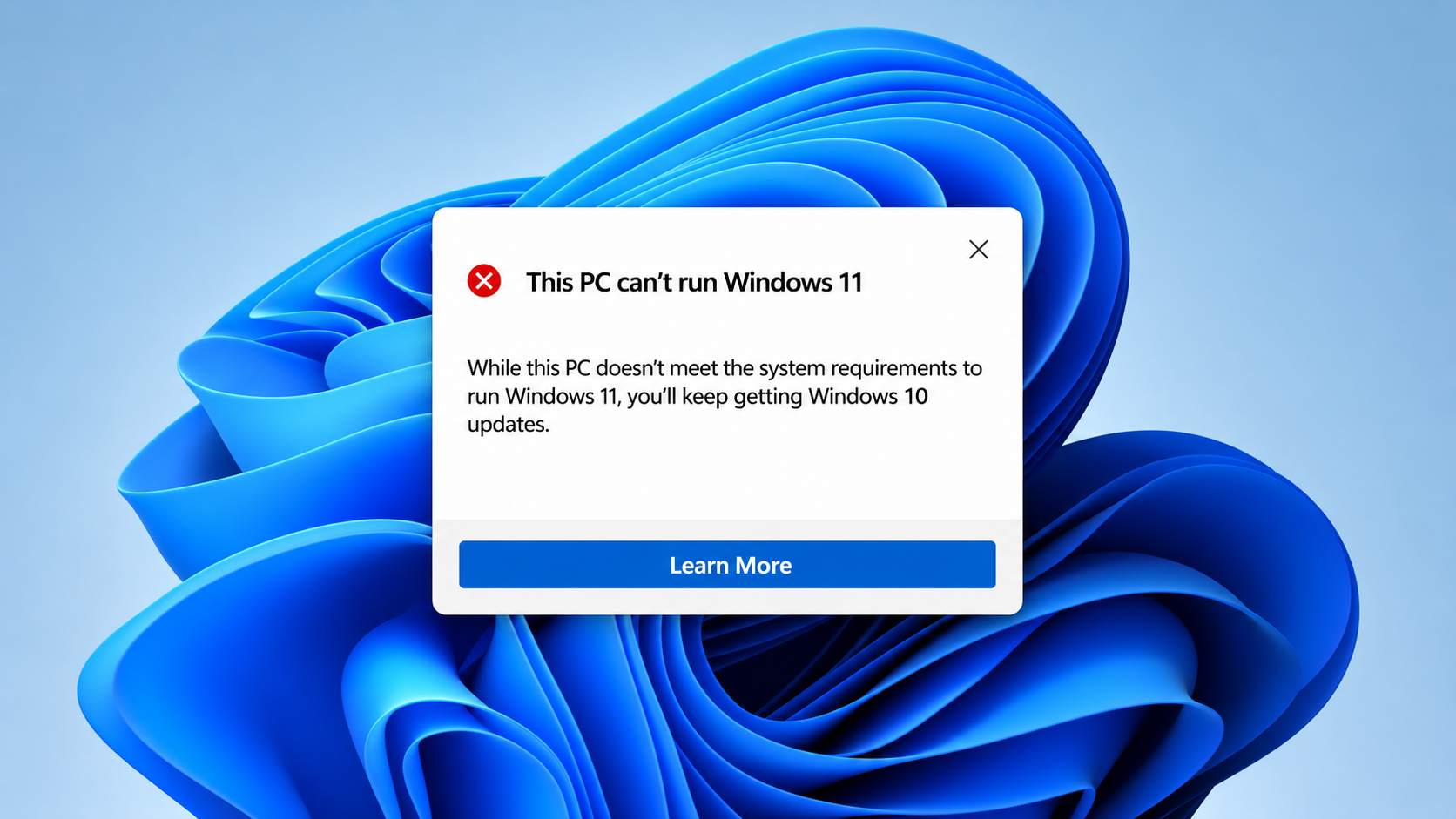
Our Windows 11 compatibility checks include:
CPU
RAM
Storage
Graphics
Win license
Secure boot
TPM 2.0
BIOS settings
Display
Hardware
Meeting minimum requirements doesn't guarantee great performance. If your computer doesn't qualify, we'll explain whether a supported upgrade is possible or whether replacement is more economical.
Windows 11 Installation & Setup Professional Windows 11 Installation Without the Headaches
Installing Windows 11 might seem straightforward, but problems can arise when your computer has outdated drivers, insufficient storage space, damaged system files or incompatible software.
A failed upgrade can leave your computer stuck on a loading screen, repeatedly restarting or displaying an error message. Jim’s IT provides professional Windows 11 installation and setup for home and business customers.
Once Windows 11 has been installed, we can configure user accounts, apply updates, check drivers and test your regular programs and devices. If you're buying a replacement PC instead, we also offer new computer setup to help get everything ready to use.
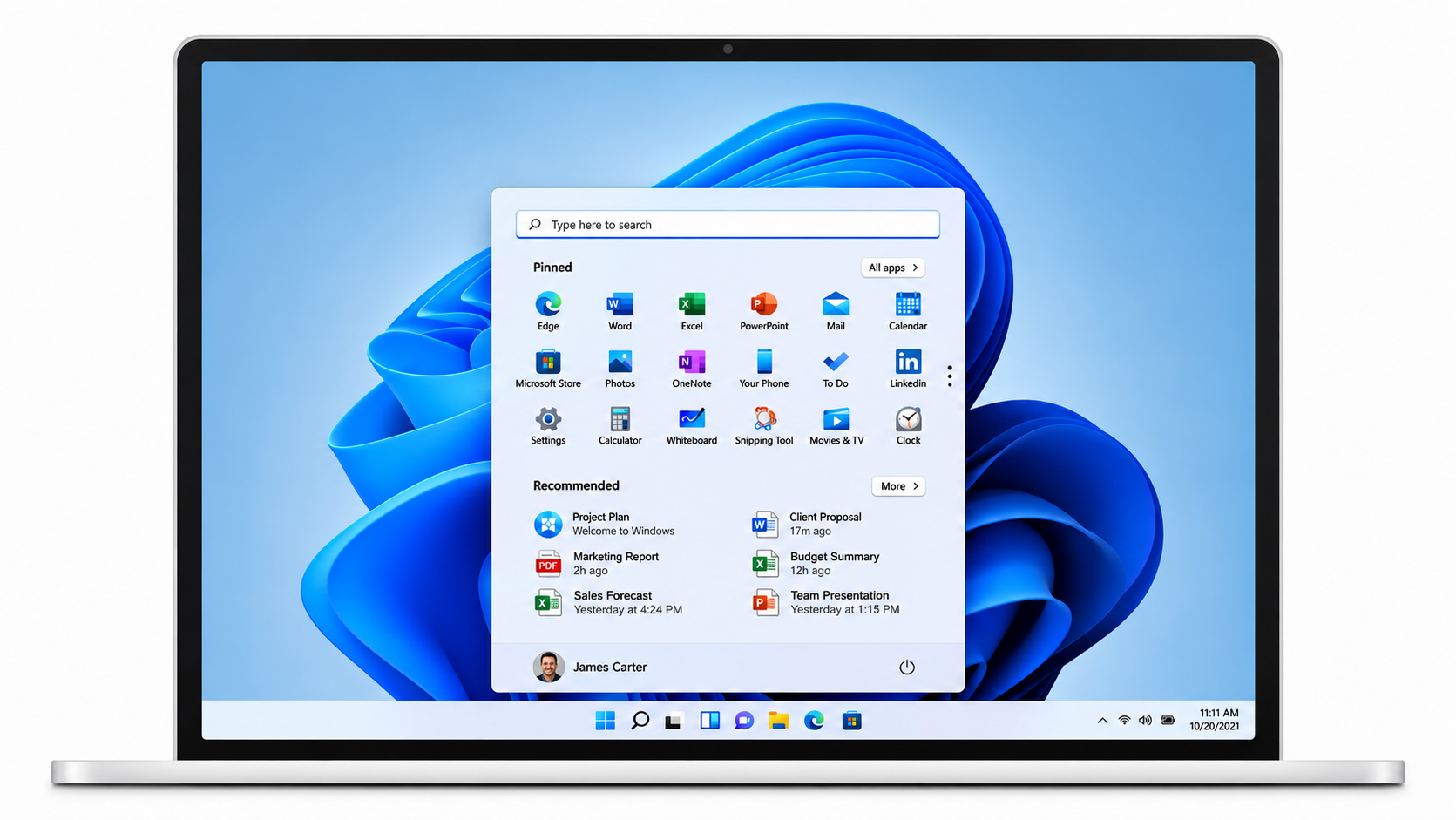
Our Windows 11 installation and setup services include:
Upgrades
Account setup
Win updates
Printer setup
Install repairs
Fresh installs
Security setup
Drive installs
365 setup
System testing
Call 131 546 to arrange a Windows 11 installation with one of our computer technicians.
Windows 11 Upgrade for Older Computers What If Your PC Isn't Compatible with Windows 11?
Have you tried upgrading to Windows 11 only to receive a message saying your computer doesn't meet the minimum requirements? This is common with older desktops and laptops that still run Windows 10.
Sometimes TPM 2.0 is disabled in firmware settings. In other cases, the processor or motherboard simply isn't supported. It's worth investigating before buying a replacement computer.
Our technicians can explain why your computer isn't compatible and whether supported configuration changes or hardware improvements are possible. Extra RAM or an SSD can improve performance but won't make an unsupported processor eligible for Windows 11.
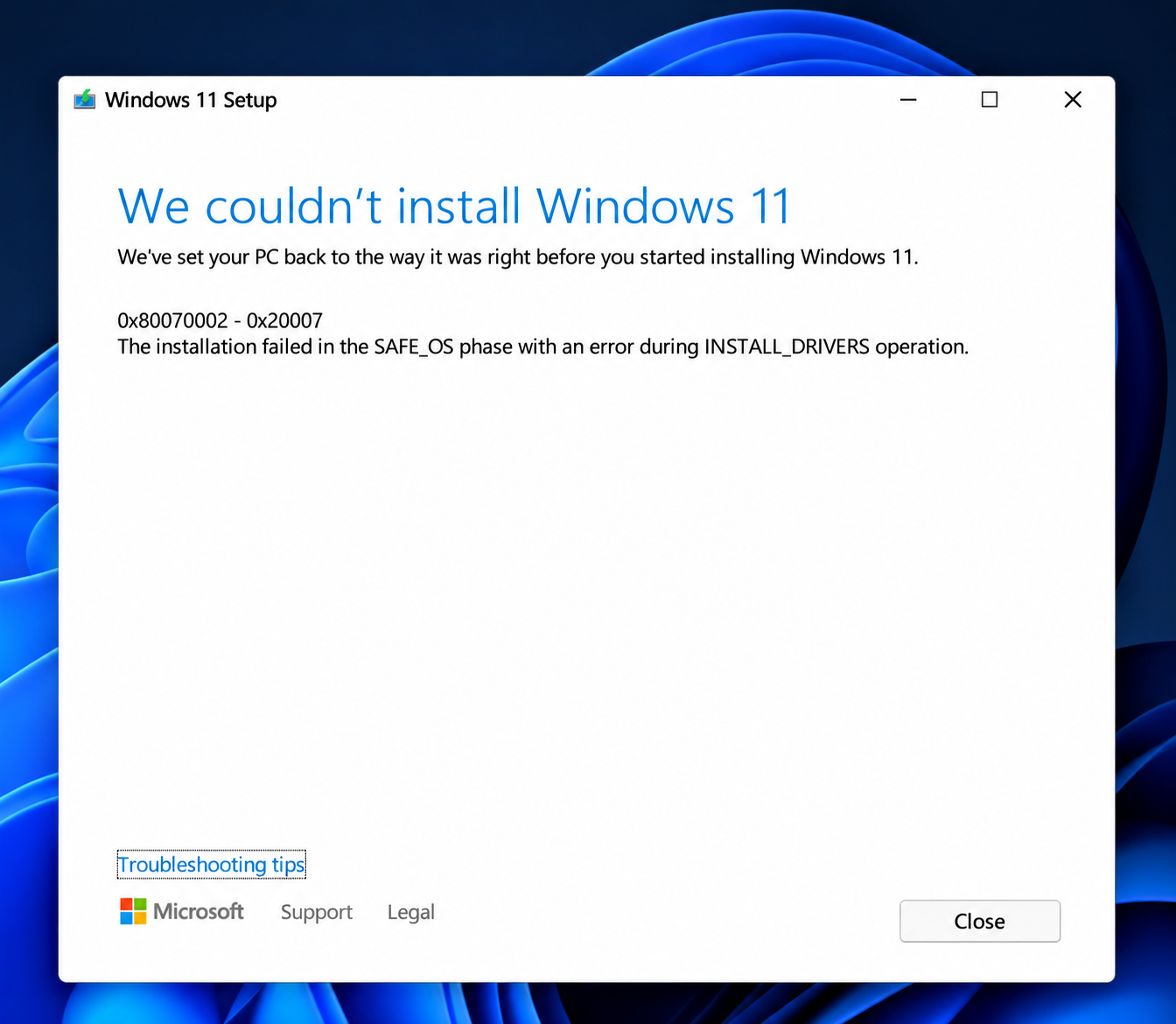
Our Windows 11 compatibility checks and upgrade options for older computers include:
TPM 2.0
CPU support
RAM upgrades
Storage
PC checks
Secure boot
Motherboard
SSD upgrades
BIOS settings
New PC
If your computer is suitable for upgrades, explore our computer upgrades service. Otherwise, we can discuss replacement or Microsoft's Extended Security Updates program as a temporary option where eligible.
Why Choose Jim’s IT for Windows 11 Upgrades? Make the Switch to Windows 11 With Confidence
Upgrading from Windows 10 to Windows 11 might seem straightforward, but it's not always as simple as downloading and installing the latest version of Windows.
Some computers don't meet Microsoft's hardware requirements, while others may have older programs, drivers or settings that can cause problems during the upgrade.
Our Jim's IT computer technicians can check whether your computer is compatible with Windows 11, back up your important files and take care of the installation. We'll also make sure your programs, settings and connected devices are working properly afterwards.
Just because your computer is getting older doesn't mean you need to replace it. Sometimes, changing a few settings is all that's needed to make it compatible with Windows 11. If your PC isn't suitable for an upgrade, we'll explain your options and help you decide whether buying a new computer is worthwhile.
Jim's IT has over 15 years of experience helping Australian home and business customers with computer repairs, upgrades and technical support.
Whether you need to upgrade a single home computer or several PCs in your office, we'll make the process as straightforward as possible, with minimal disruption to your day.
Our services are backed by our No-Fix, No-Fee Guarantee and Jim's Group guarantee, giving you peace of mind when upgrading your computer.
Fixed Pricing
All quotes are free and fixed prices. We may charge to inspect the problem so we can quote accurately.
Same Day Service
You can request on-site same-day service before 10 am. We'll have a technician at your door that very same day!
No Fix No Fee
If we can't fix the problem or offer you a solution then there is nothing to pay.
or fill in our online enquiry form today to setup up an appointment with a local computer technician.
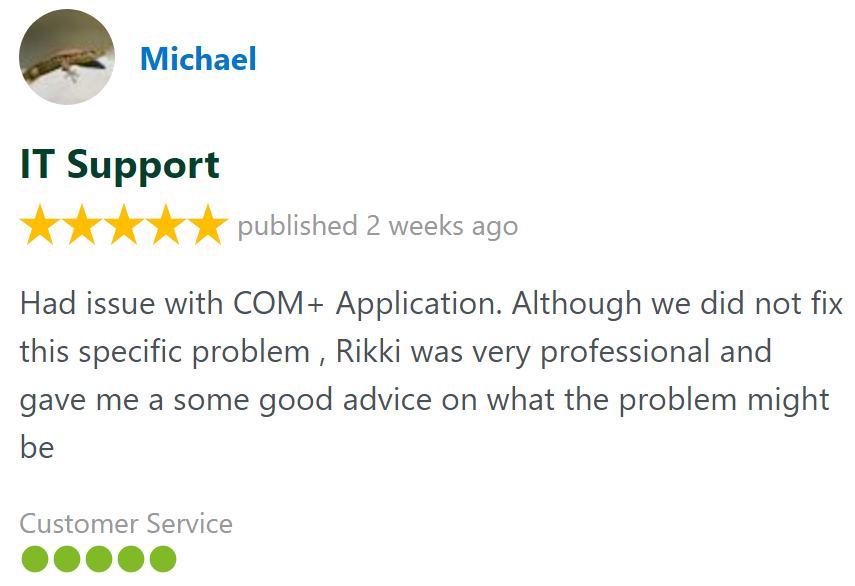
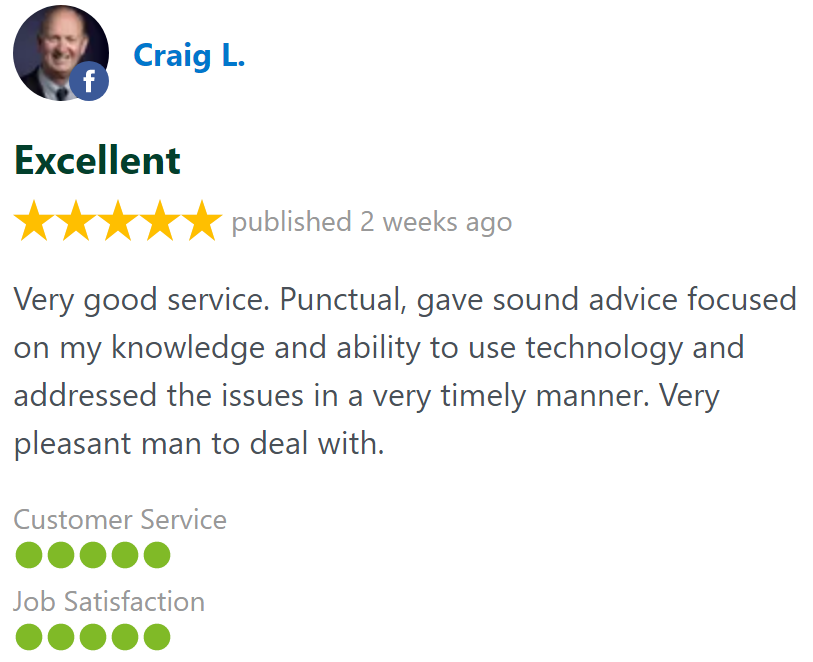
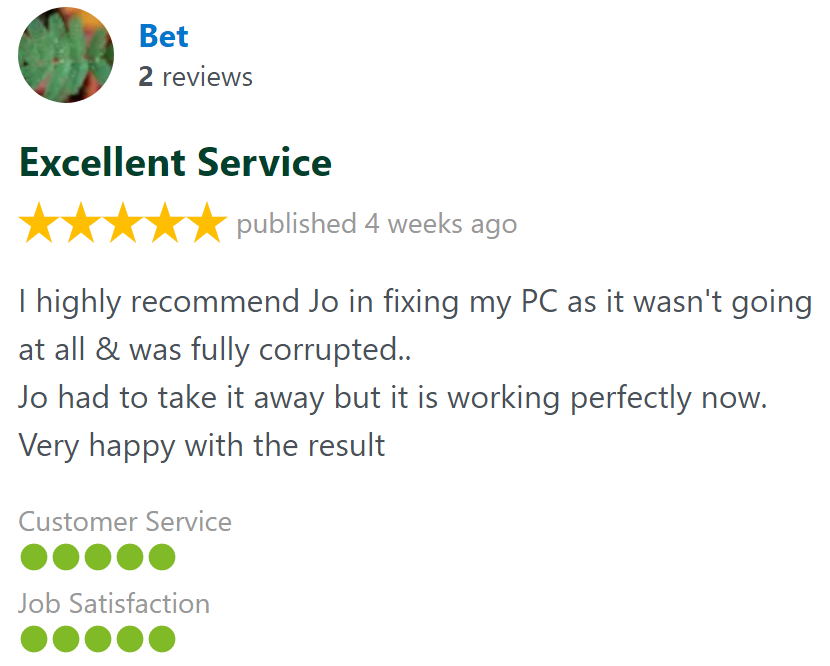
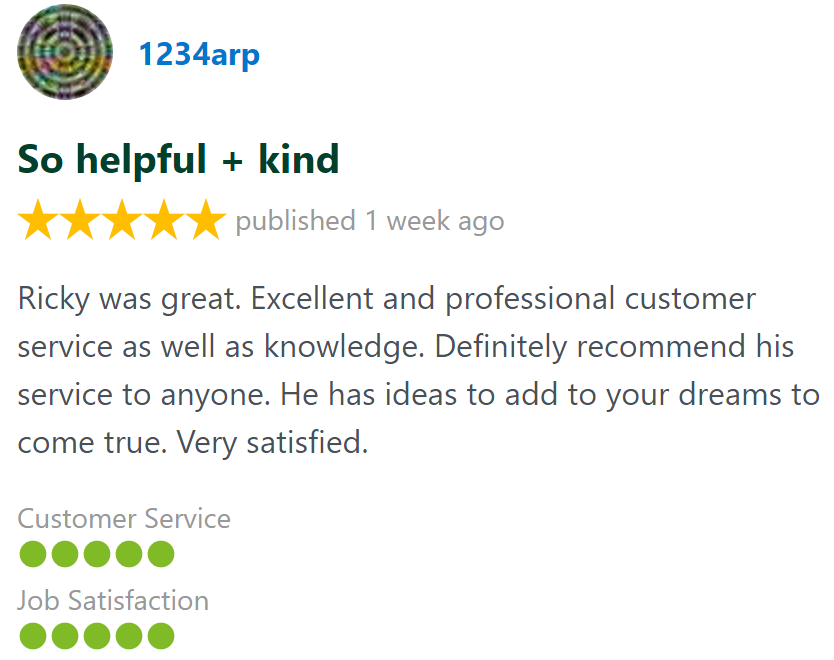
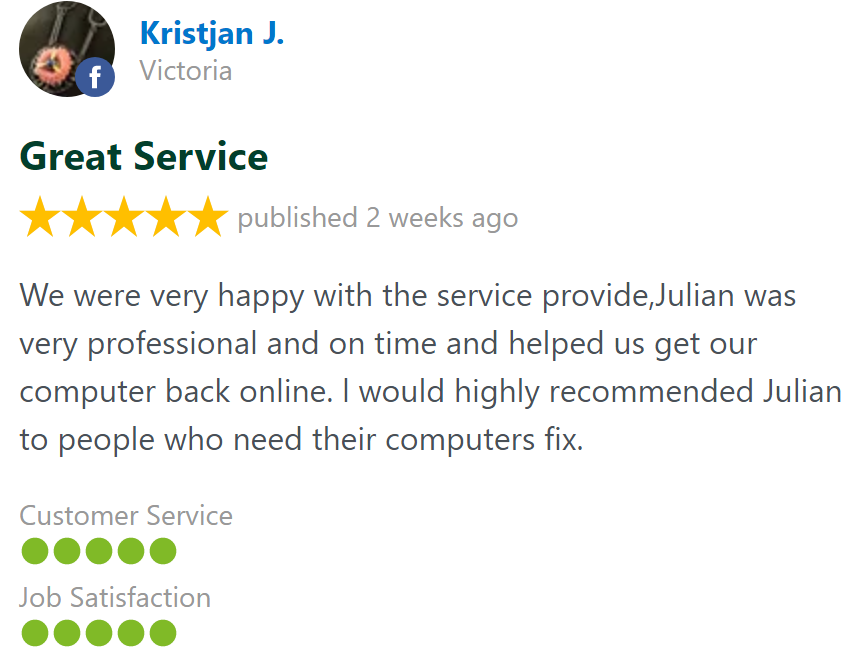
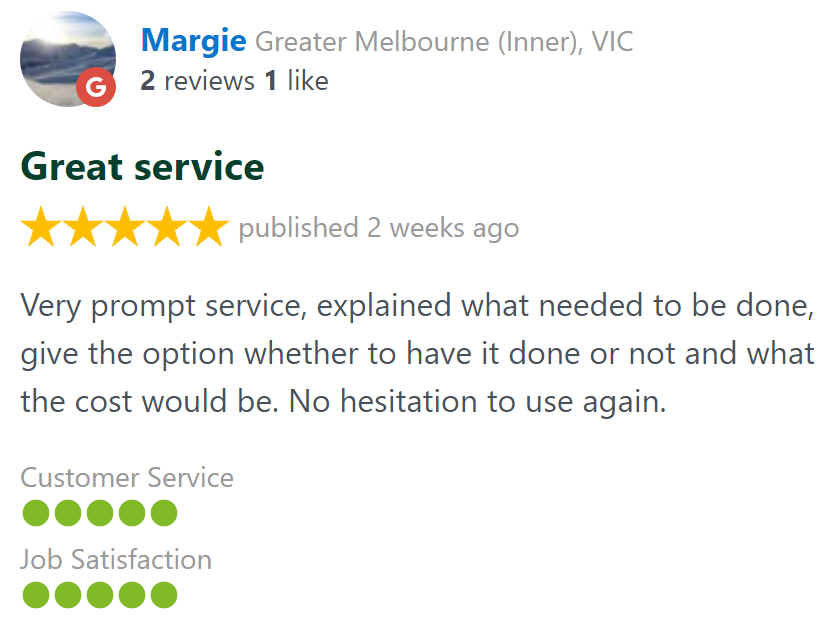
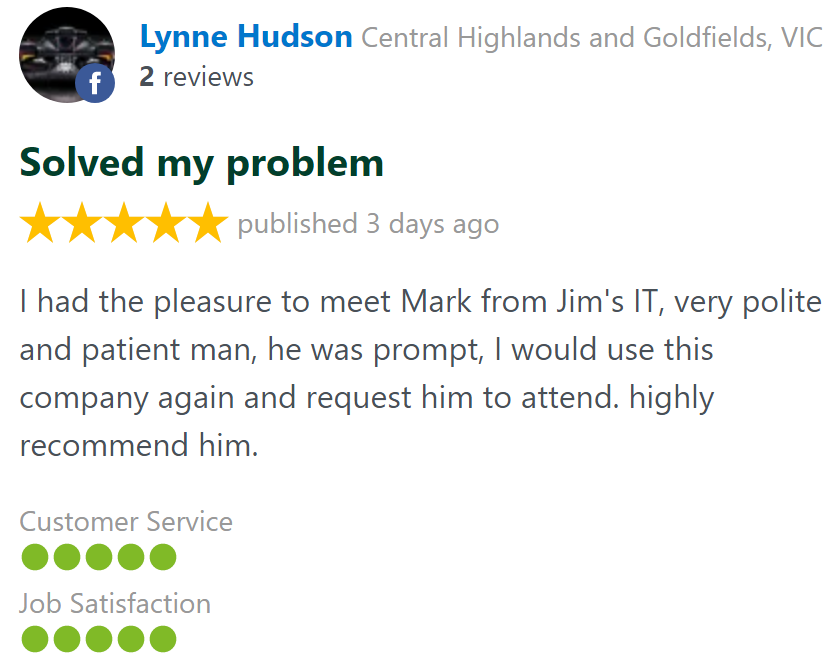
Customer Reviews 26,328 + 4.8-Star Reviews
Book Your Windows 11 Upgrade Today
Still running Windows 10 or having trouble upgrading to Windows 11? Our friendly, experienced Jim’s IT technicians can check your computer's compatibility, back up your important files and install Windows 11 for you. Whether it's a home computer, laptop or business PC, we're here to help. Call us today on 131 546 or fill out the form on this page.
Windows 11 Upgrade Services Servicing All Suburbs Across Australia
Windows 11 Upgrade Service - Frequently Asked Questions
Need Help Upgrading to Windows 11?