
Is Windows 10 still safe to use in 2026?
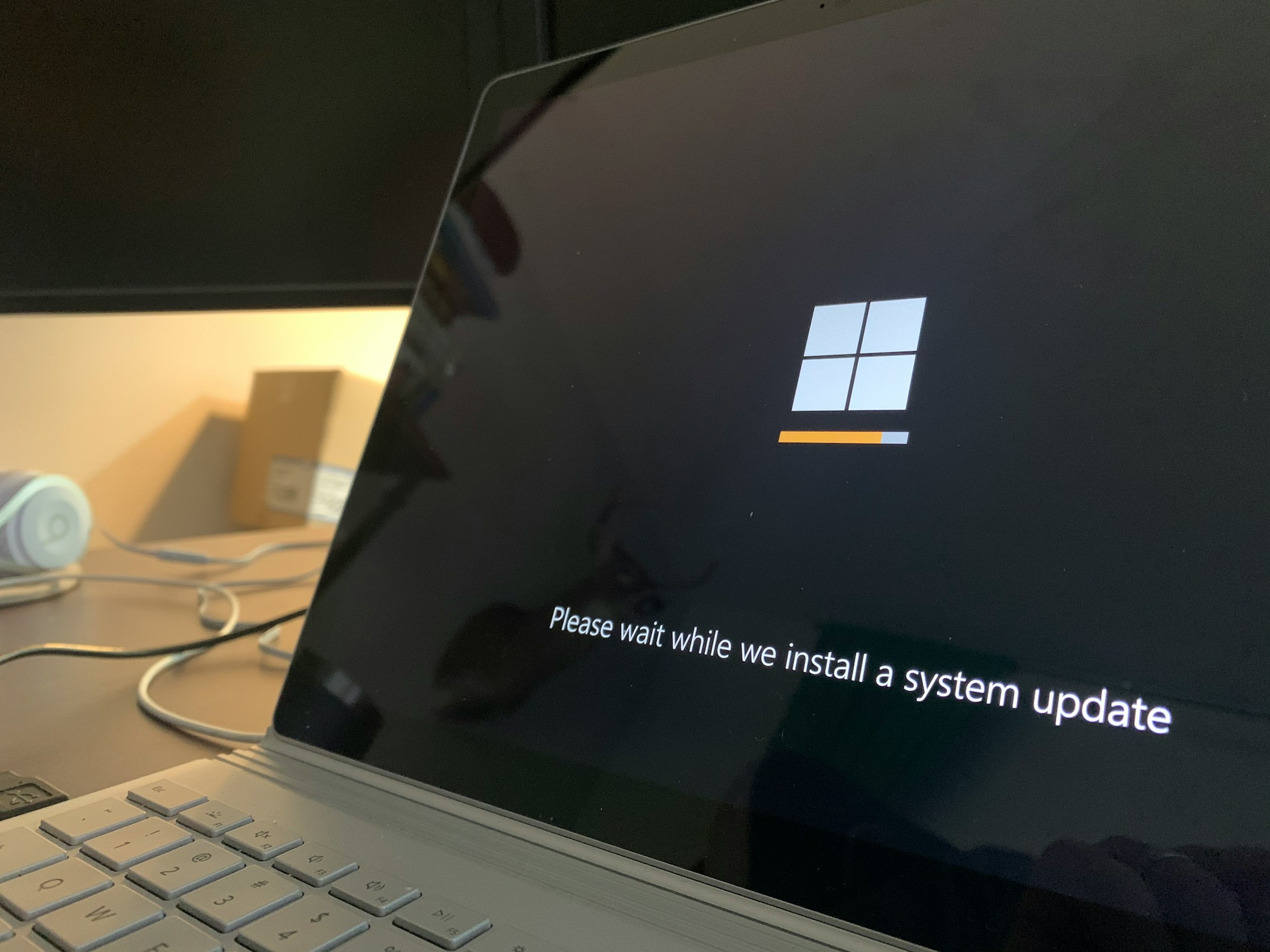
Windows 10 is only safe to use in 2026 if your PC is signed up for Microsoft's Extended Security Updates (ESU). Microsoft stopped its normal updates for Windows 10 on 14 October 2025. So if you haven't signed up, your PC hasn't had a security update in over a year.
The good news is that signing up is free for most home users, and you'll be protected until October 2027.
This guide explains what ESU covers, what it leaves out, and when it's time to upgrade to Windows 11.
Key takeaways
Windows 10 still works, but you'll only have access to security updates if you sign up for ESU, which lasts until 12 October 2027. Home users can sign up for free. ESU buys you time. It doesn't add new features or fix other bugs, though. If your PC can run Windows 11, upgrading soon is the safer long-term choice.
What happened to Windows 10?
Microsoft ended free updates for Windows 10 on 14 October 2025. Your PC didn't stop working that day. It just stopped getting updates for new security holes.
That’s a big problem because of how hackers operate.
Every month, Microsoft releases a batch of security updates for Windows 11 and Windows 10 PCs on ESU. These updates act like clues. Hackers study them to piece together exactly where the weak spot was.
Windows 10 and Windows 11 share a lot of the same code. So an issue that’s been patched in Windows 11 might still be wide open on a Windows 10 PC with no updates. The fix itself tells hackers where to find it.
This isn’t just theory, either. In 2017, the WannaCry attack locked up more than 200,000 computers around the world, including hospital computers in the UK. Microsoft had released the update two months earlier. The UK’s National Audit Office found that every NHS organisation infected was running Windows that was unpatched or too old to get updates.
How to get Windows 10 security updates until 2027
Microsoft's ESU program enables enrolled Windows 10 PCs to get regular security updates. It was meant to wrap up in October of 2026, but Microsoft added another year.
According to Microsoft's ESU page, here's how it works in Australia:
- The program goes until 12 October 2027.
- It's free if you sync your PC settings with a Microsoft account. You can also use 1,000 Microsoft Rewards points, or pay AU$44.95 as a one-time fee.
- Your PC needs to be on Windows 10 version 22H2.
- One sign-up covers up to 10 PCs.
To sign up, go to Settings > Update & Security > Windows Update and select "Enroll now". From there, your PC will get its security fixes through Windows Update, just like it used to.
What ESU doesn't cover
ESU only covers updates that Microsoft rates as critical or important. You don't get new features, other bug fixes, or technical help from Microsoft.
A couple of Microsoft apps get their own security updates on Windows 10 until at least October 2028. These are the Microsoft 365 apps (like Word and Excel), the Edge browser, and Microsoft Defender's virus definitions.
That's handy, but it doesn't protect Windows itself. Think of it like new locks on the windows of a house with a broken front door.
Is your Windows 10 PC safe?
Use the table below to find out whether or not your PC is protected.
| Your PC | Is it safe? | What to do |
|---|---|---|
| Home PC, signed up for ESU | Yes, until 12 October 2027 | Install the updates each month and plan your upgrade |
| Home PC, hasn't signed up | No. It's had no security fixes since October 2025 | Sign up for ESU today, or upgrade to Windows 11 |
| Work PC | Only with paid business ESU | Talk to your IT provider about upgrading |
| Any PC that can run Windows 11 | Safer on Windows 11 | Upgrade for free through Windows Update |
Is Windows 10 safe for business?
If you use Windows 10 at work, the rules are different. The free program is for home PCs only, so PCs that are joined to a work network or managed by a business can't use it.
Instead, businesses pay for ESU per PC, and the price doubles each year. It starts at US$61 for year one. You can't skip a year, either, so starting late costs more. Business ESU ends in October 2028.
The Australian Signals Directorate says using an operating system that still gets updates is essential for preventing cyber incidents. If you run a business on Windows 10, it's best to treat ESU as a short-term fix while you plan your upgrade.
How to check if your PC can run Windows 11
The Windows 11 upgrade is free if your PC meets Microsoft's requirements. Open Settings > Update & Security > Windows Update. If your PC is ready, you'll see the offer there. You can also run Microsoft's free PC Health Check app, which tells you what's stopping the upgrade, like:
- TPM 2.0 (a security chip) is switched off or missing.
- Secure Boot is switched off.
- The processor is too old.
- There's less than 4GB of memory or 64GB of storage.
TPM and Secure Boot are frequently just switched off in the PC's settings. Let's say your laptop is from 2019 and Windows says it can't upgrade. There's a good chance it only needs a settings change, and then the upgrade is free.
Our guide to why Windows 11 says your PC isn't eligible explains each cause in more detail. If the processor is too old, though, no setting will fix it. In that case, ESU gives you until October 2027 to plan for a replacement.
FAQs
Is Windows 10 still safe to use in 2026?
Windows 10 is only safe in 2026 if your PC is signed up for Extended Security Updates and you install them each month. If it isn't, it's had no security updates since October 2025.
How long will Windows 10 get security updates?
Home PCs signed up for ESU get security updates until 12 October 2027. Businesses can pay for updates until October 2028. After those dates, the updates stop.
Is the Windows 11 upgrade free?
Yes. If your Windows 10 PC meets Microsoft's requirements, the upgrade is free through Windows Update. You don't need to buy a new licence.
What if my PC can't run Windows 11?
First, check why. TPM or Secure Boot might just be switched off. If the hardware is too old, sign up for ESU and plan to replace the PC before October 2027.
Get Help Upgrading to Windows 11
Not sure why your computer won't upgrade to Windows 11? At Jim's IT, our technicians can check compatibility, back up your files and install Windows 11 for you. If your PC isn't compatible, we'll provide honest advice on a computer upgrade or replacement. Contact Jim's IT today or call 131 546 for professional assistance.

Paul Zdzitowiecki is an IT specialist and contributor at Jim’s IT, with extensive experience in computer repairs, managed IT services, and business technology solutions across Australia. Paul regularly writes about computer repairs, Wifi and internet optimisation, cybersecurity, and business IT support, delivering practical, easy-to-understand advice that helps readers solve real-world tech problems.