
How Often Should You Upgrade Your iPhone?
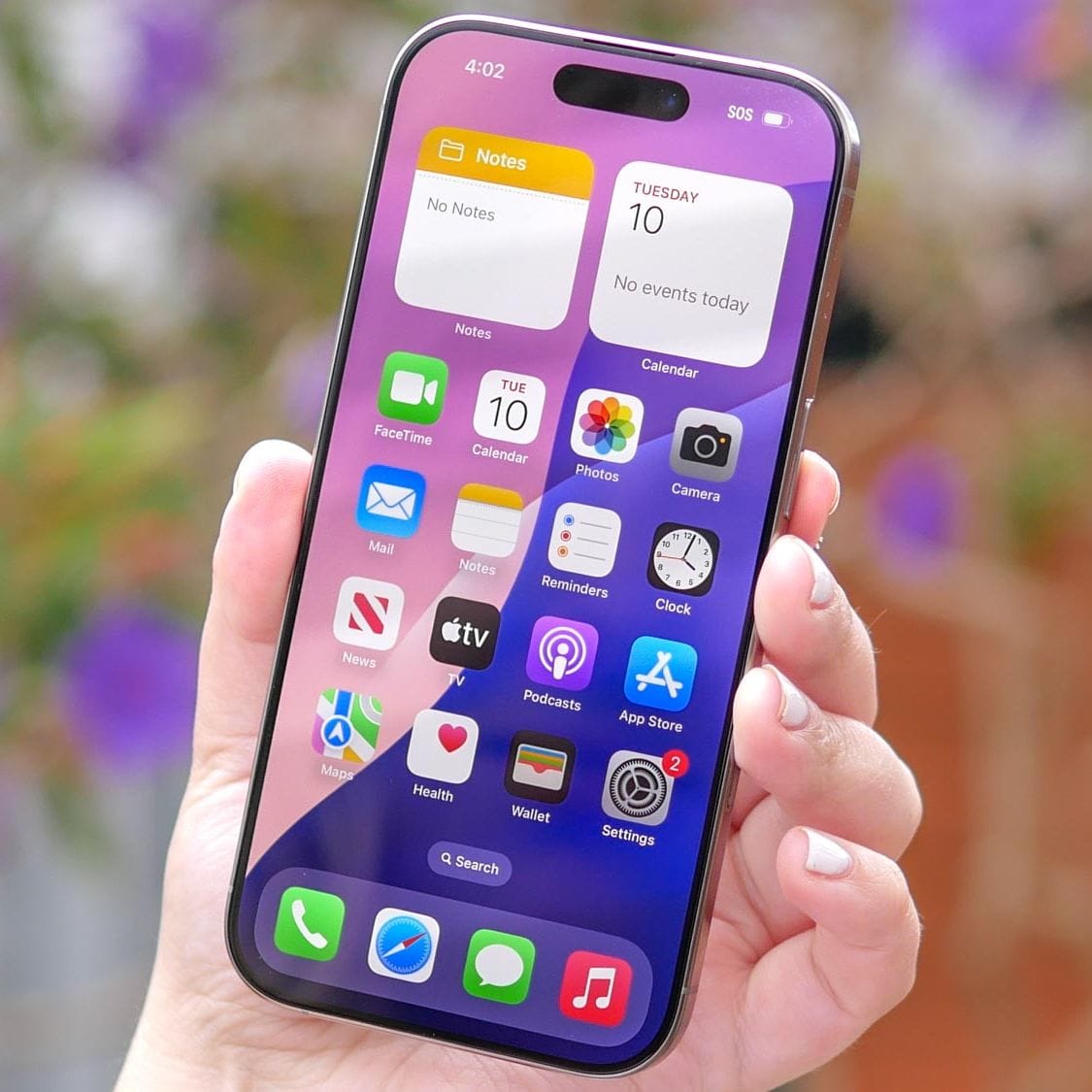
How do you know when it’s the perfect time to upgrade your iPhone? iPhones have become an addiction for some, and a necessity for others. We all want to have the latest gadgets and most of us can’t live without our iPhone.
In this article we are going to explore when you should upgrade your iPhone and some of the key factors to look for when deciding to upgrade.
- iOS Software Updates
- Battery Health
- Physical Damage
- Missing Features
- Performance
- Cost to upgrade
iOS Software Updates
Software updates are super important in protecting your iPhone from security vulnerabilities and malware. Luckily iPhones are much less prone to malware then android phones, but every so often a security patch is released to plug a major security hole.
Overtime these updates will only work on newer iPhone (5 years +). If you don’t stay updated you also risk certain apps not being about to work, as they all needed the latest iOS to run.
To find out which version of iOS you are running following these simple steps:
- Go to Settings.
- Go to General.
- Go to About.
Your current version of iOS will be listed next to “iOS Version” as a number.
The latest version of iOS is Version: 18.5
Battery Health
This is a big one, and usually the first tell-tale sign that your iPhone is slowly dying. In the past we have seen iPhone batteries last between 2-3 years. All batteries have a certain lifespan, and some last longer than others.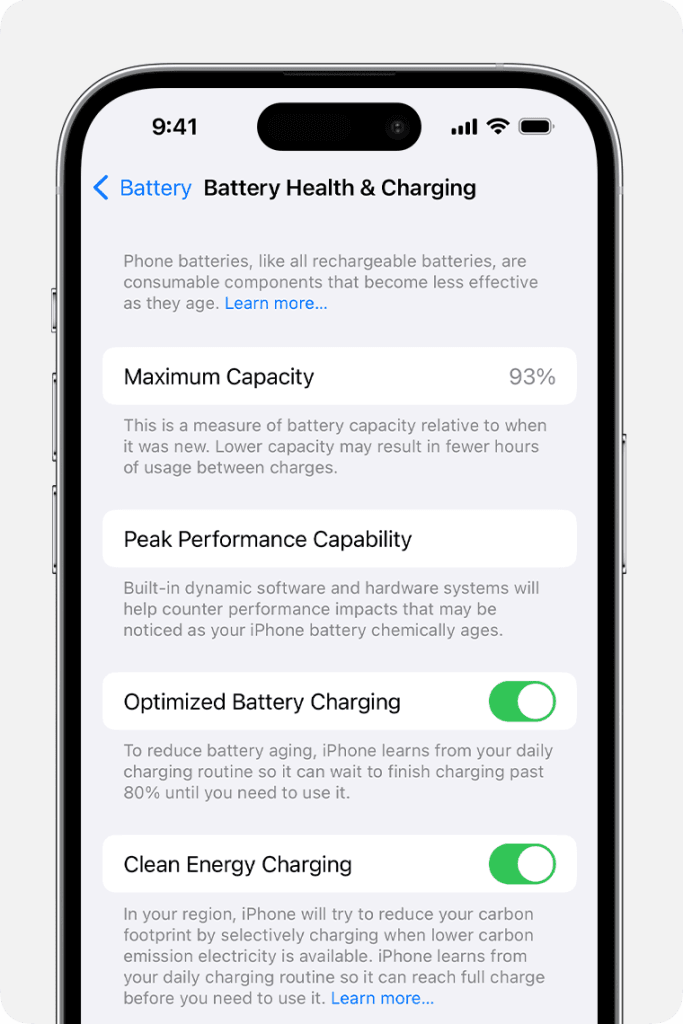
To see exactly the health of your iPhone battery use these simple steps:
- Go to Settings.
- Go to Battery.
- Go to Battery Health & Charging.
Here you will see a ‘Maximum Capacity’ indicator which will show 90%, or 80% etc. Essentially this is how much battery lifespan you have left, anything below 50%, we recommend either upgrading a new battery or purchasing a new iPhone.
To reduce the battery from aging, we recommend turning on “Optimized Battery Charging’.
Physical Damage
Has your iPhone sustained any damage over the years? Is the screen cracked, or the side buttons don’t work? Or worth yet, you have display issues from the iPhone being dropped one too many times.
Over time, physical damaged can affect the internal electronics, the screen and ultimately the battery of the iPhone. Once the damage reaches this stage, the iPhone actually poses a risk to your health, as the internal battery may swell and eventually catch fire.
If your iPhone has seen better days, we recommend upgrading your iPhone, as this physical damage can’t be repaired.
If you’ve recently upgraded or are planning to upgrade, it’s worth exploring how modern connectivity options can simplify your experience. With eSIM iPhone technology, you no longer need to deal with physical SIM cards, activation is faster, switching carriers is seamless, and traveling abroad becomes much easier.
For example, a traveler can instantly download and activate the best esim for Turkey while still at the airport gate, avoiding expensive roaming fees and the hassle of local kiosks.
This innovation makes staying connected more convenient than ever, especially for frequent travelers and tech-savvy users.
Missing Features
If you’ve had your iPhone for a long time, you may not even realize all the amazing features you are missing out on. Only after going into an Apple Store, or seeing your friend’s new iPhone do you realize how slow your phone is, or how old the software is.
Here are some of the common features you may be missing out on.
- Apple Intelligence
- New Action button
- More Memory
- Better Camera
- Bigger Battery
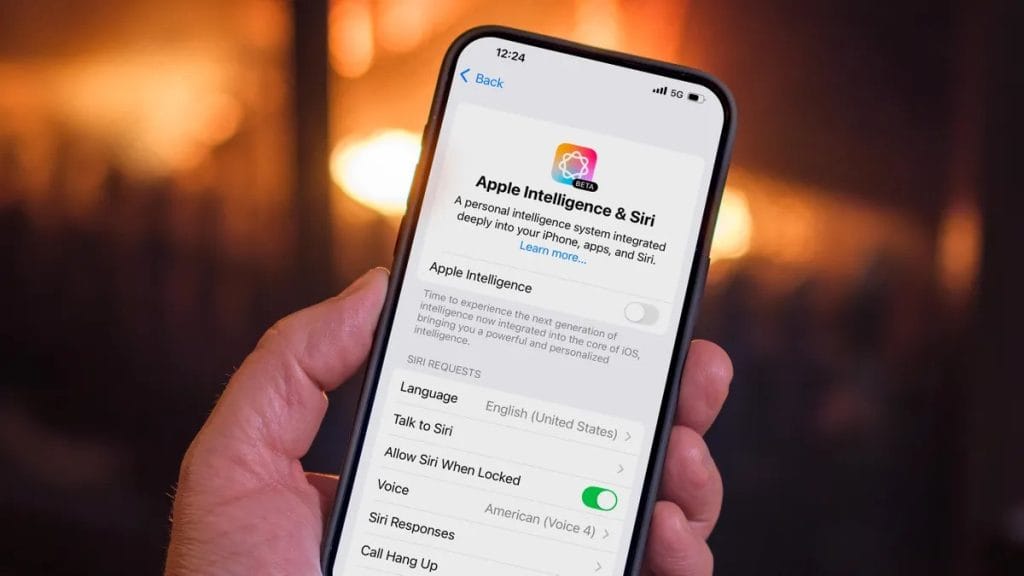
If you have not upgraded your iPhone in a while, you will really notice these features. It’s only after you use your new iPhone for 2-3 hours, will you really get a feel for the difference.
Performance
A slow iPhone is a frustrating experience and usually happens when we least expect it. iPhones just like computers, laptops and other electronic devices do have a life span. Sometimes you get lucky and your iPhone lasts five years before slowing down, other times it starts playing up after two years.
You may notice websites take longer to load, mail apps freeze and the iPhone generally feels sluggish. If the battery health is fine, then it will be time to upgrade.
Cost to upgrade
If you have made the decision to upgrade your iPhone, then it will come down to the cost to upgrade. Many people prefer to renew their Mobile Phone plan with either Telstra, Optus, Vodaphone or others as they can pay a small monthly fee and pay off the new iPhone over one or two years.
The other alternative is to buy the iPhone outright from Apple, or any other retailer.
If your current iPhone is in good physical condition, you may be able to trade it in with Apple directly and get a discount on your new iPhone purchase. Read more about Apple’s trade in program here:
Book Your iPhone Setup Today
We setup new Apple iPhones and can transfer all your photos, contacts, emails and apps. We teach you how to use your new phone. Call us today on 131 546 or fill out the form on this page and we’ll get back to you ASAP.

Paul Zdzitowiecki is an IT specialist and contributor at Jim’s IT, with extensive experience in computer repairs, managed IT services, and business technology solutions across Australia. Paul regularly writes about computer repairs, Wifi and internet optimisation, cybersecurity, and business IT support, delivering practical, easy-to-understand advice that helps readers solve real-world tech problems.