
Best PC Upgrades in 2025
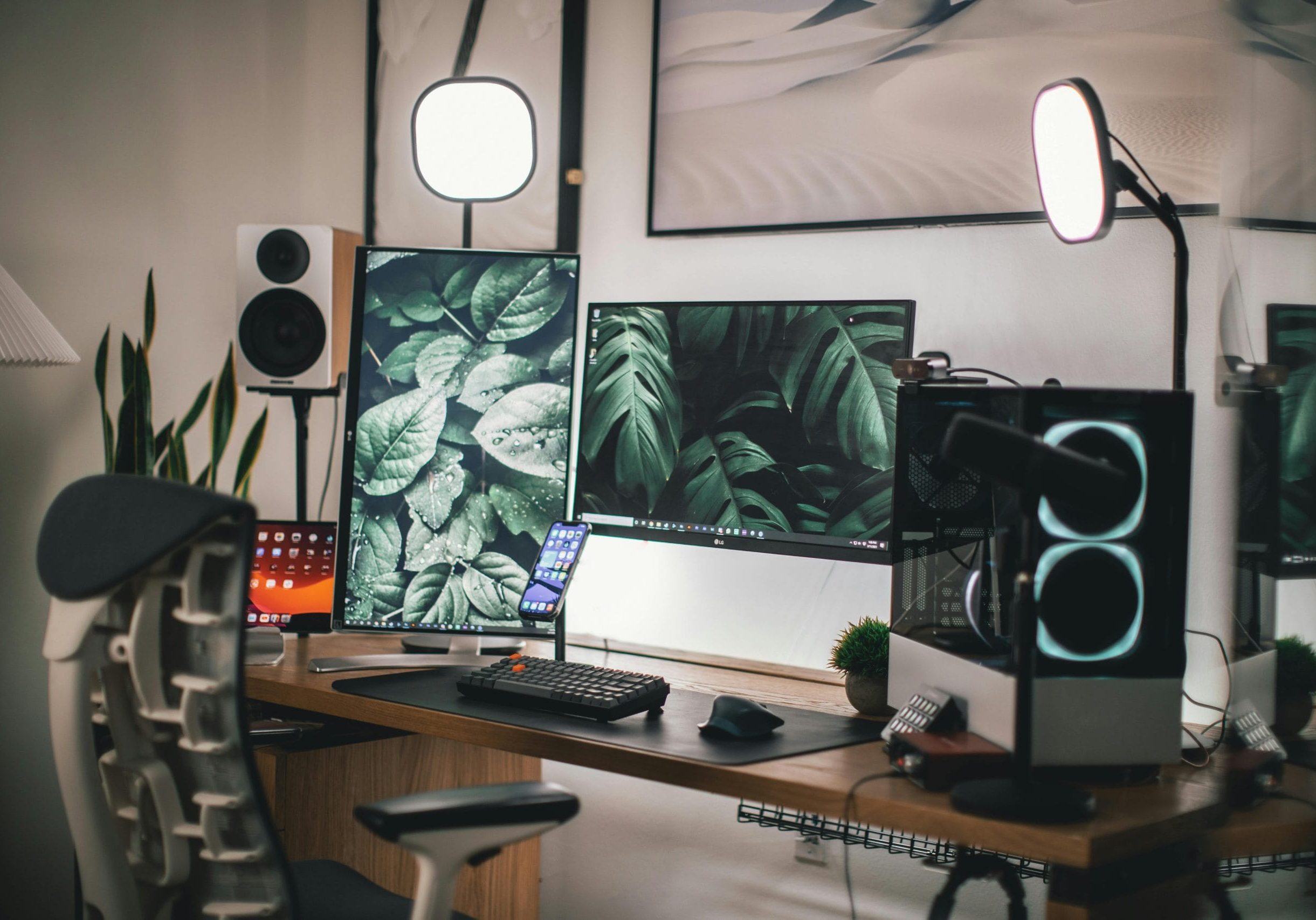
If your computer is slowing down or not keeping up with your tasks, you may be wondering, "What should I upgrade on my PC?" In 2025, many affordable and effective hardware upgrades can significantly boost your system’s speed and responsiveness. But with so many options, it’s important to focus on upgrades that truly deliver performance improvements for the money.
Here are the best PC upgrades in 2025 that give the most value and noticeable performance gains.
1. Upgrade RAM for Instant Performance
Upgrading your RAM remains one of the simplest and most affordable ways to improve your PC’s performance. If your system is lagging while multitasking, browsing with multiple tabs, or using memory-hungry apps, more RAM can help immediately.
-
4GB RAM is now the absolute minimum, suitable only for very light users.
-
8GB RAM is ideal for general multitasking and mid-range gaming.
-
16GB RAM or more is recommended for gaming, photo/video editing, or professional tasks.
Many desktop PCs allow easy RAM upgrades, and if your laptop supports it, it's one of the most effective improvements you can make. You can use Crucial’s PC Upgrade Advisor to check which memory is compatible with your system.
2. Upgrade Your Graphics Card for Gaming and Creative Work

If you're into gaming, video editing, or 3D modeling, a better graphics card (GPU) can dramatically improve your experience.
Modern integrated graphics are decent for video playback and even light gaming, but if you want smooth frame rates or VR capabilities, a dedicated GPU like the NVIDIA GeForce RTX 4070 or newer is a great investment.
You can compare GPUs using sites like gpu.userbenchmark.com to see how much performance you’ll gain.
3. Switch to an SSD for Faster Load Times
If your computer still uses a traditional hard disk drive (HDD), upgrading to a solid-state drive (SSD) is one of the best performance upgrades in 2025.
SSDs use flash memory, offering much faster read/write speeds than HDDs. You’ll notice improvements in:
-
Boot times
-
App loading
-
File transfers
-
Game load speeds
Even budget SSDs outperform HDDs significantly. A good 1TB SSD like the SanDisk SSD Plus offers excellent speed and enough space for most users. If you need more storage, consider a hybrid drive that combines SSD speed with HDD capacity.
Keeping at least 10GB of free space on your system drive is essential for performance and system updates.
4. CPU Upgrades: Proceed with Caution
A CPU upgrade can improve speed, but it’s a more technical and costly upgrade. It might require a new motherboard and compatible RAM, and BIOS updates may be needed for everything to work.

Only consider this upgrade if:
-
You’re moving from an older generation (e.g., Intel Core i3 to i7).
-
Your current CPU is clearly the bottleneck.
-
You're doing heavy-duty computing (e.g., video editing or development).
Use cpubenchmark.net to compare processors before buying. If the upgrade isn’t significant, the performance improvement may not justify the cost and complexity.
5. Don’t Forget Software Upgrades
Not all performance improvements come from hardware. Keeping your software and operating system up to date can help improve stability, fix bugs, and optimize performance.
However, be cautious with major version updates, as they may require more system resources and could slow down older machines. Regular minor updates (e.g., security or bug fixes) should be installed promptly.
Also, optimizing Windows settings, disabling startup apps, and clearing unnecessary background processes can make your PC feel faster — without spending a dollar.
What Else Can Improve Your PC Experience?
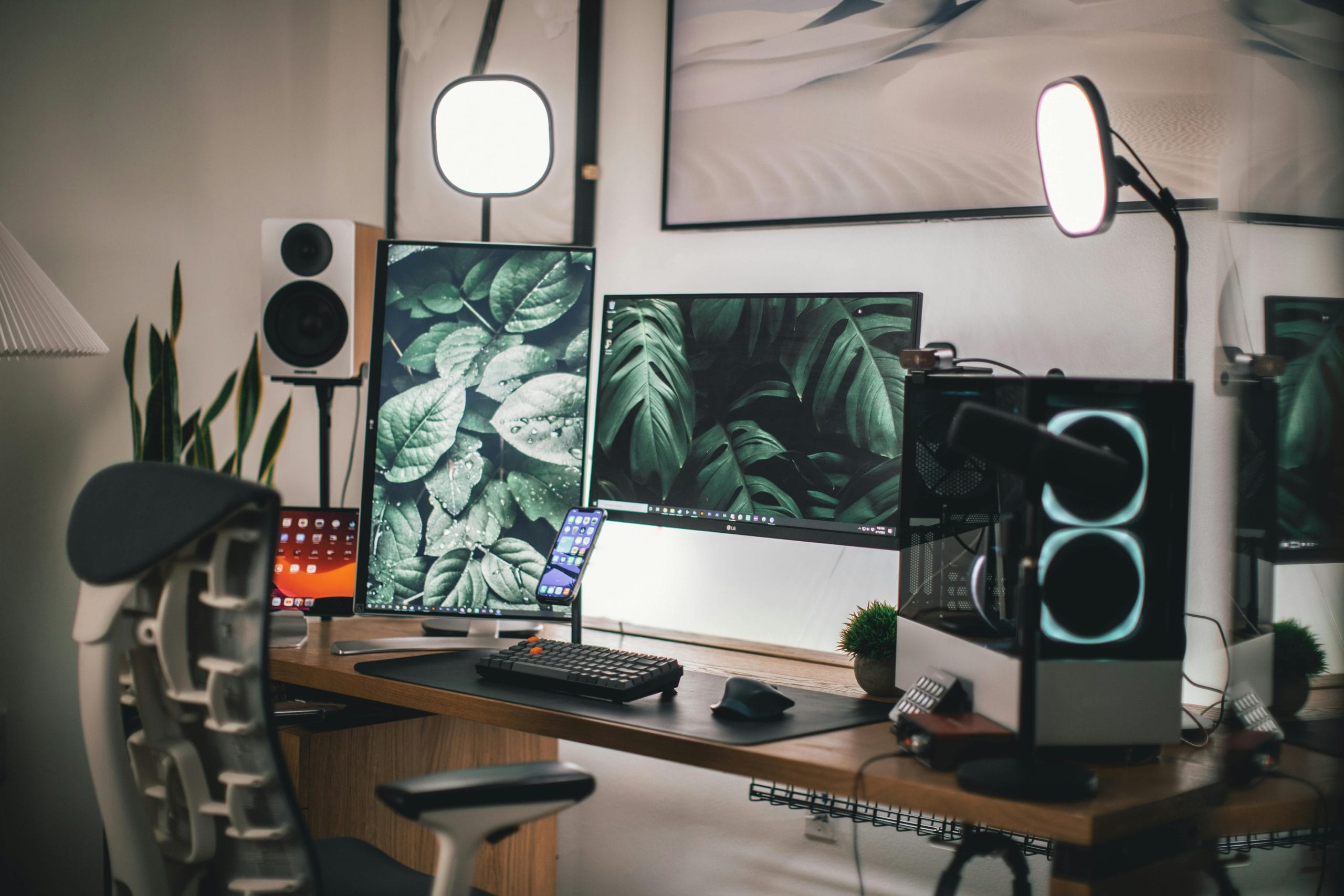 While the core components (RAM, SSD, GPU, CPU) are the most impactful for performance, there are other upgrades that can improve your overall PC usage:
-
Better monitor for content creators
-
Mechanical keyboard for productivity and comfort
-
New power supply if you're adding more demanding hardware
-
Improved cooling solutions to maintain system stability
If you're considering a larger upgrade, tools like PCPartPicker can help ensure compatibility between all parts.
Book Your PC Upgrade Today
The technicians at Jim’s IT can help you choose the best PC upgrades for your needs, install the components, and make sure everything runs smoothly. Call us today on 131 546 or fill out the form on this page and we’ll get back to you ASAP.

Tony Altun is the General Manager of Jim's IT, where he leads a nationwide network of IT professionals delivering reliable tech support, computer repairs, and business IT solutions across Australia. With a strong background in IT services, sales, and customer-focused solutions, Tony has built a reputation for driving growth while maintaining a clear focus on service quality and customer satisfaction.