
What Security Cameras Do to Your Office Network Bandwidth
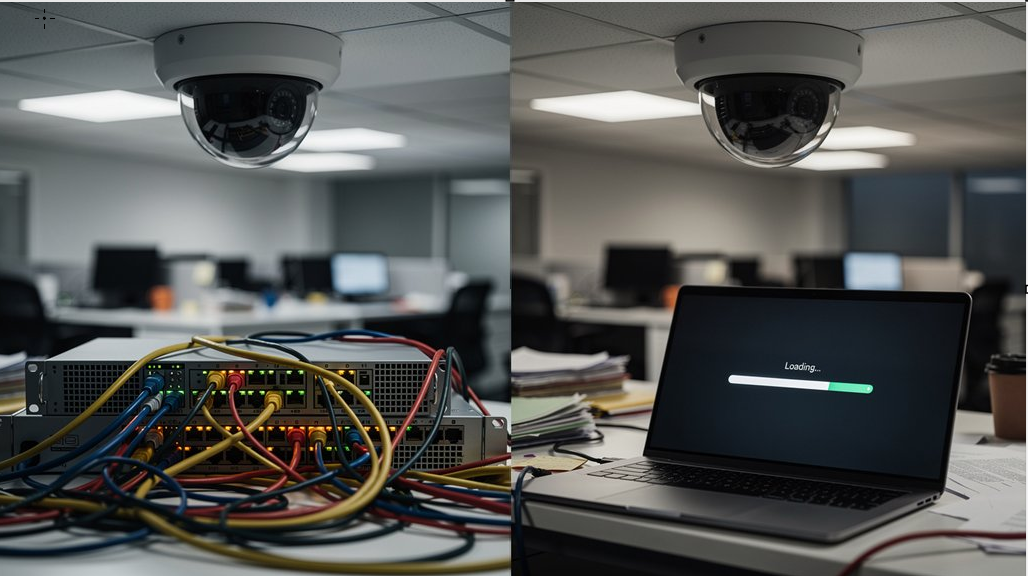
Security cameras can significantly impact your office network bandwidth, often without your knowledge. A single 1080p camera can consume 2–4 Mbps, and with multiple cameras, your network can quickly become overloaded. For instance, four 4K cameras may use up to 64 Mbps. This can disrupt essential services like VoIP calls and video conferencing, especially with remote access and cloud uploads in play. The choice of codec and frame rate settings also plays a crucial role in bandwidth usage.
The Zoo Computer Repairs IT team can help you manage your network efficiently, ensuring your security camera system operates smoothly without compromising other vital services, including installing network cabling throughout your house so your not reliant on WiFi.
Security cameras are bandwidth hogs, plain and simple. If you've got a bunch of them running on your office network, they're quietly eating up resources you didn't plan for. Different camera types hit your network differently, and that gap is massive. A single 1080p camera using H.264 codec pulls around 2–4 Mbps. Bump that up to 4K, and you're suddenly looking at 8–16 Mbps per camera. Multiply that across a real deployment, and yeah, it gets ugly fast.
Codec efficiency matters more than most people realize. Switching to H.265 cuts bandwidth by roughly 30–50% compared to H.264. That's not a small difference. A 4K camera that was eating 16 Mbps now needs maybe 8 Mbps. That's basically getting a free camera's worth of breathing room just by updating your encoding settings.
Switching to H.265 cuts bandwidth by 30–50%. That's not a small difference — that's basically a free camera.
Frame rate plays a role too. Running 30 fps instead of 15–20 fps pushes bitrates toward the higher end of typical ranges, and your access switches feel every bit of it. Smart bandwidth management means tuning these settings deliberately, not just leaving everything on defaults like some kind of network disaster waiting to happen.
Now let's talk scale, as this is where it really hurts. Sixteen cameras at 4 Mbps each produce 64 Mbps of continuous traffic. That's manageable on a 1 Gbps uplink. But 32 cameras at 6 Mbps? That's roughly 192 Mbps, consuming a massive chunk of your available capacity. Most planning guidance recommends keeping total camera traffic below about 50% of your uplink capacity. Good luck explaining that to whoever decided to install 200 cameras on a shared office connection.
Remote access and cloud integration make everything worse. A single 1080p camera doing remote viewing might need around 5 Mbps of upload. Two cameras? Ten Mbps. Now imagine dozens of cameras pushing continuous streams to cloud storage. That sustained upload wrecks your VoIP calls, your video conferencing, your SaaS tools. Everything degrades. Nobody's happy. Network optimization isn't optional at that point, it's survival.
Continuous recording is the silent killer here. Unlike event-based recording, it creates near-constant upstream demand with zero breaks. Your internet circuit never gets a rest. Storage solutions like local NVRs with selective cloud backup exist precisely because of this problem. Hybrid approaches keep WAN consumption under control while still giving you off-site resilience. It's honestly the smarter move for most offices. Beyond codec choice, scene complexity can shift bitrates by as much as 40% above or below a medium baseline, meaning a busy, complex scene can push your camera's actual bandwidth consumption well past any figure you budgeted for.
The bottom line is brutally simple. Every camera you add is a commitment to more bandwidth, more planning, and more potential for things to fall apart. You can manage it well or you can manage it badly. There's no third option. Know your numbers, choose your codecs wisely, and plan like someone who actually cares about keeping the network alive.
So there you have it. Security cameras aren't free on your network — they're eating bandwidth, quietly, every single day. You've got options though. Compress the footage, schedule recordings, upgrade your router. This is why getting a computer technician to install your security cameras can be so much better than just a normal Electrician. Ignore it, and you'll wonder why your Zoom calls look like potato quality every afternoon. Don't let your cameras be the reason your office network crawls. Fix it before it becomes everyone's problem.
Are Your Security Cameras Slowing Down Your Network?
If your office Wi-Fi or internet is slow or unreliable, your security cameras could be part of the problem. Jim’s IT can troubleshoot your network, improve Wi-Fi, install network cabling and optimise your setup. Call Jim’s IT on 131 546 or fill out the form below for onsite IT support.

Paul Zdzitowiecki is an IT specialist and contributor at Jim’s IT, with extensive experience in computer repairs, managed IT services, and business technology solutions across Australia. Paul regularly writes about computer repairs, Wifi and internet optimisation, cybersecurity, and business IT support, delivering practical, easy-to-understand advice that helps readers solve real-world tech problems.