
7 Ways to Protect Your Business from Ransomware
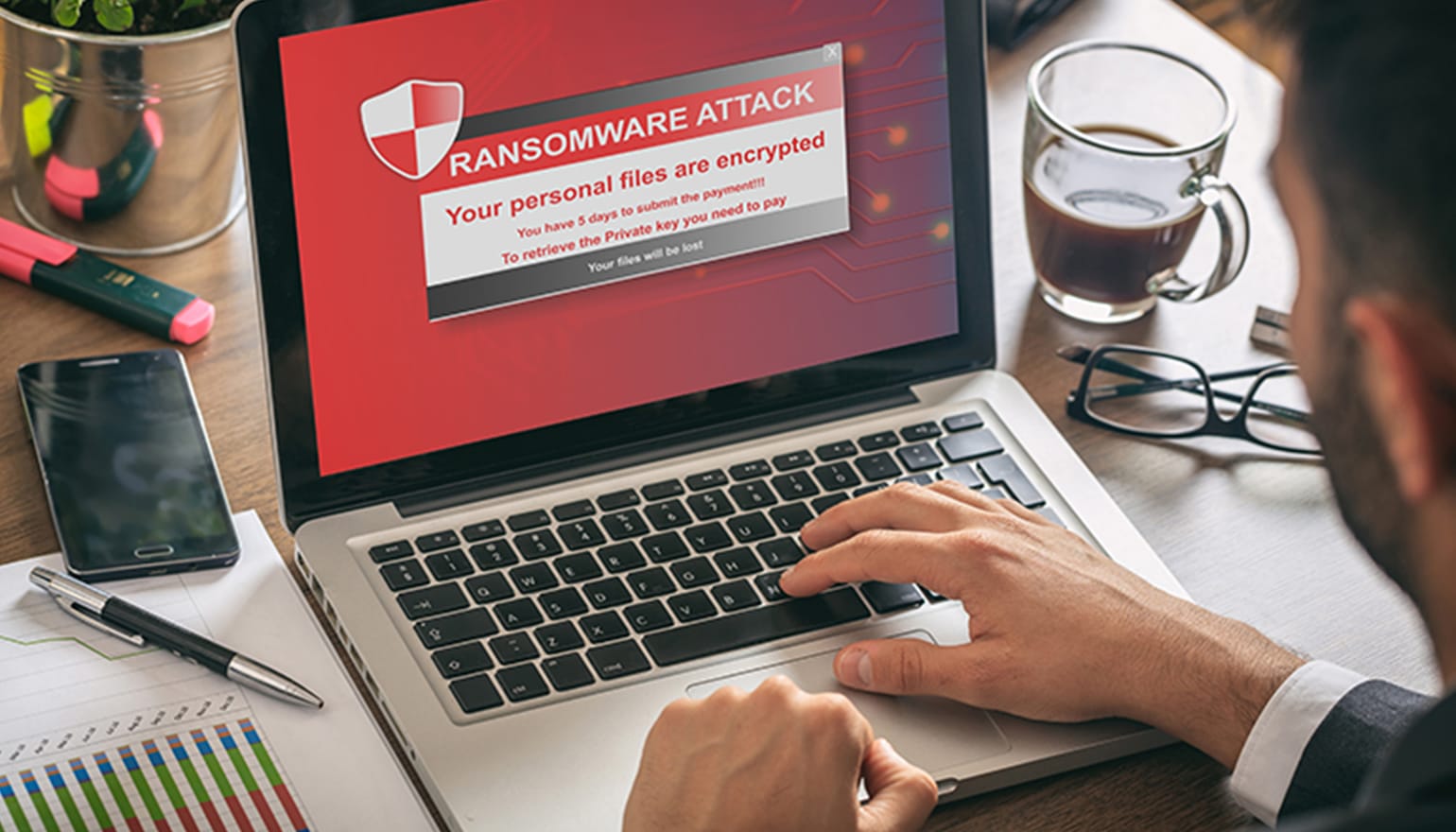
Ransomware is a type of malicious software that can block access to your computer or network files until a ransom is paid. Typically these infections happen by clicking on an infected email attachment, malicious website link, or download.
If your computer is infected with ransomware than you see see a brightly coloured pop up window with a countdown timer, asking for a payment to be made via bitcoin.
Ransomware can be extremely devastating to small businesses, as it can cripple their computers, lock up their data and cause large financial losses.
Most anti virus software will protect you against normal viruses, malware and spyware, but ransomware can bypass anti virus and internet security software so it’s important you have a plan in place to deal with ransomware.
This article will breakdown all the dangers of ransomware and what you can do to protect your small business.
1. Backups
The most important thing you can do as a business owner is to setup automated backups. It’s important to have backups to the cloud and also to an external source such as external hard drives or a NAS system.
The dangerous thing about ransomware is that it can infect backups connected to your computer or network – making the backups unusable.
For this reason we recommend having up to 3 different types of backups,
- Cloud backups
- External hard drive backups
- NAS or server backups
All backup systems should be setup that only the backup software has access to the external backup source, so any ransomware infection cannot travel and infect the backup as well.
2. Regular Software Updates
Outdated software such as windows 7 and windows 10 can dramatically increase your risk of having your computer getting infected with ransomware.
Ransomware creators understand that a lot of the world’s computers are still running older software and older operating systems, so they will try to exploit that.
We always recommend updating your computer to Windows 11 or the latest Mac OS 26.1 Tahoe.
3. Employee Training & Awareness
Most ransomware will come through phishing emails or compromised attachments, that employees open by mistake or simply out of habit. As part of an IT onboarding checklist, include basic cybersecurity training so new employees understand how to identify suspicious attachments, follow safe email practices, and know what to do if they are unsure whether an email is legitimate.
It’s important to provide training to your team so they can see the signs of any suspicious attachments and what to do if they are unsure if an email is legitimate.
4. Email Filtering
Most email accounts have very basic email filtering and some email accounts have no filtering at all. This includes Telstra emails, Optus emails. Gmail does have basic filtering, and Office 365 business email account’s do have a business grade spam filter.
With ransomware getting more and more sophisticated, we actually recommend using additional email filtering services & Office 365 for business emails together.
These services include Mail Guard Filtering and Proof Point.
These services provide additional layers of filtering and can catch ransomware emails well before they hit your inbox.
They work by quarantining suspicious emails and use AI to scan emails and can monitor virus attacks internationally up to 4 hours before they hit Australia.
5. Firewalls
Most ISP modems do not provide any firewall or internet filtering, so if you run a business we do recommend using a business router + firewall or an all-in-one router that provides the first step of protection against ransomware.
If you are confused about what routers are available on the market that fit your needs, speak with one of our IT technicians at Jim’s IT on 131 546.
6. Continuously Provide Training to Employees
Educating staff and employees about the signs to look out for, is your best set of protection against randsomware.
Make cyber security training part of your onboarding process and include screenshots of suspicious emails and what to do if they click on a malicious link.
7. Control Internet Access
This point relates back to point five about firewalls. It’s important to have a profesisonal or business-grade firewall installed and setup correctly to prevent unauthorised outbound internet access.
An example of this includes, an employee clicking on a malicious link that has a ransomware virus, if this business had very tight internet controls setup in the firewall the virus may not be able to fully return to the internet to complete it’s infection.
What to Do if You Suspect Ransomware Infection?
Turn off the computer and unplug it from the network straight away, disconnect your modem and router, and unplug and turn off all other computers on the network.
And at this point we recommend calling in a IT company such as Jim’s IT, to fix the situation, restore backups and advise on the best course of action.
Protect Your Business Against Ransomware
Ransomware is continuously evolving and a danger to all small businesses. Speak to us today about setting up multiple forms of backups, performing security updates and check your anti-virus and internet security. Prevention is key against ransomware. Call us today on 131 546 or fill out the form on this page and we’ll get back to you ASAP.

Paul Zdzitowiecki is an IT specialist and contributor at Jim’s IT, with extensive experience in computer repairs, managed IT services, and business technology solutions across Australia. Paul regularly writes about computer repairs, Wifi and internet optimisation, cybersecurity, and business IT support, delivering practical, easy-to-understand advice that helps readers solve real-world tech problems.