
Is Your Smart Home Actually Safe? What Australian Households Need to Know
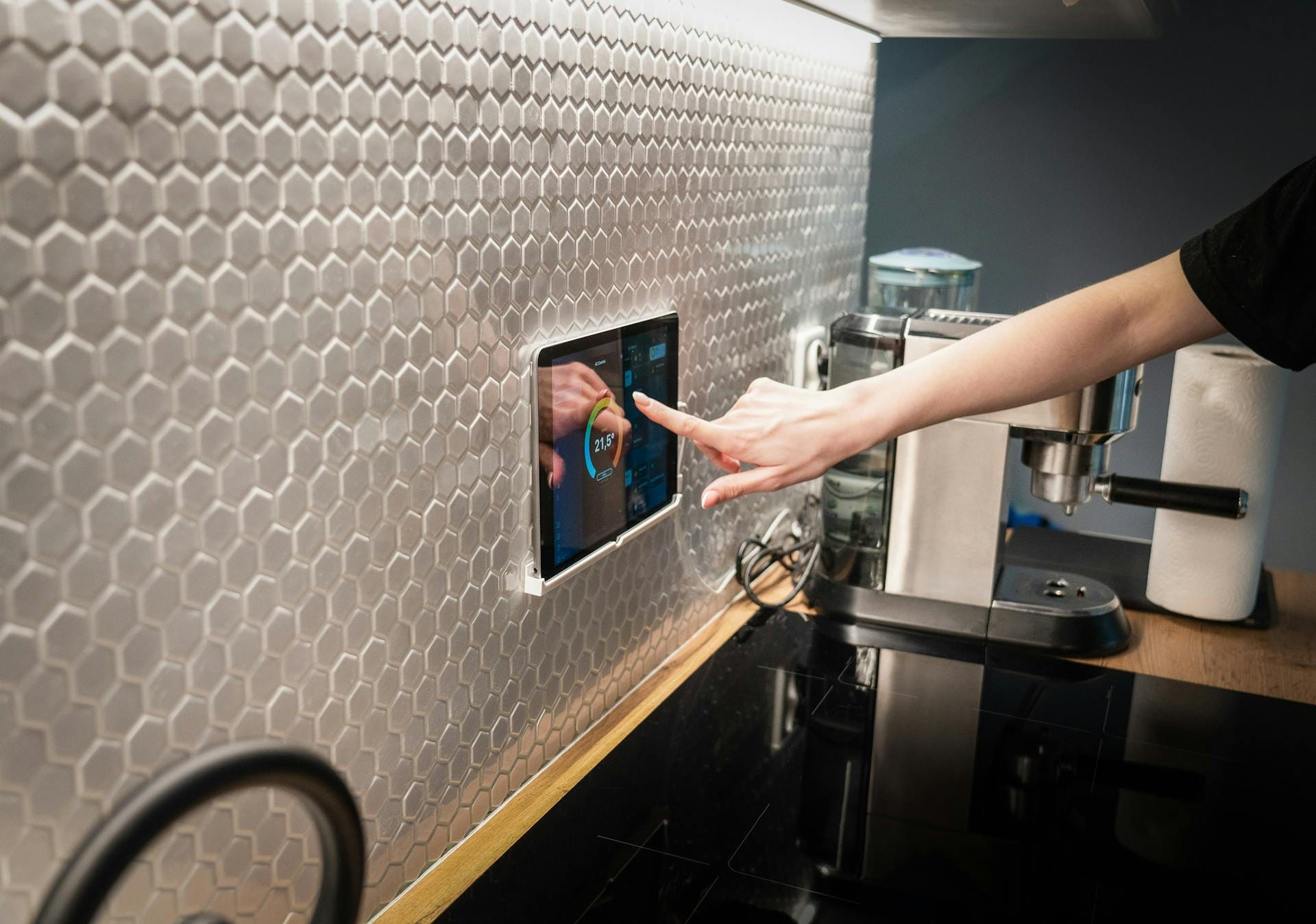
Your fridge might be online. So might your doorbell, thermostat, baby monitor, the speakers in your living room or beside your bed, and perhaps even the toothbrush. Smart homes are convenient, but they have brought cybersecurity risks much closer to your private space.
Of course, keeping those connected appliances secure only matters while they're still working. When a smart fridge or washer develops a hardware fault, it pays to call a specialist in professional domestic appliance repairs rather than risk a costly replacement
Most of us think of security in terms of locks and alarms. We rarely think about the 22 connected devices the average Australian household owns. Each one is a potential entry for attackers. According to recent research, the average Aussie home faces close to 29 cyberattack attempts daily. That’s a lot of people knocking on your digital door to see if it’s unlocked.
Why We Underestimate the Risk of Smart Devices
Most people have the same reaction when faced with the question of whether they think about cyberattacks on the home: ‘Why would a hacker want to get into my toaster?’ It’s a reasonable question. But the toaster itself isn’t the target — your network is.
A smart device is like a side door. An attacker who knows that the door exists can detect and breach it before moving on to other devices connected to the same network. That could mean your laptop, your phone, or anything else sharing the same connection (e.g., devices with saved passwords, banking apps, or work files).
In the past, many smart devices had laughably bad security, such as generic usernames and passwords like ‘admin’ or ‘1234’. Most manufacturers didn’t support updates, meaning they had no way to fix vulnerabilities found after the device shipped. This situation changed after March 2026.
New Rules: Australia’s March 2026 Standards
On March 4, 2026, the Australian Government officially began enforcing the Cyber Security (Security Standards for Smart Devices) Rules 2025.
New devices (except smartphones and PCs, which have their own rules) have to meet three core requirements:
- No more default passwords. You will not see another generic password again. Devices must now have a unique password or prompt you to set one up before you can start using it.
- Clear reporting channels. Manufacturers are now required to have a public channel for security experts to report flaws. A public reporting channel helps make devices safer by making flaws transparent and patchable.
- Transparent updates. When you buy a gadget, the box or website must clearly say how long the manufacturer will provide security updates. You won’t have to deal with the potential losses of using obsolete devices.
You can check out the full breakdown of these mandatory security requirements on the Department of Home Affairs website. These rules only apply to new devices, so older devices remain a risk you have to address. If your home already has a smart TV from 2021 or a camera you set up two years ago, those devices aren’t covered.
What Can You Do About Smart Home Security Right Now?
Security experts point to a few practices that anyone can set up to start protecting their home network.
Install Updates As Soon As You Get Them
When you get a notification on any of your devices asking for a software update, don’t skip it. You might hit the ‘Remind me later’ button because these often come up when you are in the middle of something. However, not updating means leaving known flaws open to hackers.
Secure Your Connection with a VPN
One of the best approaches to security is making what you access private. The best VPNs ensure that none of your data can be intercepted, not even by your internet service provider. While you can’t install a VPN on a smart bulb, you can set it up on your router. Anything you connect to that router will be covered.
Segment Your Network
Segmenting your network sounds technical, but you don’t have to call anyone. Most modern routers allow you to create a guest network.
Put all your smart devices (the fridge, toaster, bulbs, TV, etc.) on this guest network. Keep your personal computer, smartphone, and other sensitive devices on the main network. Even if someone breaks into your toaster, they will be stuck on the guest network, with no easy way of jumping to the main network.
Don’t Be Scared, Be Prepared
Cybersecurity is a habit. Just like you won’t leave your front door unlocked when you pop into the shops, you shouldn’t leave your smart devices open to the world.
Start by checking your older devices for pending updates, setting up that guest network, and installing a VPN on your router to cover everything at once. For more tips on keeping your home safe, read the Australian Signals Directorate’s guide on securing IoT devices.
Book Your Smart Home Setup Today
Upgrade your home the smart way with our professional smart home installation services. We set up and configure your smart devices for seamless control, improved security, and total convenience — making your home work smarter, not harder. Call us today on 131 546 or fill out the form on this page and we’ll get back to you ASAP.

This content was produced by the Jim’s IT team, specialists in computer repairs, IT support, and technology solutions for homes and businesses across Australia. With years of hands-on experience solving real customer issues, our team shares practical insights, expert tips, and proven strategies to help you stay connected, secure, and running efficiently.